
Quick answer: Native CSS nesting lets you write child selectors inside a parent rule, using & for the parent reference, so stylesheets read like their markup without a preprocessor. Cascade layers (@layer) let you declare the order in which groups of styles win, which ends the specificity arms race — later layers beat earlier ones regardless of selector weight.
Table of Contents
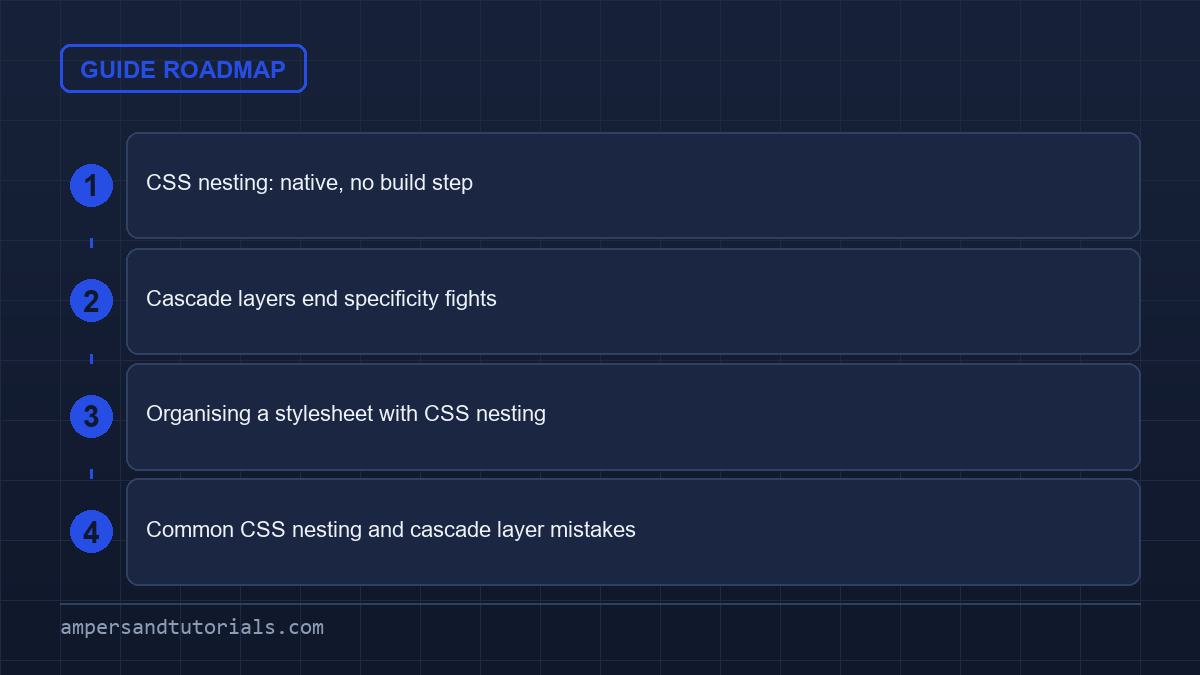
CSS nesting: native, no build step
Nesting arrived in CSS proper and has been widely available since 2023. It looks like Sass, but the browser parses it directly.
.card {
  padding: 1rem;
  border-radius: 0.5rem;

  & h2 { margin-block-start: 0; }

  &:hover { box-shadow: 0 4px 12px rgb(0 0 0 / 0.08); }

  &.featured { border: 2px solid var(--brand, teal); }

  .badge { font-size: 0.75rem; }
}
The & symbol means “the parent selector”, so &:hover compiles to .card:hover and &.featured to .card.featured. Nested selectors without & are descendants, exactly as you would write them flattened.
- Keep it shallow. Two or three levels is readable; five is a specificity trap. If you need to nest a nested rule, reconsider the component boundary.
- Nesting changes specificity.
.card &:hoveris more specific than.card:hover, so watch what you prepend. - No variables or mixins. Nesting is only about selectors. For values, use custom properties.
Cascade layers end specificity fights
Normally a heavier selector beats a lighter one no matter where either appears. Layers flip that: you declare the order of layers, and within that order, a rule in a later layer wins over one in an earlier layer — even if the earlier selector was more specific.
@layer reset, base, components, utilities;

@layer base {
  h2 { font-size: 1.5rem; color: #334155; }
}

@layer components {
  .card h2 { font-size: 1.25rem; }   /* wins over base, despite lower specificity */
}

@layer utilities {
  .text-lg { font-size: 1.75rem !important; }
}
The first line declares the order once. After that, files can add rules to a layer from anywhere, and you never have to reason about which selector is heavier. A utility layer placed last reliably overrides everything before it, which is how frameworks such as Tailwind organise their output.
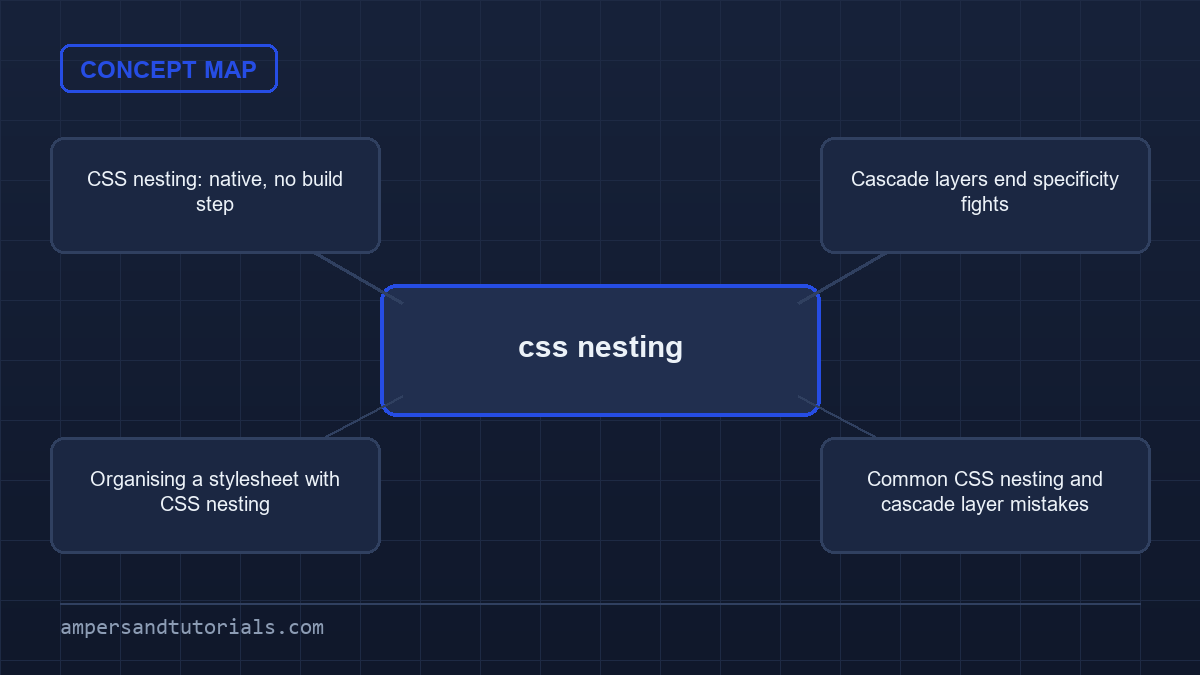
Organising a stylesheet with CSS nesting
| Layer | Contains | Overridable? |
|---|---|---|
reset | Normalise margins, box-sizing | Always — first |
base | Element defaults: body, headings, links | By components |
components | Buttons, cards, navigation | By utilities |
utilities | Single-purpose helpers | Last word |
Adopting layers does not mean rewriting a site. Add the @layer declaration at the top of one entry stylesheet and wrap your existing rules into the closest layer. Third-party CSS can be assigned to its own layer, giving you an easy override without !important.
@import url("third-party.css") layer(vendor);That single layer(vendor) puts the whole dependency below your styles, so your rules win without guessing at its specificity.
Next: transitions and animations. To learn modern CSS with a mentor, Ampersand Academy teaches web development one-to-one.
Common CSS nesting and cascade layer mistakes
The nesting is deeper than it looks. Native CSS nesting makes a stylesheet read like the markup it styles, but every level you add silently compounds the selector that actually matches. The most common CSS nesting mistake is stacking rules four levels deep and then fighting the resulting weight with an even longer selector further down the file. Flatten such a block once and the problem is obvious: what looked like a simple class rule is really a selector with three qualifiers. Use nesting to group what belongs together, not to postpone the question of what wins.
The ampersand deserves its own habit. CSS nesting treats a bare descendant written inside a parent rule exactly as you would write it flattened, which is convenient until someone nests a bare class and assumes the result is scoped to the parent. Prefixing every reference with the parent selector removes the guesswork, and explicit intent survives refactors better than implied structure. A practical audit is to search a stylesheet for nested rules written without the ampersand and confirm that each one is a deliberate descendant match rather than an accident of indentation.
Cascade layers carry a second, separate risk: ordering mistakes. Once you declare an ordered list of layers, any rule that appears outside a declared layer beats every layer in the list, because unlayered styles are treated as the last layer of all. Teams that add @layer rules one file at a time often never declare the full order, so the carefully planned reset quietly loses to stray component styles. Declare the whole layer order in one place at the top of the entry stylesheet, keep every rule inside a layer, and the precedence you designed is the precedence the browser applies.
Layer specificity also behaves differently from what long experience suggests. Within a single layer the normal specificity rules still apply, so two selectors in the same layer fight as usual, but selectors in different layers never compare specificity at all: the later layer simply wins. This is why a low-specificity utility rule in the final layer can override a highly specific component rule from an earlier one. The practical lesson for CSS nesting is that scoped overrides belong in a later layer, not in a longer selector, and deep nesting inside a component layer cannot rescue a rule that sits in the wrong layer.
Order declarations inside a layer by how generic the styles are. A sensible default is reset first, then base element styles, then components, then utilities, and the declaration line at the top of the stylesheet documents that decision once. Because a layer that is never mentioned in the ordering list is appended at the end, an out-of-order import can silently change results; if a vendor import must be layered, name it in the list explicitly. Keeping the list complete and alphabetical by intention rather than by discovery is the difference between a cascade you control and a cascade you debug.
Finally, remember what these features deliberately do not do. CSS nesting only rewrites selectors; it does not create new values, so there are still no mixins or variables in the nesting syntax, and custom properties remain the tool for reusable values. Cascade layers do not remove specificity within a layer, and they do not protect you from writing selectors that are too clever. Used together with restraint, native CSS nesting and an explicit layer order give you the organisation of a preprocessor without the build step, and both remain plain CSS that any browser tool, linter and code reviewer can read directly.
Combining media queries and container queries with CSS nesting
Modern stylesheet architecture pairs CSS nesting with at-rules directly inside selector blocks. Previously, responsive designs required wrapping entire selector declarations inside separate media queries at document root level. Native implementations invert this relationship by allowing conditional queries inside component rules. Browsers automatically bubble nested queries upward during parsing, copying enclosing selectors into conditional blocks without manual repetition. This structure co-locates breakpoint logic with core styling, eliminating the cognitive friction of navigating between distant stylesheet sections.
Container queries benefit equally from nested syntax. Component boundaries frequently depend on parent container dimensions rather than full viewport width. Placing container rules directly inside element blocks clarifies local layout rules. When an element defines its own container context, child selectors adapt seamlessly to available layout space without relying on global viewport media queries.
Defining container contexts alongside nested conditional rules creates self-contained component modules. A responsive card component can declare container properties on its outer wrapper while nesting internal layout shifts for image containers, title typography, and action buttons. Encapsulating these responsive relationships inside single selector declarations prevents style leaks across unrelated page sections.
.card {
  container-type: inline-size;
  container-name: card-container;
  display: grid;
  gap: 1rem;
  padding: 1.5rem;

  @container card-container (min-width: 480px) {
    grid-template-columns: 1fr 2fr;
  }

  @media (prefers-color-scheme: dark) {
    background-color: #1e293b;
    color: #f8fafc;
  }
}
.card {
container-type: inline-size;
container-name: card-container;
display: grid;
gap: 1rem;
padding: 1.5rem;@container card-container (min-width: 480px) {
grid-template-columns: 1fr 2fr;
}@media (prefers-color-scheme: dark) {
background-color: #1e293b;
color: #f8fafc;
}
}
Writing responsive variants through CSS nesting removes the need to duplicate component selectors. When browsers evaluate nested media blocks, specificity remains identical to original parent rules. Combining multiple nested queries does not increase selector weight. However, deeply nested media blocks can increase generated stylesheet size if repeated across dozens of minor declarations. Keep media overrides grouped within primary component rules to preserve file conciseness.
Evaluation order follows standard cascade rules. Conditional rules inside nested declarations apply in document order after preceding declarations. Placing media queries at bottom of selector blocks guarantees responsive property values override initial component defaults without additional specificity hooks. This approach keeps source code predictable and simplifies visual audits during component refactoring.
How the :is() pseudo-class shifts specificity under CSS nesting
Browsers implement native CSS nesting by desugaring nested selector lists into internal pseudo-classes. When a nested rule contains multiple parent targets or comma-separated lists, browser engines evaluate the expression using the semantics of the :is() pseudo-class. This desugaring mechanism ensures consistent matching behavior, but it introduces subtle specificity shifts that catch unwary engineers.
Standard selector specificity tallies element names, classes, and identifier tokens sequentially. The :is() pseudo-class takes the specificity of its heaviest argument, regardless of which selector matches the target node. Because nested selector groups desugar into this pseudo-class, grouping lightweight selectors with heavyweight selectors inflates the specificity of every child rule in that block.
The specificity ceiling of selector lists
Understanding this selector expansion is vital because CSS nesting relies on :is() under the hood. Consider a rule nesting declarations under both a utility class and an identifier. Even when an element matches only the utility class, the browser calculates selector weight using the identifier from the alternate branch.
/* Native nesting desugaring */
.dialog, #modal-window {
  & .confirm-button {
    background: #0284c7;
  }
}

/* Equivalent browser expansion */
:is(.dialog, #modal-window) .confirm-button {
  background: #0284c7;
}
/* Native nesting desugaring */
.dialog, #modal-window {
& .confirm-button {
background: #0284c7;
}
}/* Equivalent browser expansion */
:is(.dialog, #modal-window) .confirm-button {
background: #0284c7;
}
In the snippet above, .dialog .confirm-button acquires the selector specificity of #modal-window .confirm-button. Overriding styles on standard dialog elements later requires matching that inflated weight. Prevent accidental specificity inflation by keeping selector lists in parent rules homogeneous. Separate identifier targets from class-based component roots before nesting child elements.
Contrast this mechanism with the zero-specificity pseudo-class :where(). While :where() strips all selector weight to provide effortless overrides, native desugaring defaults strictly to :is(). If you require zero-specificity wrappers, wrap parent selectors in :where() manually prior to applying nested rules. This explicit syntax keeps specificity ceilings under strict author control.
Layer ordering architectures for complex component trees
Structuring multi-layer architectures requires careful coordination between CSS nesting and cascade layer definitions. While layers control precedence between entire stylesheet segments, internal rules within each layer still depend on source order and selector weight. Introducing nested blocks inside layer definitions provides clean modular boundaries without sacrificing predictable cascade resolution.
Teams often struggle with declaring layers inside distributed component stylesheets. Declaring @layer inside nested rules is valid syntax, but nested layer names append to surrounding layer hierarchies. A component declared inside @layer components that defines an internal @layer state resolves to components.state in global layer ordering.
Encapsulating internal layer rules within CSS nesting boundaries keeps component styles modular. Rather than writing long prefixed layer chains across multiple documents, declare primary layer relationships in your root stylesheet. Then nest component definitions directly into assigned layers. This technique isolates element selectors from external reset conflicts while preserving natural inheritance.
Maintain clear separation between layout layers and theme layers. Recommended layer structure for scalable production design systems:
- reset: eliminates browser margins, box-sizing discrepancies, and default list padding.
- tokens: declares design system custom properties and color palettes.
- base: applies typography defaults and unclassed semantic element styles.
- components: contains nested UI modules, cards, dialogs, and navigation bars.
- utilities: provides atomic overrides that win over component styles deterministically.
Never place utility definitions inside nested component layers. Utilities must reside in downstream layers to override component declarations reliably. If component blocks attempt to define local overrides in earlier layers, external utility classes fail to take precedence. Global layer declarations maintain sanity across large engineering teams.
Unlayered styles require deliberate handling when building modular interfaces. By specification, any style declared outside a cascade layer overrides styles declared inside any layer, regardless of selector specificity. If third-party libraries or legacy stylesheets enter without explicit layer assignment, they supersede layered components. Always wrap legacy imports into an explicit vendor layer at document entry points.
Resolving compound selectors and parent combinators
Direct element relationships require distinct handling when authors migrate selector trees into CSS nesting. The ampersand parent reference serves multiple roles beyond basic descendant targeting. Placing combinators before or after the ampersand determines whether rules match siblings, direct children, or compound states on the parent element itself.
Sibling spacing patterns illustrate effective combinator usage. Writing adjacent sibling selectors inside a nested block targets consecutive instances of the same component cleanly. Similarly, direct child combinators ensure nested styles apply strictly to immediate children rather than leaking down to nested sub-components.
.stack {
  display: flex;
  flex-direction: column;

  /* Adjacent sibling rule */
  & + & {
    margin-block-start: 2rem;
  }

  /* Direct child combinator */
  & > .stack-item {
    padding-block: 0.5rem;
  }
}
.stack {
display: flex;
flex-direction: column;/* Adjacent sibling rule */
& + & {
margin-block-start: 2rem;
}/* Direct child combinator */
& > .stack-item {
padding-block: 0.5rem;
}
}
Why BEM string concatenation fails natively
Unlike Sass, native CSS nesting does not support string concatenation for selector suffixes. Developers accustomed to writing &__element or &--modifier in preprocessors face broken selectors when migrating to native syntax. In native implementations, the ampersand represents a complete selector token, not a raw text fragment.
Why BEM string concatenation fails natively
When browsers encounter &__element, the rule fails to parse as expected because the engine expects a selector delimiter, combinator, or pseudo-class following the ampersand token. To target BEM elements or modifier classes natively, write complete class selectors explicitly or rely on compound attribute selectors instead of text concatenation.
Combining relational pseudo-classes like :has() with nested parent references unlocks sophisticated conditional styling. Authors can style parent wrappers based on child state by nesting &:has(.error-state) directly within main component blocks. This eliminates complex JavaScript state toggles while preserving clean stylesheet encapsulation.
Step-by-step migration workflow from preprocessors to native rules
Migrating legacy stylesheets to CSS nesting demands an audit of legacy selector structures. Build pipelines using Sass or Less often hide deep specificity pitfalls behind convenient indentation. Moving to native browser parsing requires systematic refactoring to avoid visual regressions and broken cascade hierarchies.
Automated transforms can convert preprocessor syntax into valid CSS nesting without breaking selector rules. Follow this disciplined four-step refactoring workflow:
- Flatten deeply nested selector trees beyond three levels to eliminate specificity inflation.
- Replace BEM ampersand string concatenation with explicit full class selectors.
- Convert preprocessor variables and mixins to native custom properties and standard utility classes.
- Wrap refactored component definitions into declared cascade layers to ensure predictable override order.
Tooling assists during transition periods. Build plugins and modern linters flag invalid selector concatenation patterns before deployment. Linters also warn developers when nested selectors introduce excessive specificity. Establishing automated linting rules prevents teams from reverting to legacy habits.
Debugging nested rules directly within browser developer tools provides instant feedback during migration. Modern developer tools inspect and display the desugared selector path, matching DOM nodes in real time. Inspecting rules directly in the browser console eliminates the guesswork caused by intermediate preprocessor source maps.
Final validation ensures that adopting CSS nesting produces identical layout output without specificity regressions. Run visual regression tests across major viewports before decommissioning legacy compilation steps. Removing preprocessors simplifies continuous integration pipelines, speeds up build cycles, and delivers native styles directly to modern browsers.
Frequently asked questions
Is CSS nesting the same as Sass nesting?
The syntax is similar but native CSS nesting runs in the browser with no build step. It handles selectors only, so variables and mixins still belong to a preprocessor or to custom properties.
What does the ampersand mean in CSS nesting?
It refers to the parent selector. Writing &:hover inside .card produces .card:hover, and &.featured produces .card.featured.
How do cascade layers work?
You declare an order with @layer, and a rule in a later layer beats one in an earlier layer regardless of selector specificity, which removes the need for escalating selectors.
Do I still need !important with layers?
Less often. Utilities placed in a final layer reliably override earlier layers, so many uses of !important disappear. It still has a role for third-party code you cannot restructure.
How do I put a library into a cascade layer?
Import it with @import url(…) layer(vendor). The import lands in that layer, so your own styles always take precedence over it.
Last updated on · Written by Dinesh Kumar R