
Quick answer: Angular internationalization (i18n) extracts every user-facing string into translation files, then builds one bundle per locale. Start with ng add @angular/localize and the CLI’s extract-i18n schematic, mark text with i18n attributes and the $localize API, and translate the generated XLF files. For runtime language switching — one build that changes language without reloading — reach for a library such as Transloco or ngx-translate instead of the built-in build-time pipeline.
Table of Contents
Why Angular i18n is a build concern, not a string swap
Internationalization fails when it is treated as a last-mile task of replacing English strings. Translation changes structure: German compounds run longer, Arabic reads right-to-left, Japanese drops spaces, some languages put the verb at the end of a sentence that English puts at the front. A template built around one language’s word order breaks in the others — concatenated strings like 'Total: ' + price translate to nonsense in a language where the total comes first.
Angular’s answer, and the core of Angular i18n, is to make localization part of the build: text is marked in the template, extracted into files, translated by people, and compiled into a separate bundle per language. Nothing is looked up at runtime, so there is no missing-key flash and no translation dictionary in the initial download.
That build-time design has a direct consequence for planning: adding a language is a release, not a configuration change. It also means the escape hatch — runtime switching — is a deliberate architectural choice made before the string count grows, because migrating later means rewriting every marked string. The templates and data binding guide covers the template layer these markers attach to; this article adds the localization layer on top of it.
Setup: localize, extract-i18n and the XLF files
Two schematics set up the pipeline. The first adds the runtime locale data, the second the extraction tooling:
ng add @angular/localize
ng generate i18n-extract   # creates the extract script

# src/locale/messages.xlf   the source-of-truth file
# messages.es.xlf           one file per target language
The XLF format is XML, which surprises nobody twice: each <trans-unit> carries a stable ID, the English source, and the translation once supplied. The stable ID is the important part. Angular derives it from the element, the meaning and the context, so re-extracting after a template edit keeps IDs matched for unchanged strings and flags the ones whose English moved. Translators work in this file or in a tool that reads it — a translation service, a CMS, an intern with a spreadsheet that exports XLF — and the file itself goes into version control so diffs show exactly which strings changed meaning and which merely changed spelling.
Two extraction habits prevent most pain. First, extract on every pull request that touches templates; a stale messages.xlf is discovered at release time, which is the most expensive moment to discover it. Second, keep equiv-text and description annotations where the string is ambiguous — “Back” can mean a navigation arrow or a previous step, and a translator with no context will pick the wrong one roughly half the time. The extraction config lets you add custom descriptions for exactly this case.
The extraction step is also where teams discover strings they forgot existed: a date rendered with manual concatenation, a currency label hard-coded in a component’s TypeScript, an aria-label built from three pieces. Treat that discovery pass as an audit — every newly extracted message is a string that was untranslatable yesterday — and fix the ambiguous ones while they are still in one person’s head rather than after a translator has guessed at them. An Angular i18n pipeline that runs this audit on every release keeps catching new strings at the moment they are written, which is the cheapest moment to fix them.
Marking text: i18n attributes and $localize
In templates, the attribute does the work. Anything with an i18n attribute is extracted: the element’s text, its bound expressions and its attributes can all be part of one message, which is what lets a translator rearrange a sentence around a substituted value.
<h2 i18n>Order {{ order.id }} confirmed</h2>
<!-- translation may reorder: "Pedido {{ order.id }} confirmado" -->

<img [src]="logo" i18n-alt i18n-title i18n-aria-label />

<p i18n>{{ count }} items in your cart</p>
<!-- better: use an ICU plural, shown in the next section -->
In class code, where a template cannot reach, $localize marks strings the same way:
import { $localize } from '@angular/core';

const msg = $localize`:@@greeting:Hello, ${name}!`;
//                          ^ stable ID for translators
The colon-prefixed ID syntax is worth pinning down because it is where subtle bugs live: :@@id: names the message explicitly, which keeps the ID stable even if the English changes. Without an explicit ID, an edited English string is a new message — every existing translation of it silently stops applying and the string falls back to English in production. Explicit IDs on strings that matter, then, are not ceremony; they are what makes an English copy-edit safe to deploy.
What must never carry i18n is code: identifiers, API keys, sort orders that a language would reorder, and anything a translator could break by editing. Bound values are safe when they stay values — a date object passed to the date pipe formats per locale — while string literals that combine into sentences must become one message instead.
Attribute-level marking deserves its own checklist, because it is where Angular i18n silently ships English: alt text, title attributes, placeholder and aria-label, form validation messages, button text rendered through a conditional, and toast notifications built in TypeScript with $localize. Each one is a separate extraction site, and each one is easy to miss because the visible page still looks translated. Grep the built bundle for untranslated message IDs per locale — the Angular i18n build fails loudly on a missing translation, but only if the string was extracted in the first place.
Plurals, dates and numbers with ICU messages
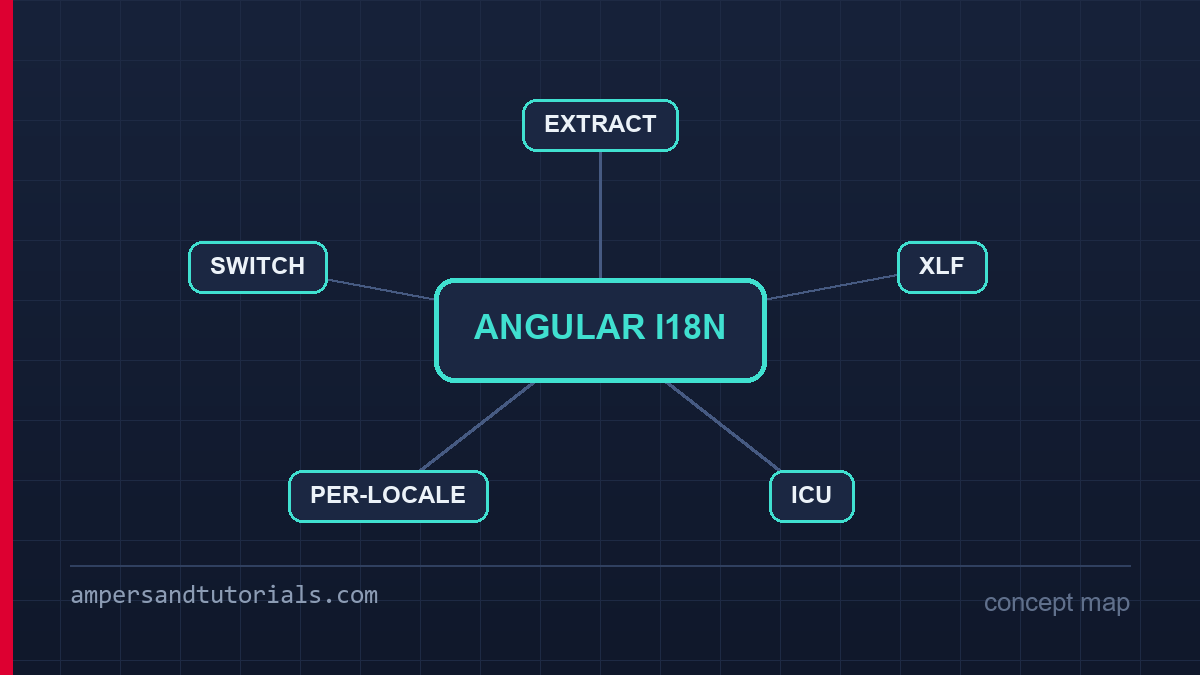
ICU message syntax is the part of Angular i18n that solves the problems string replacement cannot. Plural rules differ per language — Polish has three forms, Russian four, Japanese one — and only the locale’s own CLDR rules can decide which form applies. ICU messages put that decision in the message, where the translator owns it:
<span i18n>{count, plural,
    =0 {No items}
    one {# item}
    other {# items}
}</span>

<span i18n>{date, date, medium}</span>
<span i18n>{price, number, currency}</span>
The same message also carries gender and selection branches, which is how a sentence like “he/she/they has ordered” stays grammatical in translation. Dates and numbers come along in the same file so a locale formats 1,234.56 as 1.234,56 without a line of code — the formatting comes from the locale data registered by @angular/localize, and a missing locale registration is the classic bug where dates silently stay in the default format.
The runtime formatting rules that make this work are the same machinery behind Angular’s DatePipe and CurrencyPipe; what Angular i18n adds is that the translator, not the developer, controls the surrounding sentence. Two habits keep ICU messages healthy: never compose a plural by counting in the component, because the plural categories differ per language and CLDR owns that logic; and keep ICU messages short enough that a translator can read the whole branch structure at once — a three-line message translates correctly, a thirty-line one gets paraphrased.
Building one bundle per locale
The build step inlines each translation into a complete bundle:
ng build --configuration production --localize
# angular.json lists locales; each produces dist/app/es, dist/app/fr ...
# or per locale:
ng build --configuration production --i18n-file src/locale/messages.es.xlf --i18n-locale es
Each output is a full application: no dictionary downloads, no untranslated flash, no runtime lookup to fail. What it costs is build time multiplied by locale count and a serving decision — one directory per language, a rule that maps Accept-Language or the URL prefix to the right directory, and a default for a language you do not have. URL structure matters for SEO from day one: a language prefix such as /es/ is indexable and shareable, while a language chosen only through a cookie hides half your site from crawlers. The hreflang annotations belong with whatever routing pattern is chosen, following the same discipline as any other technical SEO setup.
Route handling is the one code change the build-time pipeline forces. Angular’s router can match a locale-prefixed path and redirect it, so /es/products loads the Spanish bundle at the Spanish route rather than the default language with Spanish text. Getting this right early is cheap; retrofitting prefixes onto a live URL structure means redirects, which is the most expensive kind of SEO work. The official Angular internationalization guide documents the router configuration and the provideAppInitializer pattern for activating the locale before the first render.
Serving static locale bundles also changes deployment: each build carries its own hash set, so a deploy must publish every locale atomically or a user mid-session can load an old chunk from the previous version of a different language. Publish all locales together, keep the previous version available for rollback, and never let one locale’s build fail the release halfway — a half-deployed Angular i18n release is worse than a slow one, because it is the only failure a translator can see.
Runtime switching: Transloco and ngx-translate
Build-time i18n cannot offer a language dropdown: the running bundle contains exactly one language. When the product requires switching without a reload — a support tool, a bilingual market, a user preference — the project moves to a runtime library. Transloco and ngx-translate both keep translation JSON per language, load the active language lazily, and expose a pipe or directive that looks up keys as the component renders. The trade inverts: one build and instant switching, paid for with a dictionary in the download, keys that can be missing at runtime, and no compiler proof that a key exists.
<span>{{ 'cart.title' | transloco }}</span>

// in a component
private t = inject(TranslocoService);
switchLanguage(lang: string) {
  this.t.setActiveLang(lang);
}
The decision rule that keeps teams out of trouble: pick one before the first translated string. A project that begins with $localize and later needs switching must rewrite every marked string into a key — mechanical, but spread across every template and reviewed in every file. A project that begins with runtime keys and later wants build-time guarantees inherits missing-key handling forever. The honest summary: build-time i18n for content sites and apps with a fixed set of releases per language; a runtime library for products where language is a user setting. The architecture guide has the same “decide the boundary early” argument applied to state; it applies verbatim here.
Whichever side the project lands on, load the active language before the first render. With a runtime library that means a synchronous lookup of the saved preference — otherwise every translated string flashes its key or the default language for a frame — and with the build-time pipeline it means redirecting on the server rather than in a client-side guard, so the correct bundle is the first bundle the browser receives. Angular i18n earns trust in that first frame: a language switch that stutters reads as broken to the user who just chose it.
Testing the i18n workflow
Translation testing has three layers, and teams that skip the last one ship broken strings. The first layer is mechanical: extract, diff and fail the build when messages.xlf is stale or when a target language is missing a trans-unit for a message present in the source. The second layer is visual: render every route in every locale against a pseudo-locale — the pipeline can generate one that stretches strings with accented characters and padding — and look for clipping, wrapping and fixed-width containers that assume English. Pseudo-localization catches layout bugs before any human translator is involved.
The third layer is the one that needs humans: a native reviewer reading complete sentences in context, not a word list. Bundle testing is the practical format — every string with its route, its screenshot and its placeholder values — because a translator who can see “Back” on a checkout button translates it correctly, while the same word in a spreadsheet cannot be disambiguated. The testing and debugging guide covers the harness; for i18n the assertions worth writing are the ones on layout: no element overflow in any locale, no untranslated string reaching production, and the fallback language behaving as designed when a key is missing.
Finally, watch the pipeline the way you watch tests. The failure mode of a mature Angular i18n setup is not a crash but drift: a new component merged without extraction, a string edited without re-extraction, a locale added to the build but forgotten in the serving config. Each of those produces an English string in a Spanish page — invisible to any assertion unless one exists specifically to look. One CI step that extracts, compares and counts untranslated units per locale converts all of that drift into a red build, which is the only place it belongs.
One warning about scope: full human translation and machine translation sit at opposite ends of that budget, and the middle path — machine-translate, then review — only works if the review is real. Machine output on ICU plurals is frequently wrong in exactly the languages that need the plural branches most, and the glossary that keeps your product’s nouns consistent does not exist until someone writes it. Whatever the pipeline, keep one canonical term list per locale inside the Angular i18n workflow, so “workspace” is the same word in the navigation, the settings page and the error message.
Finally, budget for the review cycle itself. Translators work in batches, questions come back with answers that change a source string, and a changed source string is a changed message ID. Ship the extraction, translation and review loop on a schedule — a locale releases when its file is complete, not when the feature does — and track the per-locale completion percentage the same way a team tracks test coverage. A locale that is ninety percent translated is a locale whose remaining strings will be discovered by a customer.
To learn Angular properly with a mentor, Ampersand Academy teaches web development one-to-one.
New to Angular? Build the fundamentals first in the free 14-part Angular course, then come back to this guide for the deeper material.
Locale data is the hidden dependency. Angular registers number, date and currency formats per locale, but a missing locale registration silently falls back to the default format – dates stay in month-day-year order for every language, and currency symbols render with the wrong separator. Register every locale the build supports, and test that each one actually formats differently rather than assuming the registration took effect. The same applies to right-to-left layouts: the direction is a property of the locale, not of the template, and a layout that ignores it fails in exactly the locales where the audience is largest.
Translation memory pays off early in an Angular i18n workflow. A glossary of product nouns – what “workspace”, “organization” and “seat” mean in each language – keeps the navigation, the settings page and the error messages using the same word. Without it, three translators produce three vocabularies, and a support ticket becomes a localization audit. The glossary costs one document to start and saves a re-translation of every string the first time a term changes.
Frequently asked questions
What is the difference between i18n and l10n?
i18n is the engineering work: extracting strings, making templates locale-safe and building per-locale bundles. l10n is localization — the translations, formats and cultural adaptations produced for each specific language.
Can users switch languages at runtime with Angular i18n?
Not with the built-in build-time pipeline, because each bundle contains one language. Runtime switching requires a library such as Transloco or ngx-translate that loads translation JSON on demand.
Which file format does Angular extract translations to?
XLF by default — an XML format with a stable ID, source text and translation per message. The format is configurable, and most translation services read and write XLF directly.
How do I translate plural and date strings in Angular?
With ICU message syntax inside the marked message: plural branches choose the correct CLDR form per language, and date, number and currency placeholders format according to the active locale.
Does Angular i18n affect SEO?
It helps it. Each locale builds to its own URLs, so a language prefix like /es/ is crawlable and indexable, and hreflang annotations tell search engines which version serves which audience. A cookie-only language switch hides versions from crawlers.
Last updated on · Written by Dinesh Kumar R
