

Quick answer: the Angular security model is built in: templates escape interpolated values by default, the DomSanitizer strips dangerous HTML unless you explicitly mark it safe, and the HTTP client blocks cross-origin requests to unknown hosts. Your job is to keep those protections intact — never bypass bypassSecurityTrustHtml with user input, validate on the server as well as the client, store tokens outside localStorage when possible, and use Angular’s built-in CSRF protection on every mutating request.
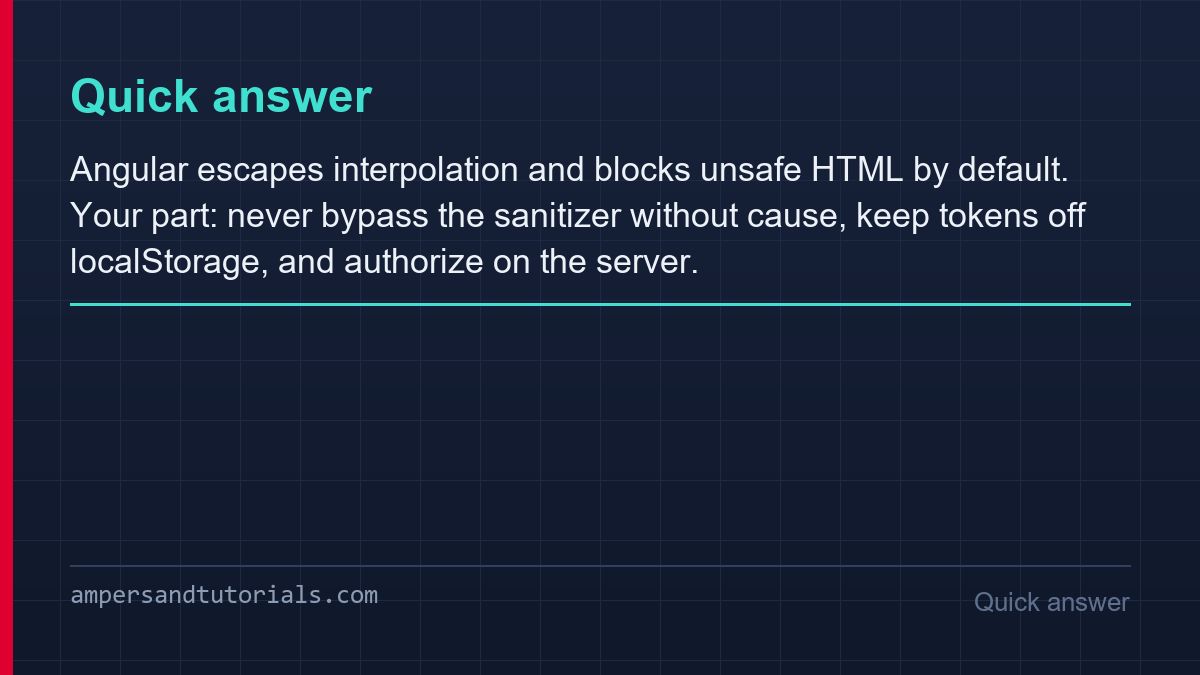
Table of Contents
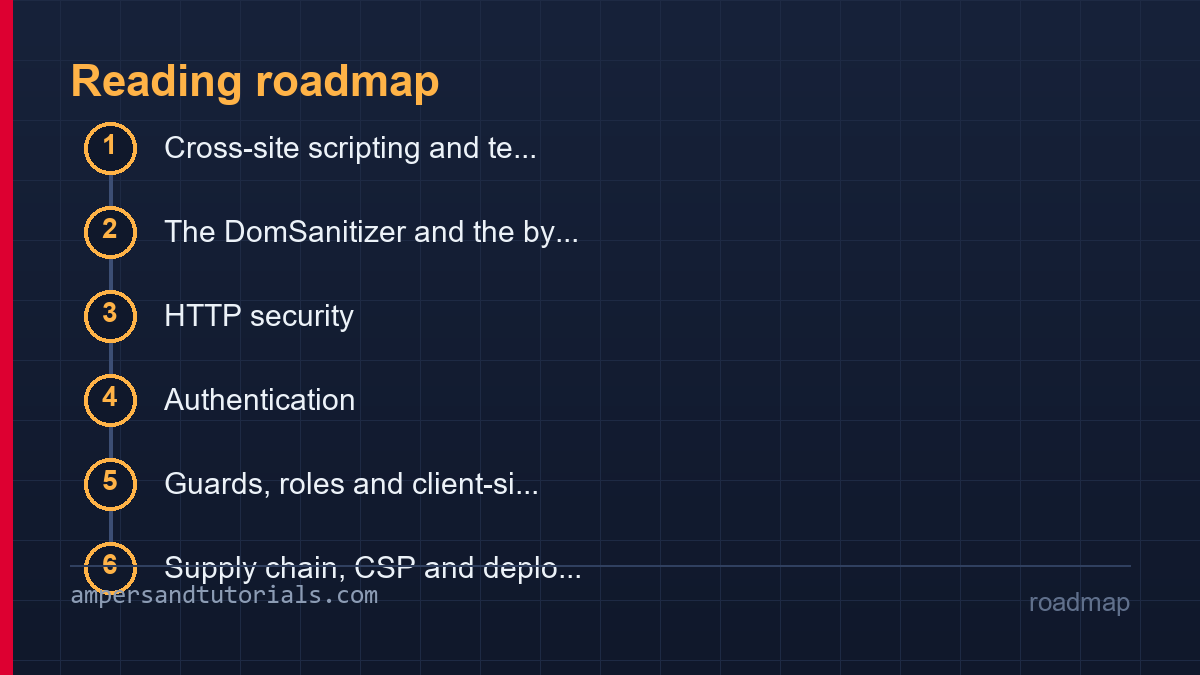
Cross-site scripting and template escaping
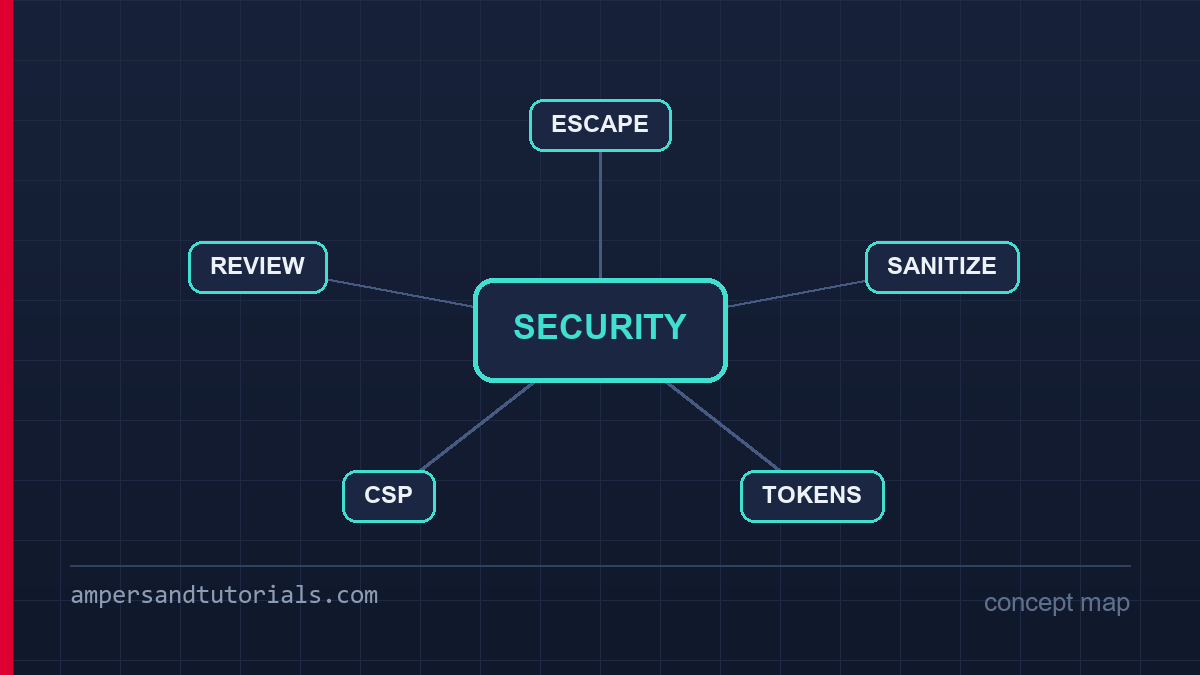
Every expression Angular interpolates into a template is escaped before it reaches the DOM. A username containing a script tag renders as visible text, an attribute binding cannot break out of its quotes, and a style binding is validated against the CSS sanitization allowlist. This default neutralises the majority of stored and reflected XSS without any code, which is why Angular applications have far fewer injection incidents than frameworks that ship a raw dangerouslySetInnerHTML equivalent as the default path.
<!-- all safe: values are escaped, not parsed as HTML -->
<p>{{ comment.body }}</p>
<img [src]="avatarUrl" />
<div [attr.data-id]="userId"></div>

// the one escape hatch
<div [innerHTML]="trustedHtml"></div>   // sanitized, NOT raw
The subtle part is that [innerHTML] binding is not an XSS hole — Angular runs its sanitizer over the value and strips scripts, event handlers and dangerous URLs. What escapes sanitization is anything explicitly marked safe, which leads directly to the next section.
The DomSanitizer and the bypass trap
bypassSecurityTrustHtml, bypassSecurityTrustUrl and their siblings exist for a legitimate reason: rendering your own CMS’s rich-text output, embedding a video URL from a trusted provider, or building a style value programmatically. Each call converts a value into a trusted instance that the sanitizer will not touch again. Each call is also a place where the security guarantee is now yours, not Angular’s.
// wrong: user input marked trusted — this IS an XSS hole
this.safe = this.sanitizer.bypassSecurityTrustHtml(userComment);

// right: sanitise first, then mark only the vetted result
import DOMPurify from 'dompurify';

const clean = DOMPurify.sanitize(userComment, {
  ALLOWED_TAGS: ['p', 'br', 'strong', 'em', 'a'],
  ALLOWED_ATTR: ['href'],
});
this.safe = this.sanitizer.bypassSecurityTrustHtml(clean);
The rule the Angular team states bluntly is worth repeating: never pass untrusted input to a bypass method, even after a whitelist, unless the sanitisation itself is a dedicated, audited library like DOMPurify. A hand-written filter that strips <script> will miss event handlers, SVG payloads and mutation-based bypasses. Audit bypass calls in review with the same suspicion as raw SQL: grep for them, keep the list short, and document at each call site why the input can be trusted.
HTTP security: CSRF tokens and API boundaries
Angular’s HttpClient attaches the XSRF token cookie to every same-origin mutating request automatically, reading the token from the cookie and sending it in a header the attacker’s cross-site forms cannot set. The server must participate: issue a per-session token cookie, verify the header against it, and ensure the cookie is SameSite-scoped. With that loop closed, classic CSRF against your API stops working with zero application code.
provideHttpClient(
  withXsrfConfiguration({
    cookieName: 'XSRF-TOKEN',
    headerName: 'X-XSRF-TOKEN',
  }),
),
Two boundaries complete the HTTP picture. The URL schema allowlist blocks the app from ever requesting an unexpected host, which turns a leaked-injected URL into a failed request instead of a data exfiltration; extend it deliberately when a new API origin is added. And the server remains the only real enforcement point: every rule the client enforces — required fields, ownership checks, role limits — must exist server-side too, because the client is attacker-editable by definition.
Authentication: storing tokens safely
Where a JWT lives decides which attacks are viable against it. LocalStorage is readable by any script on the page, so one XSS steals every session token with it. HttpOnly cookies are invisible to JavaScript and survive XSS intact, at the cost of CSRF handling, which the previous section already covers. The trade-off is the standard one in web security: cookie storage trades XSS exposure for CSRF exposure, and CSRF is the cheaper of the two to close.
| Storage | Survives XSS? | Needs CSRF defence? | Typical use |
|---|---|---|---|
| HttpOnly cookie | Yes | Yes | Session tokens, refresh tokens |
| LocalStorage | No | No | Non-sensitive preferences only |
| Memory | Yes, mostly | Yes | Short-lived access tokens in SPAs |
Short token lifetimes matter as much as storage. A 15-minute access token kept in memory, refreshed through an HttpOnly refresh cookie, means a stolen token expires before it can be reused far more often than a day-long token in localStorage. The auth interceptor attaches the token, a second interceptor retries once on a 401 after refreshing, and both stay in the HTTP layer where every request passes through them.
Guards, roles and client-side authorization
Guards control what the interface shows: an unauthenticated user is redirected to login, a viewer never sees an admin route’s markup. They are a usability feature with a security benefit — less attack surface exposed in the DOM — but they are not access control. The JavaScript driving a guard ships to every visitor and can be run with roles edited, so the guard’s decisions must be mirrored by server checks on the data itself. The session behind that guard lives in an injectable service, and the dependency injection guide shows how auth state is provided application-wide.
export const adminGuard: CanActivateFn = (route, state) => {
  const auth = inject(AuthService);
  if (!auth.isAuthenticated()) {
    return inject(Router).createUrlTree(['/login'], {
      queryParams: { returnUrl: state.url },
    });
  }
  return auth.roles().includes('admin')
    ? true
    : inject(Router).createUrlTree(['/forbidden']);
};
The returnUrl query parameter is worth copying: it restores the user’s intended destination after login instead of dumping everyone on the home page. Sanitise it against an internal path list before honouring it, though, or an open-redirect lurks in the convenience. The complete guard taxonomy — functional guards, resolvers and their ordering in the router — lives in the routing and guards guide; this section adds the authorization mindset on top.
Supply chain, CSP and deployment hardening
- Lock dependencies. Commit the lockfile, use
npm ciin CI, and audit install scripts before adding packages; a compromised build dependency runs with your release credentials. - Ship a CSP. A Content-Security-Policy header with nonces for inline scripts converts a successful HTML injection into a blocked execution, layered after Angular’s own escaping.
- Set security headers.
Strict-Transport-Security,X-Content-Type-Options: nosniffand a restrictiveReferrer-Policycost nothing and close whole classes of downgrade and sniffing attacks. - Subresource integrity. If any third-party script is unavoidable, pin it with an SRI hash so a CDN compromise fails loudly instead of silently.
- Keep Angular current. Framework security fixes ship in patch releases; a schematic-assisted upgrade per minor keeps the sanitizer and compiler fixes flowing.
None of these measures is dramatic alone; together they mean that a mistake in one layer is caught by the next. That depth is the entire philosophy of Angular’s security model, and keeping it intact through project decisions is the real work. To learn Angular properly with a mentor, Ampersand Academy teaches web development one-to-one.
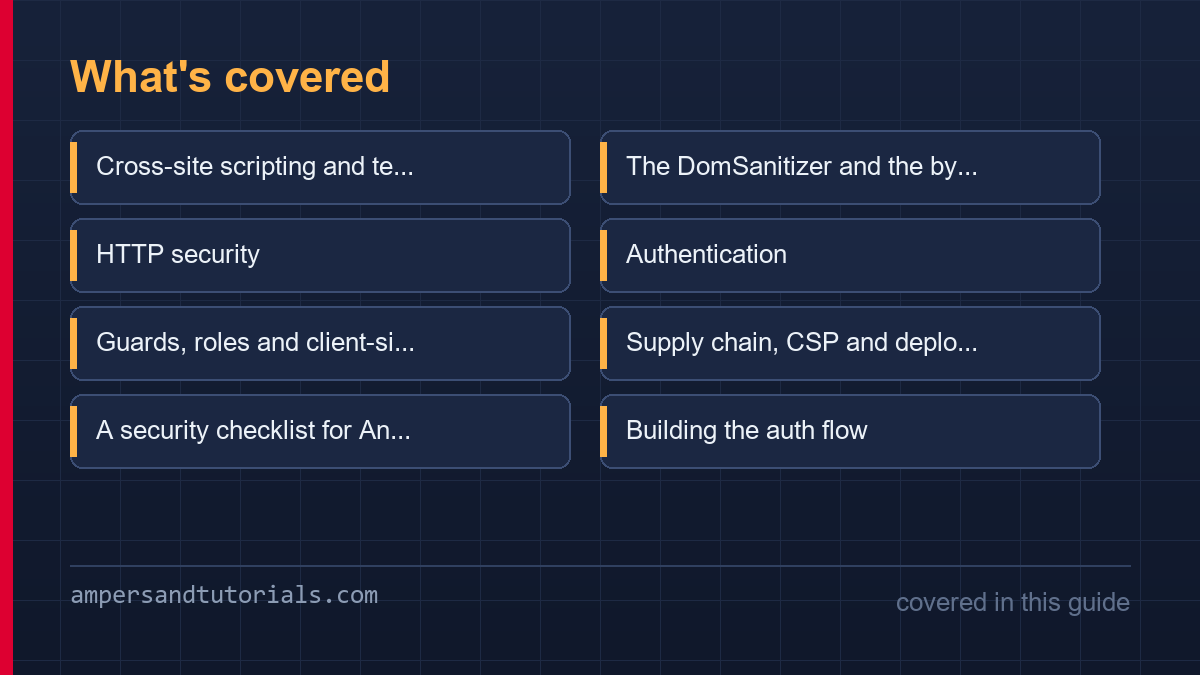
A security checklist for Angular code review
Security findings that reach production are almost always found in review, because the individual lines look innocuous. A short, explicit checklist beats a vague instruction to be careful, and the items below cover the mistakes Angular projects actually make: every one of them has a mechanical check a reviewer can apply in under a minute.
- Every bypass method call has a comment. If the justification is not written at the call site, the call does not merge.
- No user input reaches a URL without validation. Open redirects and SSRF both start with a parameter being trusted because it came from a link.
- Interceptors do not log tokens. Console and error-reporting services receive redacted headers, always.
- New controls have a server-side twin. Any authorization or validation rule added client-side is asked for its server counterpart in the same review.
- Dependencies change with a lockfile. A pull request that alters package.json without package-lock.json is incomplete.
Writing the checklist into the project’s contribution guide is what makes it stick. Reviewers apply what is written; they improvise inconsistently what is not. The list also grows honestly: every escaped finding becomes one line, so the document tracks this codebase’s real risk rather than a generic OWASP summary.
Building the auth flow: refresh, rotation and logout
The auth interceptor attaches the access token, but the flow around it is where projects diverge. A 401 response can mean an expired token or a revoked session, and treating them identically produces the two classic bugs: an infinite refresh loop when the refresh itself is rejected, and a user dumped to login mid-form when a single retry would have succeeded.
// single-flight refresh: concurrent 401s share one refresh call
private refreshing = false;

intercept(req, next) {
  return next(req).pipe(
    catchError((err) => {
      if (err.status !== 401 || this.refreshing) throwError(() => err);
      this.refreshing = true;
      return this.auth.refresh().pipe(
        switchMap(() => { this.refreshing = false;
          return next(this.withToken(req)); }),
        catchError((refreshErr) => {
          this.refreshing = false;
          this.auth.logout();
          return throwError(() => refreshErr);
        }),
      );
    }),
  );
}
The single-flight guard is the part usually missing. Three parallel requests hit 401, three refresh calls race, and the rotation invalidates the first token the other two were issued against, logging the user out at random. One refresh in flight, with the other requests queued behind it, eliminates the class. Rotation on the server then gives you theft detection: a refresh token used twice is by definition compromised, and revoking that session is the correct response.
Monitoring and responding when something slips
Prevention reduces odds; monitoring shortens incidents. For an Angular application the signals are cheap to collect and expensive to ignore: sanitizer bypass calls, failed guard redirects, unusual 401 spikes after a deploy, and CSP violations reported from real browsers. Each one is a few lines to instrument and a dashboard panel away from being actionable.
// CSP violation reports: the browser tells you what was blocked
document.addEventListener('securitypolicyviolation', (event) => {
  reportToSecurity({
    directive: event.violatedDirective,
    blocked: event.blockedURI,
    page: location.pathname,
  });
});
An incident plan written before it is needed is the difference between a bad afternoon and a bad week. Who rotates the signing keys, who communicates to users, what gets logged for the post-mortem — answering those questions during an active compromise is how mistakes compound. The checklist, the flow and the monitoring form one system: prevention people follow, detection that catches the gaps, and a rehearsed response for what gets through. To learn Angular properly with a mentor, Ampersand Academy teaches web development one-to-one.
The feedback loop that ties these three together is the post-incident review written without blame. Every incident that reaches users has a prevention gap, a detection gap or a response gap, and naming which one in writing turns a bad week into a permanent improvement to the system. The checklist gains a line, the monitor gains a panel, the runbook gains a step — and the next team to touch the auth code inherits all three rather than rediscovering the gap the hard way.
One practical note on tooling: automated scanners have a role, but a narrow one. A static scanner catches a missing Subresource Integrity hash or an overly permissive CSP directive, and it will never catch a bypass method called on user input, because the call is syntactically identical to the safe version. Tools extend the checklist; they do not replace the review judgement that applies it. Projects that treat the scanner as the whole program ship the exact vulnerabilities it cannot see, which is why the checklist lives in the review template where a human reads it every time.
The counterpart is deciding what to do when a risk is found. A finding without an owner and a due date becomes permanent debt, so record each one where the team already tracks work rather than in a security document nobody opens, and pick severity by exploitability rather than by scanner score. An unauthenticated bypass of a route guard outranks a missing security header every time, and teams that rank this way clear the list in priority order instead of closing easy items while the serious one waits.
New to Angular? Build the fundamentals first in the free 14-part Angular course, then come back to this guide for the deeper material.
Angular security hardening: a CSP with nonces and reporting
CSP is where Angular security stops being framework defaults and becomes deployment policy. Angular escapes and sanitises in the browser, but a nonce-based policy decides whether an injected payload can execute even if it reaches the DOM. Start with script-src 'self' and a per-request nonce, keep style-src practical, and report violations before enforcing them — an Angular security policy that fires blind breaks more dashboards than it saves.
Content-Security-Policy:
  default-src 'self';
  script-src 'self' 'nonce-{{NONCE}}';
  object-src 'none';
  base-uri 'self';
  report-to csp-endpoint;
Wiring the nonce needs one server-side decision: the HTML the server produces must carry the same nonce the policy issues. In an Angular security setup behind Node or a CDN, generate the nonce per response, write it into the script tags the renderer emits, and never reuse it across users — a static nonce is decorative. Inline event handlers lose automatically, which is a feature: they are also the favourite vehicle for injected payloads.
Reporting is the part teams skip. report-to and report-uri turn silent violations into a stream you can read, and for Angular security triage that stream is gold: it names the page, the blocked URI and the directive, usually within minutes of a deploy. Watch it for a week before enforcing; the offenders are almost always a third-party widget, a browser extension artifact, or genuinely hostile input.
CSP is one line in an Angular security checklist that already has guard reviews, sanitizer audits and lockfile diffs on it. The value is that this line fails loudly: a regression shows up as a broken feature or a violation report, not as a payload nobody noticed executing. Ship it behind report-only, promote it when the reports go quiet.
One caveat for Angular security reviews: CSP does not replace the sanitizer. Angular security policy and the DomSanitizer solve different layers — the sanitizer decides what survives into the DOM, the policy decides what is allowed to run — and treating either as a substitute keeps the gap the other was meant to close.
A practical starting point: enable report-only on staging, click through every dialog, menu and wizard, and read the reports before the policy ever blocks a real user. Angular security hardening that survives contact with a production week is the kind nobody notices — features keep working, payloads do not.
Expect a migration period. The first week of a nonce policy usually surfaces a stray inline onclick from a legacy widget and one analytics snippet that injected itself into the layout; both have real replacements, and each removal is one fewer place an Angular security review has to reason about. Track the violations as a backlog and burn it down route by route.
Apply the policy to every response, not only the entry document. A CSP that protects the HTML but skips the PDF viewer, the embed endpoints or the error pages leaves the side doors open, and Angular security headers belong in the same layer that sets HSTS and the referrer policy. One server middleware, every route, no exceptions.
That feedback loop is what makes Angular security triage cheap: the report arrives with the deploy that caused it, and the fix lands in the same week. Teams that treat CSP as an Angular security dashboard rather than a one-time header change keep the policy alive long after the initial rollout.
Frequently asked questions
Is Angular immune to XSS?
No framework is, but Angular escapes template interpolation and sanitizes innerHTML and style bindings by default, which removes most injection paths. XSS becomes possible mainly through bypassSecurityTrustHtml misuse or unsafe patterns in non-template code.
When is bypassSecurityTrustHtml acceptable?
Only when the input is already trusted by construction, such as static content you authored, or after sanitisation by an audited library like DOMPurify. Passing raw user input to a bypass method is an XSS vulnerability by definition.
LocalStorage or cookies for JWT storage?
HttpOnly cookies are safer against XSS because JavaScript cannot read them, and Angular’s built-in XSRF handling covers the CSRF trade-off. Keep localStorage for non-sensitive preferences, not tokens.
Are Angular route guards a security boundary?
No. Guards improve UX and reduce exposed surface, but the client code is editable by anyone. Every authorization decision a guard makes must be duplicated as a server-side check on the data itself.
Does Angular protect against CSRF?
HttpClient attaches an XSRF token to same-origin mutating requests automatically. Configure the cookie and header names to match your backend, and verify the header server-side; Angular handles the client half for you.
Last updated on · Written by Dinesh Kumar R
