
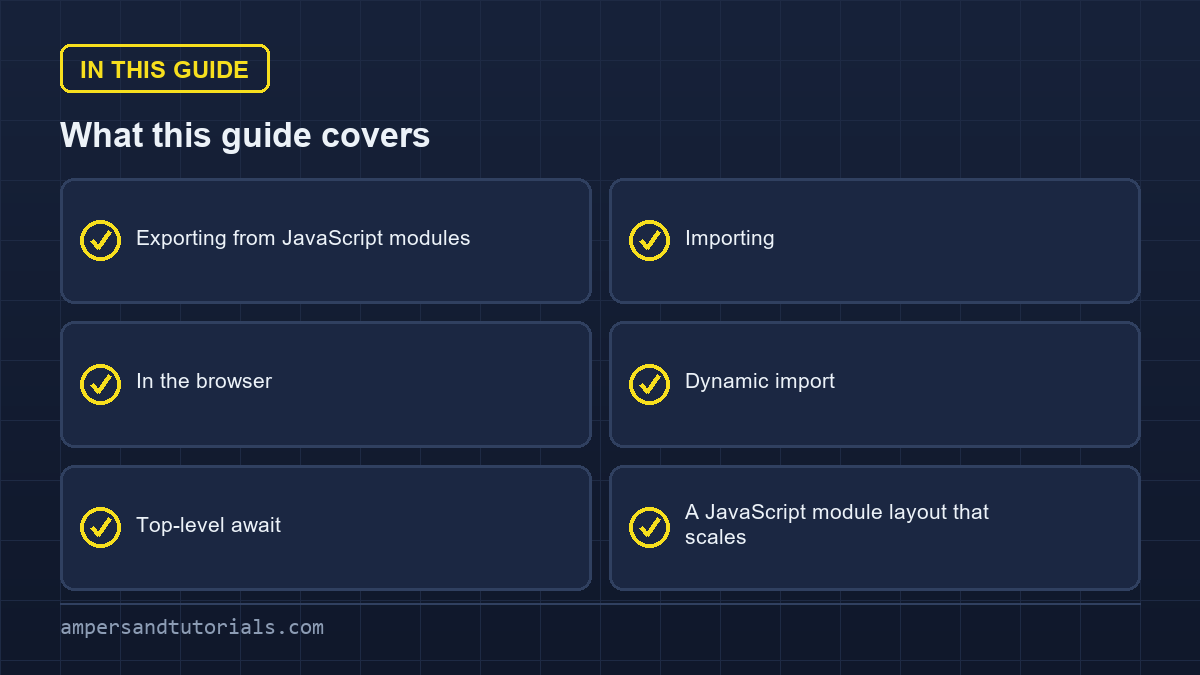
Quick answer: A JavaScript module is a file with its own scope that exposes a public surface with export and consumes other modules with import. Use named exports for most things, a default export for a file’s single main value, and load a module in the browser with <script type="module">. Modules are deferred and strict by default and load only once, however many times they are imported.The sections below follow JavaScript modules in the order you meet them: exporting, importing, JavaScript modules in the browser, dynamic import, and a file layout that keeps a growing project readable.
Table of Contents
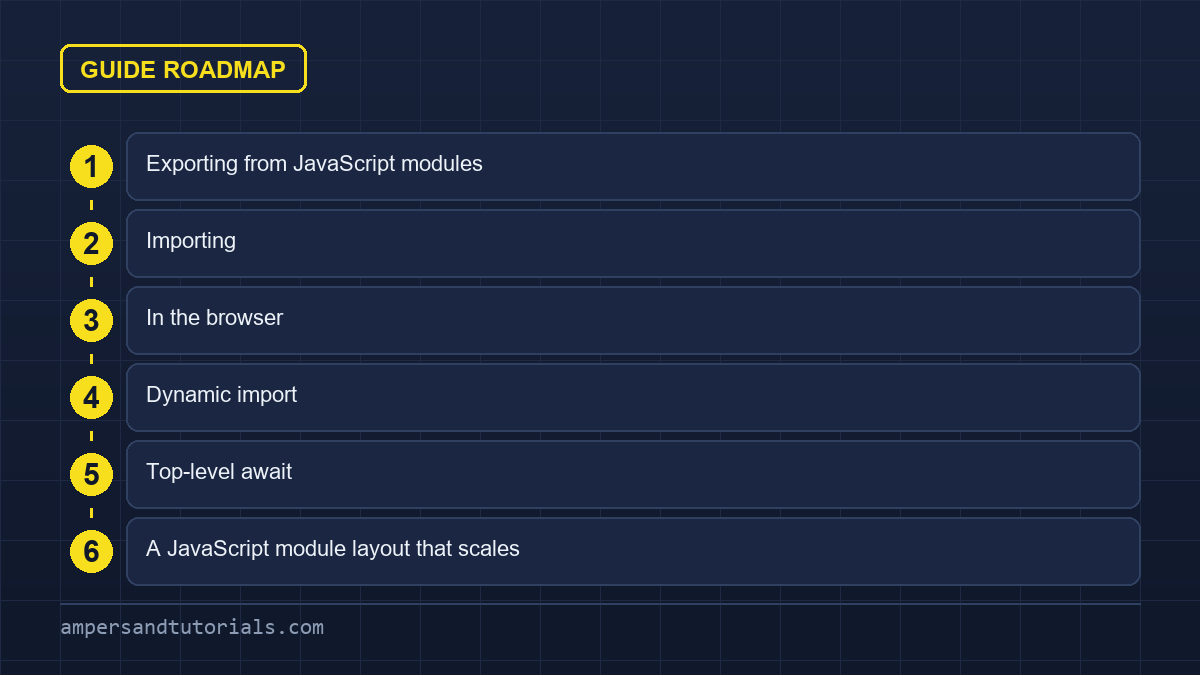
Exporting from JavaScript modules
// math.js
export const PI = 3.14159;

export function area(r) {
  return PI * r * r;
}

export class Circle {
  constructor(radius) { this.radius = radius; }
}

// one default export per module, if you want one
export default function log(message) {
  console.log(message);
}
A module’s top-level variables are private unless exported. That boundary is the main reason modules exist: it stops two files from accidentally sharing a name in the global scope.
Importing
// named imports — must match the exported names
import { area, PI } from "./math.js";

// renamed on import
import { area as circleArea } from "./math.js";

// default import — any name you like
import log from "./math.js";

// namespace import — everything under one object
import * as math from "./math.js";
math.area(2);
Prefer named exports. They are easier to search for, they survive renaming tools better, and they let an editor auto-import without guessing a default name. Reserve export default for a file whose whole purpose is one thing — a component, a config object.
In the browser
<script type="module" src="./app.js"></script>The type="module" attribute changes three things. The script is deferred, so it runs after the HTML is parsed. It runs in strict mode. And import and export are legal only inside it. Loading a module from the file system has CORS restrictions, so serve your files over HTTP during development rather than opening them with a file:// URL.
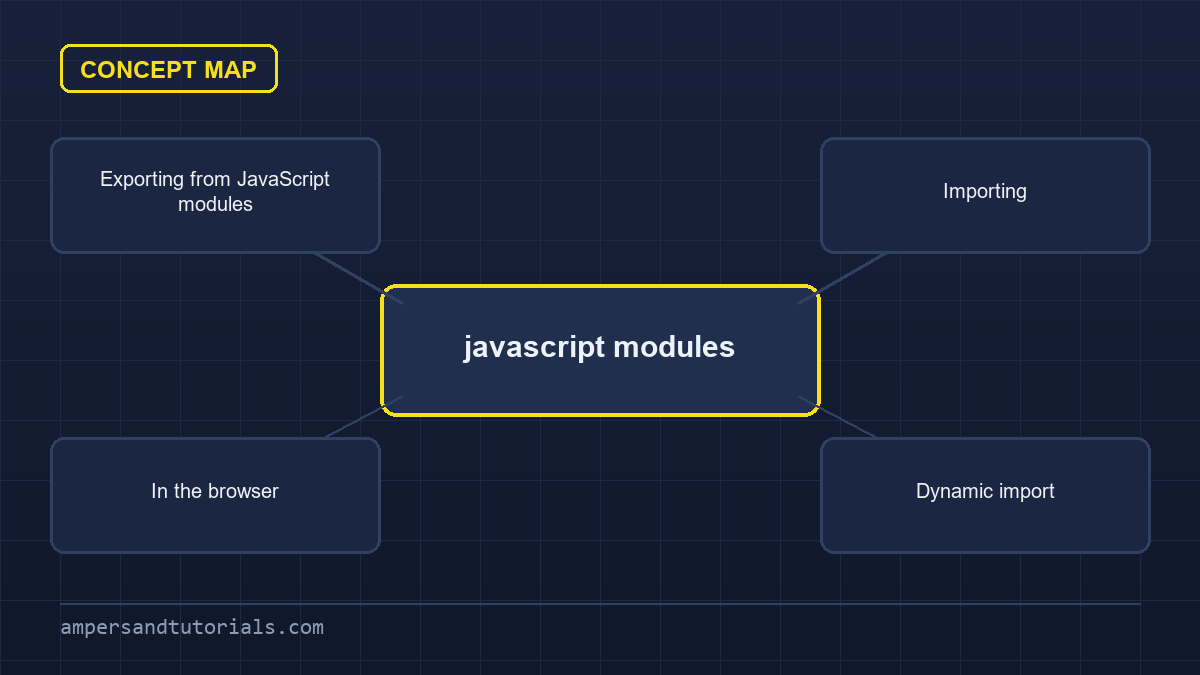
Dynamic import
A static import is hoisted and always loaded. When you want a module only in some cases — a heavy chart library when a tab opens, for instance — use a dynamic import(), which returns a promise.
button.addEventListener("click", async () => {
  const { renderChart } = await import("./chart.js");
  renderChart(data);
});
The bundler splits the dynamically imported file into its own chunk and fetches it on demand. That is the same mechanism behind lazy routes in frameworks such as Angular.
Top-level await
Inside a module you can use await at the top level, which makes asynchronous setup read plainly.
// config.js
const res = await fetch("/api/config");
export const config = await res.json();
Anything that imports this module waits until the fetch resolves, so consumers never see a half-initialised module. Use it sparingly: a slow top-level await delays every importer, so keep it to genuinely required setup.
A JavaScript module layout that scales
- One concern per file — a component, a helper, a store. If a file has two unrelated exports, it is probably two files.
- An index file per folder — re-export the public pieces so imports stay short and only the intended surface is exposed.
- Prefer named exports — they make refactoring and searching predictable.
- Keep the dependency direction one way — low-level helpers should never import from feature code.
That completes the JavaScript series. To learn JavaScript properly with a mentor on real projects, Ampersand Academy teaches web development one-to-one.
Handling circular dependencies in javascript modules
In modern web applications, circular dependencies represent a tricky architectural challenge that arises when two or more files directly or indirectly depend on one another. Inside javascript modules, circular relationships do not automatically trigger immediate parse errors because specification engines parse and resolve imports before runtime execution begins. Understanding how the browser or runtime manages these references prevents common initialization errors during deployment.
During the compilation phase, the ECMAScript engine constructs an internal module record for every imported file before evaluating any statements. This static preparation step registers all declared export bindings into memory without executing their assigned expressions. Because the bindings exist prior to runtime evaluation, mutual references can link together without breaking the parser during the initial preparation stage.
Diagnosing temporal dead zone crashes
Resolving temporal dead zone failures requires recognizing how engine lifecycles evaluate top-level statements. In complex javascript modules, function declarations are hoisted during the instantiation phase, making them accessible immediately. Conversely, top-level variables initialized with variable keywords remain inaccessible until runtime evaluation reaches their specific declaration line in code.
When a circular dependency causes an imported module to run ahead of its caller, accessing an uninitialized variable triggers a fatal ReferenceError. This failure happens because the requested lexical binding exists in the temporal dead zone. Accessing a function declaration succeeds in the exact same scenario because the runtime hoists function bodies during the module instantiation phase.
// parent.js
import { getChildMessage } from "./child.js";
export const parentName = "Parent";
export function getParentMessage() {
  return "Message from " + parentName;
}

// child.js
import { getParentMessage } from "./parent.js";
export function getChildMessage() {
  return "Child calling: " + getParentMessage();
}
// parent.js
import { getChildMessage } from "./child.js";
export const parentName = "Parent";
export function getParentMessage() {
return "Message from " + parentName;
}// child.js
import { getParentMessage } from "./parent.js";
export function getChildMessage() {
return "Child calling: " + getParentMessage();
}
Refactoring mutual references into an inverted architecture resolves cycles cleanly. Developers extract shared state or common utility logic into a dedicated third file that sits below both dependent files in the hierarchy. Alternatively, wrapping immediate top-level value lookups inside callable functions defers property access until after both modules complete their initial evaluation cycles.
Engineering teams maintain long-term application health by auditing dependency relationships with static analysis tools before code merges into production repositories. Detecting dependency loops within javascript modules early prevents hard-to-diagnose runtime bugs that only manifest under specific bundling configurations. Clean dependency flow guarantees deterministic initialization sequences across environments.
When designing large architectural boundaries, consider these defensive practices for cycle management:
- Avoid executing imported functions directly within the top-level execution scope of any module.
- Extract shared data interfaces, constants, and event definitions into dedicated leaf modules.
- Prefer hoisted function declarations over variable expressions when mutual invocation between utilities is required.
- Implement automated cyclic dependency checks in build pipelines to block recurring structural regressions.
Live bindings and mutation mechanics
A defining characteristic of the modern ECMAScript standard is the introduction of live bindings. Unlike older formats that export static copies of data values, javascript modules export live references to internal memory locations. When an exporting file modifies an internal variable, every consumer importing that identifier sees the updated value instantly across the runtime.
In legacy CommonJS environments, requiring an exported variable copies the primitive value at that specific point in time. If the originating module modifies that variable later, the consumer continues reading the original copied value. Modern ECMAScript design replaces value copies with dynamic read pointers, ensuring that all consumers maintain real-time synchronization with originating state without polling or manual event notifications.
Imported identifiers function as immutable bindings from the perspective of consuming files. If an importing file attempts to reassign an imported primitive directly, the engine throws a TypeError immediately. While modifying properties on imported objects remains permissible under the specification, mutating shared state across javascript modules introduces subtle side effects that complicate application testing and state tracking.
To maintain architectural predictability, modules should manage their own internal mutations defensively. Rather than exporting mutable objects directly, source files should expose explicit getter and setter functions. This encapsulation pattern ensures that every state modification flows through validated logic channels, preventing rogue files from mutating shared application properties unexpectedly.
Modern optimizing compilers leverage static live binding structures to produce highly efficient machine instructions during execution. Because the engine establishes immutable linkage paths across javascript modules during module compilation, property lookups bypass dynamic hash-map lookups in memory. Direct pointer dereferences replace runtime lookups, yielding measurable performance improvements during intensive computational tasks.
Understanding the practical consequences of live bindings clarifies several behavioral differences between module paradigms:
- Exported variables reflect asynchronous updates immediately without requiring consumer files to poll for updates.
- Consumers cannot reassign imported bindings, guaranteeing that internal imports remain protected against accidental reassignment.
- Re-exported identifiers pass through as transparent references, linking downstream consumers directly to the original source.
- Object properties remain mutable by default, necessitating defensive freezing patterns when exporting shared configuration records.
Interoperability pitfalls between CommonJS and javascript modules
Bridging legacy package formats with modern syntax creates significant friction across modern Node.js and browser environments. While CommonJS relies on dynamic, synchronous execution via global functions, javascript modules demand static, asynchronous resolution before execution begins. When projects blend both module systems, subtle discrepancies in module caching and resolution order frequently lead to broken runtime imports.
Node.js determines how to parse files based on file extensions and package configuration fields. Files using the .mjs extension parse strictly as native modules, whereas .cjs files run as CommonJS. When files use standard .js extensions, the engine checks the nearest package.json file for a type field set to module before selecting the execution parser.
Resolving dual package state duplication
The dual-package hazard occurs when a library ships both formats simultaneously, and an application inadvertently loads both versions into memory. In large applications using mixed javascript modules, this duplicate loading breaks class identity checks, invalidates singletons, and splits internal application state into two independent, uncoordinated pools. Robust package configuration prevents this split entirely.
Package authors eliminate dual loading by defining modern conditional exports within package metadata files. The exports field provides granular control over entry points, mapping specific import specifiers to the correct distribution build based on the consumer runtime environment. This configuration prevents consumer applications from accidentally traversing internal directory structures and loading duplicate source files.
{
  "name": "utility-library",
  "version": "2.4.0",
  "type": "module",
  "exports": {
    ".": {
      "import": "./dist/index.mjs",
      "require": "./dist/index.cjs"
    },
    "./package.json": "./package.json"
  }
}
{
"name": "utility-library",
"version": "2.4.0",
"type": "module",
"exports": {
".": {
"import": "./dist/index.mjs",
"require": "./dist/index.cjs"
},
"./package.json": "./package.json"
}
}
Adopting a progressive migration strategy protects large web applications from unexpected downtime during architectural overhauls. Refactoring foundational utility libraries into pure javascript modules first allows higher-level orchestration code to transition smoothly without breaking existing CommonJS pipelines. Maintaining backward compatibility during intermediate stages keeps team velocity high.
When coordinating interoperability between distinct module systems, apply these standard implementation guidelines:
- Avoid dynamic require calls inside modern files, relying on dynamic import expressions instead.
- Verify that CommonJS default exports import cleanly by testing default wrapper interoperability in continuous integration.
- Use modern conditional export definitions to direct consumers cleanly to appropriate bundle targets.
- Ensure singleton service instances reside inside isolated, single-format core files to prevent duplicate instantiation.
Tree shaking and side effect elimination
Tree shaking represents one of the greatest efficiency benefits provided by modern bundlers and build tools. Because dependency declarations remain completely static at the top level, bundlers analyze entire dependency graphs to discover unused exports across javascript modules. Dropping dead code from distribution bundles reduces file transmission times and accelerates initial script execution on client devices.
Dead code elimination depends entirely on predictable syntax structures. When bundlers encounter dynamic code patterns, such as runtime property evaluations or dynamic namespace lookups, static analysis cannot guarantee that an export is completely unused. Restricting imports to explicit, named specifiers enables compilers to build exact symbol references and discard unused branches safely.
Package authors inform build tools about optimization safety by configuring the sideEffects property inside package metadata files. Declaring that specific javascript modules contain no top-level side effects permits bundlers to discard entire source files whenever their public exports remain unused. This declarative optimization yields dramatic file size reductions for shared component libraries and utilities.
Side effects occur when evaluating a file alters state outside its local scope. Examples include modifying global prototypes, configuring window properties, or appending DOM nodes during initial file evaluation. When a file contains side effects, compilers cannot discard it without breaking application functionality, even if none of its exported utilities are consumed by the importer.
Large index files that re-export broad collections of internal components create optimization bottlenecks known as barrel file bloat. Importing a single utility from an unoptimized barrel forces compilers to parse hundreds of interconnected javascript modules. Replacing large central re-export hubs with direct subpath exports preserves compilation speed and ensures optimal tree shaking during production packaging.
To achieve maximum optimization benefits from modern tree-shaking algorithms, incorporate these engineering standards:
- Configure the sideEffects flag accurately in package.json to unlock aggressive dead code pruning.
- Avoid top-level side effects, encapsulating initialization logic inside explicit setup functions that run on demand.
- Favor granular named imports over broad namespace imports to make symbol usage transparent to compilers.
- Eliminate massive index re-export files that pull unwanted dependency trees into production bundle outputs.
Native import maps in modern browsers
Modern browsers eliminate the mandatory requirement for bundling tools during development by introducing native import maps. By registering an import map inside the document head, developers map bare package specifiers to specific local or remote URLs across native javascript modules. This platform capability delivers fast local development workflows without compilation delays.
Historically, browsers only loaded scripts when supplied with absolute paths or relative file URLs beginning with explicit path characters. Bare specifiers like lodash or react caused immediate syntax errors in browser environments. An import map defines a JSON configuration object that translates these convenient bare package names into fully resolved resource locations seamlessly.
{
  "imports": {
    "utilities": "/scripts/utils.js",
    "chart-lib": "https://cdn.example.com/charts/v3/index.js"
  },
  "scopes": {
    "/legacy/": {
      "utilities": "/scripts/legacy-utils.js"
    }
  }
}
{
"imports": {
"utilities": "/scripts/utils.js",
"chart-lib": "https://cdn.example.com/charts/v3/index.js"
},
"scopes": {
"/legacy/": {
"utilities": "/scripts/legacy-utils.js"
}
}
}
Scoped mappings inside import maps allow developers to run conflicting versions of third-party libraries within different sections of the same web document. When sub-dependencies require conflicting dependency releases, scoping rules direct each import call to its matching endpoint URL inside running javascript modules. This native resolution mirrors server-side package manager capabilities inside web browsers.
Import map elements must appear in the HTML document before any script tag that loads modular code. If the browser encounters a module import before parsing the complete import map, the engine resolves specifiers using default platform rules, ignoring any mappings declared later in the page structure. Placing the configuration script high in the document head avoids resolution exceptions.
Configuring appropriate server caching policies and content security headers protects import map configurations from unauthorized modifications. Because import maps govern specifier resolution for all executing javascript modules, securing the initial HTML document against script injection prevents malicious actors from hijacking application dependencies. Strict delivery channels preserve application integrity across every user session.
When adopting native import maps within production environments, evaluate these strategic considerations:
- Position import map script elements above all other executable script tags within the document head.
- Utilize scoped mappings to isolate conflicting sub-dependency versions without modifying vendor package code.
- Serve import map definitions through secure, immutable cache-control headers on static hosting platforms.
- Implement fallback polyfills for older browser clients that lack native import map parsing engines.
Subresource integrity and security boundaries
Deploying modern applications across global networks requires strict adherence to security boundaries and resource validation rules. Cross-origin resource sharing constraints apply universally when loading external javascript modules across different domains. Remote servers must deliver correct headers, or client browsers will terminate script loading immediately to safeguard user data.
Classic scripts execute without cross-origin restrictions when loaded via standard script elements, creating vulnerabilities to data exfiltration and cross-site execution attacks. In contrast, modern browser specifications enforce strict CORS checks for all modular script requests. External servers hosting modular dependencies must respond with appropriate Access-Control-Allow-Origin headers, or the browser rejects the network response outright.
Credential policies dictate whether browsers send sensitive authentication cookies and security tokens when fetching remote script assets. By default, cross-origin requests for javascript modules omit user credentials to prevent cross-site data exfiltration. Specifying explicit credentials attributes enables authorized downloads from private package registries without compromising overall browser security.
Subresource Integrity verification protects web applications against compromised content delivery networks by validating cryptographic hashes before script execution occurs. When loading critical application logic from external infrastructure, matching sha384 or sha512 integrity hashes ensures that downloaded files match authorized build outputs exactly, preventing malicious tampering at edge distribution nodes.
Strict lexical scoping guarantees that internal variable declarations remain fully isolated within their declaring files. Unlike legacy scripts that pollute the global window object, javascript modules maintain distinct module-level scopes that prevent accidental variable shadowing and unauthorized runtime tampering. This built-in architectural isolation forms the foundation of reliable modern web development.
When auditing runtime security policies for modular web deployments, enforce these foundational controls:
- Configure web servers to return explicit Access-Control-Allow-Origin headers on all hosted module files.
- Define robust Content Security Policy headers restricting module script origins to approved domain endpoints.
- Apply subresource integrity attributes when fetching third-party modular utilities from external networks.
- Ensure sensitive endpoints require authentication cookies only through explicitly configured credentials attributes.
Frequently asked questions
What is the difference between a named export and a default export?
A named export imports by its exact name and a file can have many. A default export is a single value imported under any name you choose. Named exports are easier to search and refactor.
Why does my module throw a CORS error?
You are probably opening the page with a file URL. Module loading needs HTTP, so serve the files with a local server such as the one built into your editor or a dev tool.
What does type=module do in a script tag?
It enables import and export, makes the script deferred so it runs after the HTML is parsed, and runs the code in strict mode.
How do I load a module only when it is needed?
Use a dynamic import, which returns a promise, such as const module = await import of the file path. Bundlers split it into a separate chunk loaded on demand.
What is top-level await?
It lets you use await at the top of a module rather than inside an async function. Importers wait until the awaited promise settles, so they never see an incomplete module.
Last updated on · Written by Dinesh Kumar R