
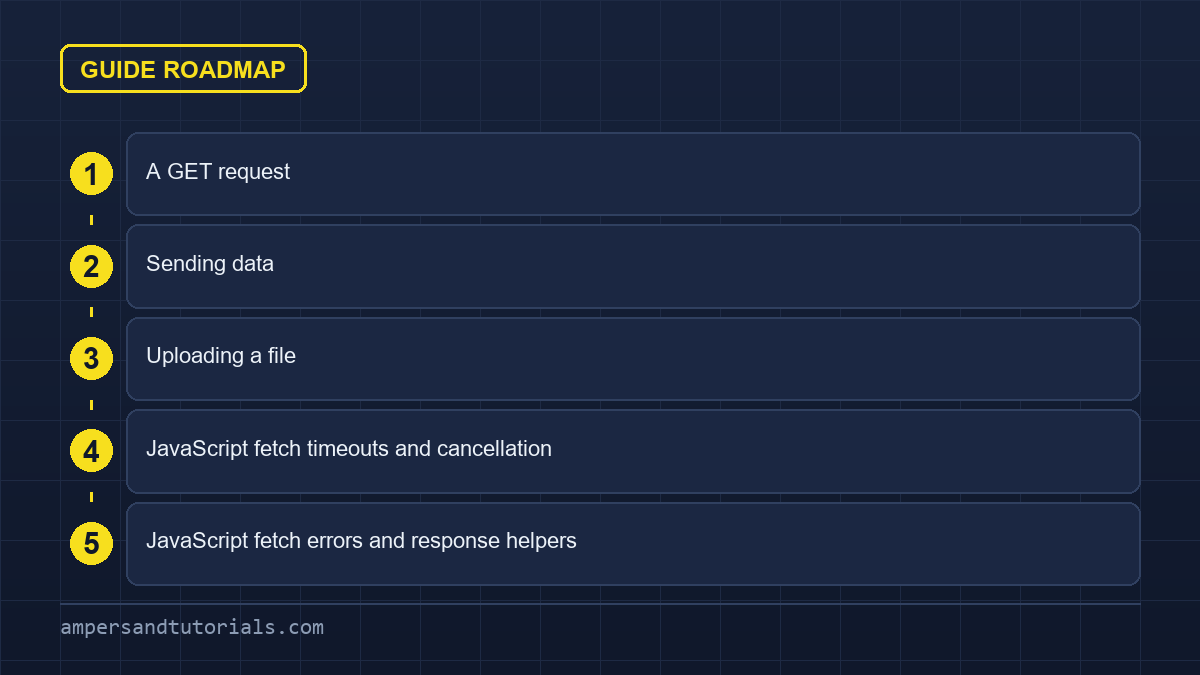
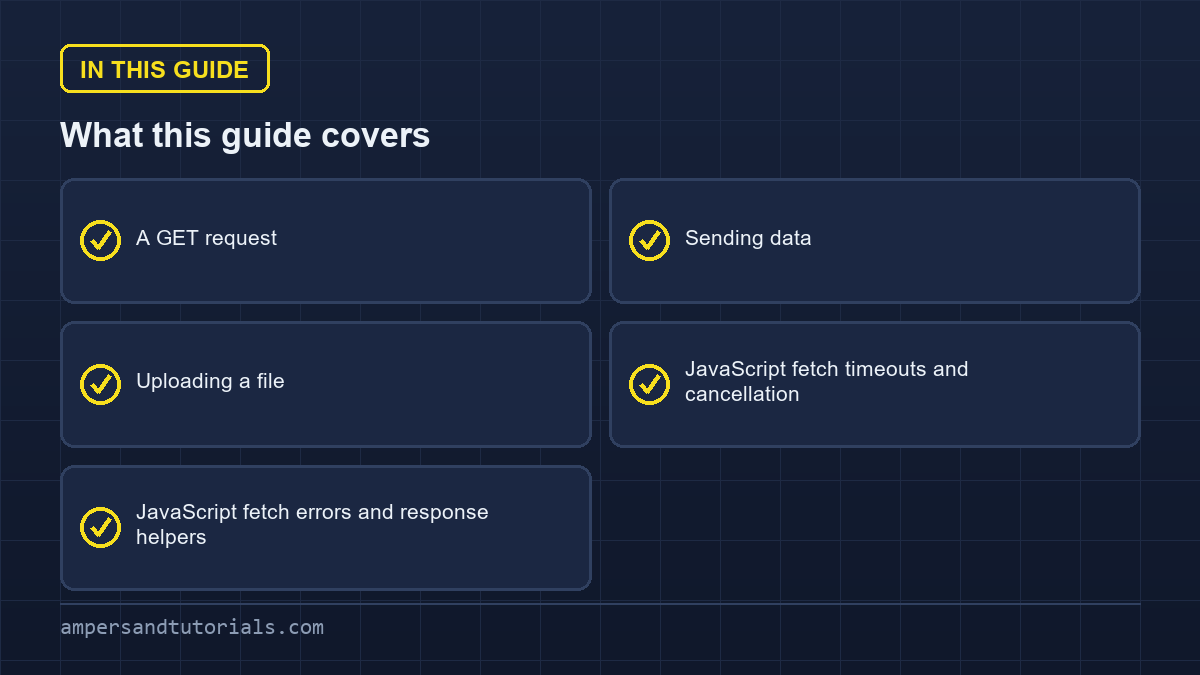
Quick answer: fetch() makes HTTP requests from the browser and returns a promise for a Response. Call res.json() to parse JSON, check res.ok before trusting the result, and pass a second argument with method, headers and a stringified body for anything other than a GET. Remember to attach an abort signal so a slow request can be cancelled.The JavaScript fetch API is the browser’s own way to make that request, and every wrapper you have seen is a thin layer over it.The sections below walk the JavaScript fetch API through a real request: GET, sending data, uploading a file, cancellation, then the response handling where most JavaScript fetch bugs come from.
Table of Contents
A GET request
async function getUsers() {
  const res = await fetch("https://api.example.com/users");
  if (!res.ok) throw new Error(`Request failed: ${res.status}`);
  return res.json();
}

const users = await getUsers();
The two-step dance — await fetch, then await res.json() — is because the first await resolves when the headers arrive and the second reads the body stream. That also means a 500 response reaches your code without throwing; you must check res.ok.
Sending data
async function createUser(payload) {
  const res = await fetch("/api/users", {
    method: "POST",
    headers: { "Content-Type": "application/json" },
    body: JSON.stringify(payload),
  });
  if (!res.ok) throw new Error(`Create failed: ${res.status}`);
  return res.json();
}
For PUT, PATCH and DELETE the shape is identical; only method changes. The Content-Type: application/json header tells the server how to parse the body, and it is easy to forget — a request without it often arrives at the server as an unreadable blob.
Uploading a file
For files or a mix of fields, use FormData and let the browser set the content type and boundary for you.
const form = document.querySelector("form");
const data = new FormData(form);      // collects every named field

await fetch("/api/upload", { method: "POST", body: data });
Do not set Content-Type manually with FormData; the boundary string must match the body, and the browser only generates it when it sets the header itself.
JavaScript fetch timeouts and cancellation
fetch has no timeout of its own. Use an AbortController to cancel a request that takes too long, or to cancel a previous search when the user types again.
const controller = new AbortController();
const timer = setTimeout(() => controller.abort(), 8000);

try {
  const res = await fetch("/api/search?q=angular", { signal: controller.signal });
  return await res.json();
} catch (err) {
  if (err.name === "AbortError") console.log("Timed out");
  else console.error(err);
} finally {
  clearTimeout(timer);
}
That pattern is essential in search boxes. Keep the controller for the current query, abort it when a new keystroke arrives, and the UI can never show results from a stale request.
JavaScript fetch errors and response helpers
| Method | Returns |
|---|---|
res.json() | Parsed JSON |
res.text() | The body as a string |
res.blob() | Binary data, for images or files |
res.ok | True for a 2xx status |
res.status | The numeric status code |
async function safeFetch(url, options) {
  try {
    const res = await fetch(url, options);
    if (!res.ok) throw new Error(`HTTP ${res.status}`);
    return await res.json();
  } catch (err) {
    return { error: err.message };
  }
}
A single wrapper like this keeps every call site free of duplicated status checks, and it is the natural place to add a retry later. Next: modules, which split code across files. To build against real APIs with a mentor, Ampersand Academy teaches web development one-to-one.
Streaming large responses with JavaScript fetch
Most developers consume responses by converting the complete payload into memory with methods like text or json. While convenient for common operations, this pattern degrades client performance when processing large datasets or media files. Modern web architecture provides fine-grained control over raw network packets as they reach the browser engine. By interacting directly with the underlying ReadableStream instance, client applications parse incremental chunks, update interface progress indicators, and minimize peak memory consumption during high-throughput network transfers.
When utilizing JavaScript fetch for transfer-intensive workflows, the body property on the Response object exposes a live data pipeline. Rather than buffering several megabytes before execution begins, developers can consume byte chunks as packets arrive from the network interface. This streaming mechanism prevents browser thread locking on memory-constrained mobile devices. It also unlocks progressive rendering techniques, allowing user interfaces to render tabular data rows or log entries immediately without waiting for the server to finish transmission.
Reading chunks with ReadableStream
Reading from the response stream requires acquiring a reader lock through the getReader method. Each iteration yields an object containing a value Uint8Array and a done boolean flag. A TextDecoder instance converts incoming binary byte arrays into readable text segments on the fly. This architecture enables developers to build real-time download meters, stream parsed newline-delimited JSON objects, and detect transmission interruptions long before the entire HTTP payload finishes arriving across the wire.
async function streamLargeResponse(url) {
const response = await fetch(url);
if (!response.ok) throw new Error(`Transfer failed: ${response.status}`);
const reader = response.body.getReader();
const decoder = new TextDecoder();
let receivedBytes = 0;
while (true) {
const { done, value } = await reader.read();
if (done) break;
receivedBytes += value.byteLength;
const textChunk = decoder.decode(value, { stream: true });
console.log(`Received ${receivedBytes} bytes:`, textChunk);
}
}
Handling streams requires careful lifecycle management.
Always release reader locks when terminating operations prematurely to prevent browser memory leaks. If an unexpected runtime exception halts data parsing inside your processing loop, call reader.cancel to signal the underlying network socket to close immediately. Integrating JavaScript fetch with streams transforms frontend performance when interacting with artificial intelligence outputs, massive log files, or multi-gigabyte data exports.
Managing authentication and cookie credentials
Security boundaries dictate how browsers manage sensitive identity tokens, session identifiers, and ambient authorization headers. Standard browser requests do not always attach cross-origin cookies or HTTP authorization credentials by default. Understanding the credentials configuration property is critical when communicating with third-party authentication services, shared subdomains, or dedicated microservice clusters. Misconfigurations here result in silent authentication failures where requests succeed at network transport level but fail server-side validation checks.
The credentials configuration accepts three primary values: omit, same-origin, and include. Choosing omit prevents cookies from being sent or received under any circumstance. Setting same-origin attaches cookies exclusively when requesting resources from identical origin schemes, hostnames, and ports. When deploying JavaScript fetch across distributed infrastructure, setting credentials to include ensures cross-site cookies transmit properly, provided the server responds with matching Access-Control-Allow-Credentials headers and specific origin domain definitions.
Handling token refreshes automatically
Short-lived access tokens represent standard industry practice for modern single-page applications. When an access token expires mid-session, outbound network calls return HTTP 401 Unauthorized status codes. Handling this disruption requires a proactive refresh mechanism that catches the expiration, requests a renewed token via secure refresh endpoints, and replays the original failed transaction without degrading user experience or logging users out abruptly.
async function fetchWithTokenRefresh(url, options = {}) {
let response = await fetch(url, options);
if (response.status === 401) {
const refreshResponse = await fetch("/api/auth/refresh", { method: "POST" });
if (!refreshResponse.ok) {
throw new Error("Session expired. Please log in again.");
}
const { accessToken } = await refreshResponse.json();
options.headers = {
...options.headers,
Authorization: `Bearer ${accessToken}`,
};
response = await fetch(url, options);
}
return response;
}
Production systems must also guard against the thundering herd problem.
If five asynchronous components fire network requests simultaneously while an access token is expired, naive retry logic would trigger five separate refresh calls. Storing an active refresh promise in shared application memory allows concurrent callers to await identical renewal operations. Mastering token synchronization inside JavaScript fetch pipelines ensures rock-solid authentication states across complex web applications.
Another subtle security vulnerability involves cross-site request forgery when using ambient cookie credentials. Always combine cookie-based identity workflows with custom anti-forgery headers, such as X-Requested-With or unique CSRF tokens generated per session. Modern security policies mandate strict validation on every mutating HTTP method, including POST, PUT, and DELETE, preventing unauthorized external websites from leveraging authenticated browser sessions.
CORS pitfalls and opaque responses in JavaScript fetch
Cross-Origin Resource Sharing represents the most frequent stumbling block encountered by frontend engineers. Browsers enforce the Same-Origin Policy to prevent malicious domains from reading sensitive data stored on foreign domains. When an application initiates a cross-origin transfer, the browser evaluates server-provided access control headers before permitting client script access. Developers troubleshooting JavaScript fetch errors often confuse network connectivity failures with deliberate browser-level security blocks.
A common misconception occurs when developers encounter cross-origin restrictions and attempt setting the mode parameter to no-cors. While this configuration suppresses security exceptions, it fundamentally changes the response into an opaque object. Under no-cors mode, the status code becomes zero, response headers are completely empty, and the response body is inaccessible to client script execution contexts. The browser fetches the asset solely for media embedding or service worker caching.
When utilizing JavaScript fetch with custom headers or non-standard content formats, browsers automatically initiate preflight OPTIONS requests. The remote server must explicitly approve HTTP verbs, header keys, and origin domains in response to this preliminary handshake. If the server lacks preflight handling, the browser halts the main request, generating an opaque console error that client code cannot inspect directly through standard try-catch blocks.
Resolving cross-origin issues requires proper backend configuration rather than client-side workarounds. Ensure your API gateway emits appropriate Access-Control-Allow-Origin, Access-Control-Allow-Methods, and Access-Control-Allow-Headers values. If sensitive credentials accompany requests, ensure Access-Control-Allow-Origin contains an explicit domain name rather than a wildcard asterisk, because browsers automatically reject credentialed requests that target wildcard origins.
Another frequent CORS headache stems from redirected responses. When a server issues an HTTP 301 or 302 redirect toward a different origin, the browser enforces fresh access control checks against the new target address. If that secondary destination omits required CORS response headers, the entire operation fails abruptly with a generic network error. Always verify your redirect rules or configure the redirect option to manual to audit cross-origin location headers safely.
Caching strategies and conditional requests
HTTP caching mechanisms determine whether network requests hit remote web servers, pull responses from intermediate content delivery networks, or read cached responses directly from local browser storage. Failing to manage client cache directives produces stale user interfaces, redundant bandwidth consumption, and unpredictable user sessions. Configuring appropriate cache properties ensures network calls stay fast, synchronized, and predictable across varying application deployment states.
The cache property in JavaScript fetch provides granular control over browser cache behavior. Standard options include default, no-store, reload, no-cache, force-cache, and only-if-cached. Selecting no-store forces the browser to bypass local storage entirely, making it ideal for real-time financial balances or volatile inventory systems. In contrast, selecting reload guarantees fresh network validation while still allowing the resulting response to populate browser storage for subsequent calls.
Validating ETags with conditional headers
Conditional requests allow clients to ask servers whether cached resources have changed since last retrieval. By persisting server-provided ETag entity tags or Last-Modified timestamps, applications send If-None-Match or If-Modified-Since headers with subsequent calls. When server assets remain unchanged, servers respond with an empty HTTP 304 Not Modified status, saving substantial bandwidth and eliminating redundant data serializations across mobile connections.
Implementing conditional logic with JavaScript fetch requires manual persistence of validation headers when managing decoupled storage layers like IndexedDB. Store the ETag string alongside cached JSON payloads upon every successful HTTP 200 response. Before dispatching subsequent requests, inspect your local cache, attach conditional headers, and reuse cached records when the server confirms an unmutated resource state via status 304.
Managing caching policies through standard JavaScript fetch cache directives and RFC-compliant HTTP headers delivers superior performance while preserving deterministic network semantics. Avoid appending arbitrary query parameters like random timestamps to bust cache layers unless absolutely necessary. Query busting pollutes browser history, destroys intermediate proxy caching, and increases server load during high-traffic spikes.
Service workers introduce an additional layer where custom caching algorithms take priority. When combined with the CacheStorage interface, developers can establish offline-first fallback chains, stale-while-revalidate background syncs, or network-first strategies. By pairing these workers with native network calls, single-page applications maintain complete interactivity even during intermittent cellular outages or complete network disconnects.
Interceptors and middleware pipelines
Third-party HTTP client libraries like Axios gained widespread popularity primarily due to built-in interceptors. Interceptors allow developers to inject global logging, normalize response errors, append authentication headers, and manipulate request configurations before network dispatch. While the native browser API does not ship with an interceptor array out of the box, building functional middleware pipelines around JavaScript fetch requires only a few lines of clean composable code.
A functional pipeline pattern wraps native fetch calls inside higher-order functions. Each middleware layer accepts request options, applies transformations, calls the next handler in line, and inspects the resulting response promise. This architecture centralizes cross-cutting concerns like distributed tracing headers, internationalization parameters, and uniform telemetry tracking without coupling business logic to underlying network mechanics.
Centralized error normalization represents another major advantage of middleware pipelines. Standard network exceptions, authorization timeouts, and validation errors often arrive in disparate server formats. By routing every outgoing JavaScript fetch call through an error-mapping layer, developers guarantee that UI components receive uniform error structures containing actionable messages, consistent error codes, and standardized fallback states.
Consider key architectural guidelines when designing production middleware pipelines:
- Keep individual middleware functions focused on a single responsibility such as authorization or telemetry.
- Preserve immutability by cloning request configuration objects before mutating headers or body parameters.
- Ensure every middleware function propagates AbortSignal instances to preserve request cancellation capabilities.
- Log network timing metrics using browser performance marks to benchmark remote server latency accurately.
Building modular pipelines around JavaScript fetch eliminates third-party bundle weight while maintaining clean architectural boundaries. As project requirements evolve, teams can easily add response compression unpackers, custom encryption layers, or client-side caching policies without refactoring hundreds of distinct endpoint invocation sites throughout their application codebase.
Additionally, middleware simplifies mocking network layers during automated unit testing. Rather than stubbing global browser namespaces, developers can inject mock transport middleware into the pipeline. This approach validates application behavior against simulated network latencies, offline disconnects, and malformed JSON payloads in isolated test environments. Building custom pipelines around JavaScript fetch provides total architectural autonomy.
Handling concurrent requests and race conditions
Asynchronous web applications frequently trigger simultaneous network requests that contend for identical interface states. Race conditions emerge when asynchronous operations complete out of order, causing outdated network responses to overwrite newer user input. Mitigating these concurrency bugs requires robust synchronization patterns that orchestrate concurrent lifecycles and cancel stale network operations before they corrupt application data models.
The modern AbortSignal.any method provides an elegant way to combine multiple cancellation conditions into a single reactive signal. For example, a search input can abort ongoing requests either when a strict timeout threshold expires or when the user types a new search query. Integrating composite signals with JavaScript fetch ensures pending socket connections terminate promptly without leaking browser resources or displaying stale autocompletion lists.
async function searchWithCombinedSignal(query, userSignal) {
  const timeoutSignal = AbortSignal.timeout(5000);
  const combinedSignal = AbortSignal.any([userSignal, timeoutSignal]);
  const response = await fetch(`/api/search?q=${encodeURIComponent(query)}`, {
    signal: combinedSignal,
  });
  if (!response.ok) throw new Error(`Search error: ${response.status}`);
  return response.json();
}
async function searchWithCombinedSignal(query, userSignal) {
const timeoutSignal = AbortSignal.timeout(5000);
const combinedSignal = AbortSignal.any([userSignal, timeoutSignal]);
const response = await fetch(`/api/search?q=${encodeURIComponent(query)}`, {
signal: combinedSignal,
});
if (!response.ok) throw new Error(`Search error: ${response.status}`);
return response.json();
}
Managing concurrent mutations requires disciplined coordination when multiple users or background pollers interact with identical database records. Firing multiple parallel POST or PATCH operations without sequence controls introduces data corruption risks. When orchestrating parallel workflows with JavaScript fetch, developers should leverage Promise.allSettled rather than Promise.all, ensuring individual request rejections do not prematurely abandon successful sibling operations.
Batching requests into sequential queues represents another effective strategy for managing concurrency. When users perform batch actions, such as uploading document sets or modifying multiple table rows, an asynchronous queue dispatches requests in controlled batches. This pattern prevents client-side socket saturation, adheres to browser connection limits per host, and keeps JavaScript fetch operations smooth and responsive under heavy workload scenarios.
Understanding browser connection limits is essential for high-concurrency client design. Most web browsers enforce an upper ceiling of six concurrent HTTP/1.1 connections per origin domain. Flooding this transport ceiling causes subsequent requests to queue internally, dramatically increasing perceived latency. Migrating backends to HTTP/2 or HTTP/3 multiplexing allows JavaScript fetch to execute dozens of concurrent requests over a single shared connection without connection blocking.
Finally, always structure frontend state management to ignore stale responses. When implementing tab navigation or filter panels, store an incrementing request counter in component state. Before updating local stores with completed JavaScript fetch results, verify that the returned transaction matches the current active counter, guaranteeing complete UI synchronization even during volatile network environments.
By mastering streaming, authentication pipelines, caching protocols, and concurrency safeguards, developers unlock the true potential of JavaScript fetch across modern web architectures. Treating network communication as an engineered pipeline rather than simple function calls guarantees resilient user experiences that scale seamlessly across desktop browsers, mobile environments, and progressive web apps.
Frequently asked questions
Why does fetch not throw on an HTTP error?
fetch only rejects when the request itself fails, such as a network error. An HTTP status such as 404 or 500 still resolves, so you must check response.ok and throw your own error.
How do I send JSON with fetch?
Use method POST, set the Content-Type header to application/json, and pass JSON.stringify of your object as the body.
How do I cancel a fetch request?
Create an AbortController, pass its signal in the fetch options, and call controller.abort() when you want to cancel, such as on a new search keystroke or a timeout.
Should I set Content-Type for FormData?
No. Let the browser set it, because it must include a boundary string that matches the body. Setting the header yourself produces an unreadable request.
How do I handle multiple fetch requests at once?
Build an array of promises and await Promise.all or Promise.allSettled on it, so the requests run in parallel instead of one after another.
Last updated on · Written by Dinesh Kumar R