
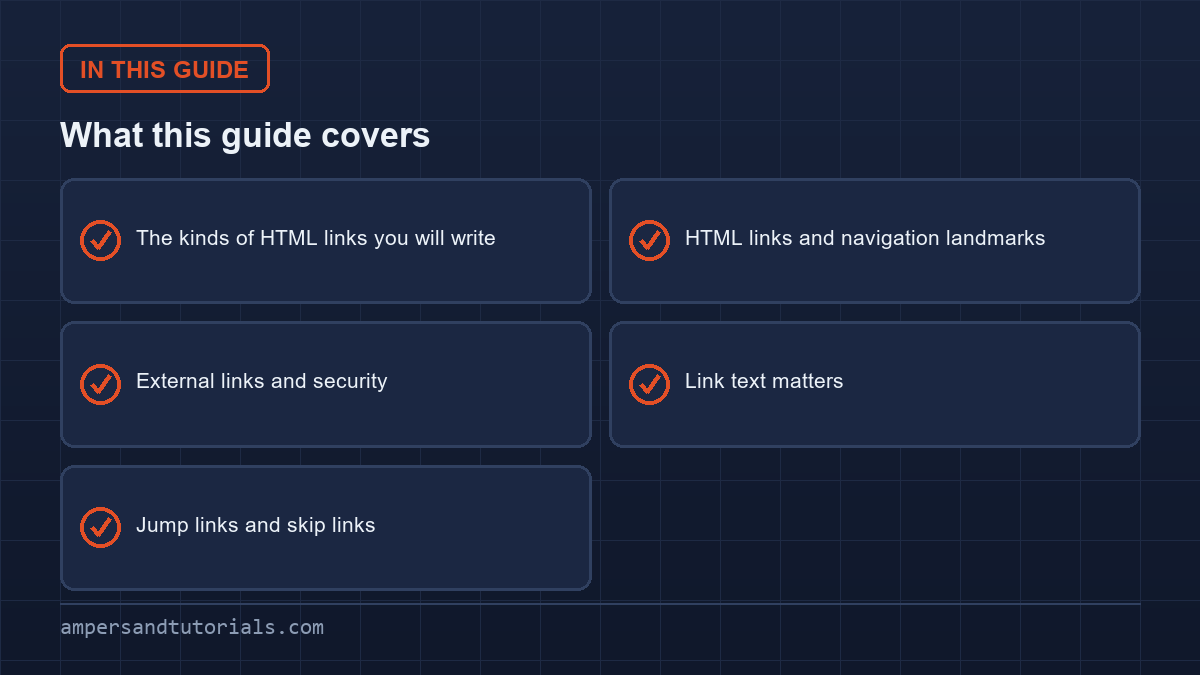
Quick answer: A link is an <a> with an href. Internal links point to paths or fragments, external links use a full URL, and special schemes handle email and phone. HTML links in navigation belong in a <nav> landmark with a list of links, and use descriptive link text — never “click here”.The sections below cover HTML links in the order you will write them: the kinds of link, navigation landmarks, external links and security, then link text and jump links, where most HTML links fail accessibility checks.
Table of Contents
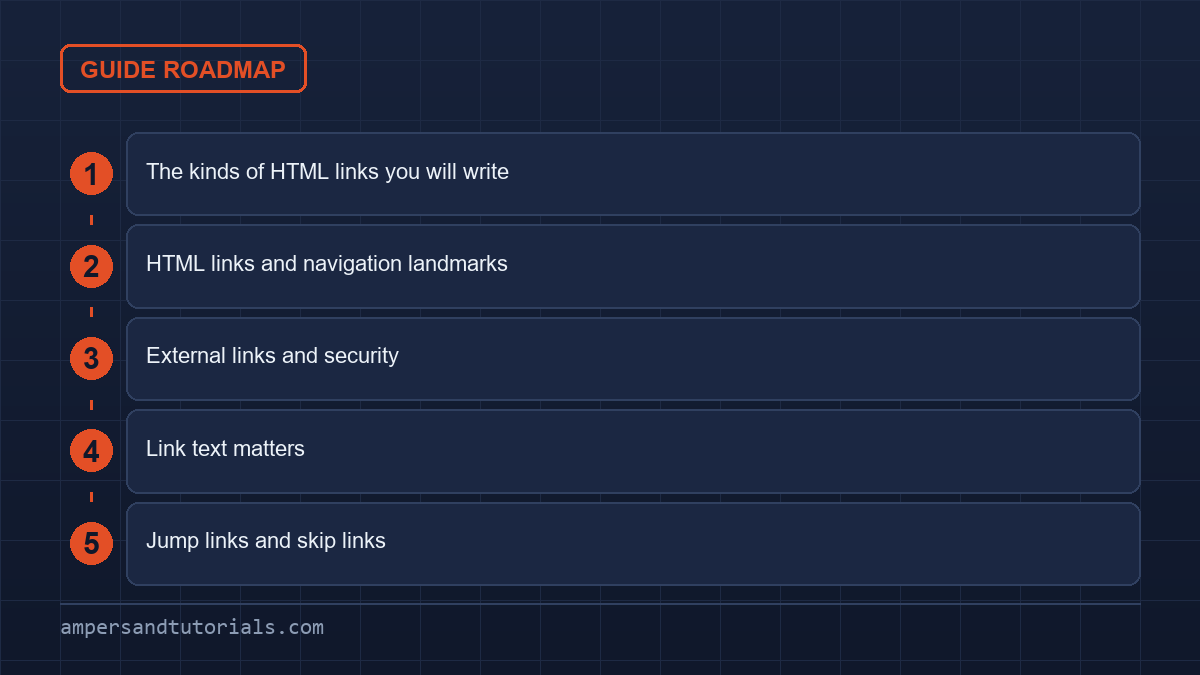
The kinds of HTML links you will write
<a href="/css/css-grid-guide/">CSS Grid guide</a>        <!-- internal -->
<a href="https://mdn.org">MDN</a>                          <!-- external -->
<a href="#pricing">Pricing</a>                              <!-- same-page fragment -->
<a href="mailto:info@example.com">Email us</a>              <!-- email -->
<a href="tel:+919600111210">Call us</a>                     <!-- phone -->
<a href="/report.pdf" download>Download the report</a>     <!-- download -->
An internal link starts with / for a path from the site root, or a relative path such as ./guide/ to stay within the current folder.
A fragment link starting with # jumps to the element with that id on the same page.
HTML links and navigation landmarks
Screen reader users navigate by landmarks, and a well-built site gives them a <nav> they can jump to. Label it when there is more than one so they can be told apart.
<nav aria-label="Main">
  <ul>
    <li><a href="/html/">HTML</a></li>
    <li><a href="/css/">CSS</a></li>
    <li><a href="/javascript/">JavaScript</a></li>
  </ul>
</nav>
Using a list inside <nav> is not decoration: it tells assistive technology how many links there are, so a listener hears “list of three items” before drilling in. The current page’s link should be marked with aria-current="page" so it is announced as where you are.
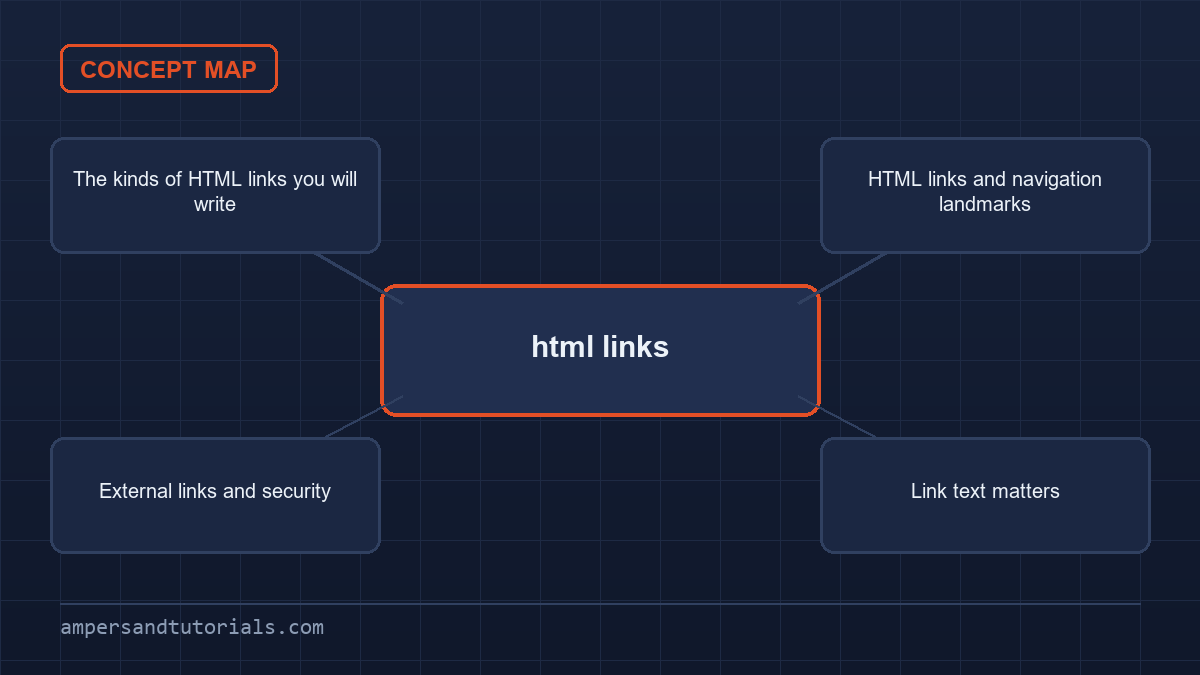
External links and security
<a href="https://example.com" target="_blank" rel="noopener">Docs</a>target="_blank" opens a new tab, which surprises users when it happens unexpectedly — mention it in the link text if that matters. rel="noopener" severs the new page’s access to your window; browsers now do this automatically for target="_blank", but including it is harmless and explicit. Use rel="nofollow" only for links you genuinely do not want a search engine to follow, such as sponsored or untrusted user content.
Link text matters
Assistive technology can list every link on a page out of context. “Click here” and “read more” become meaningless in that list; the linked words should describe the destination.
| Avoid | Prefer |
|---|---|
| Click here | Download the CSS cheat sheet |
| Read more | Read the Flexbox guide |
| Learn more | Learn how CSS Grid works |
Jump links and skip links
A skip link lets keyboard users bypass a long header and jump straight to the content. It is the first element in the body and becomes visible on focus.
<a class="skip" href="#main">Skip to content</a>
...
<main id="main">...</main>

<style>
.skip { position: absolute; left: -9999px; }
.skip:focus { left: 0; top: 0; background: #fff; padding: 0.5rem 1rem; }
</style>
Mark the target of a fragment link with the id, and give main content a <main> landmark as in our semantic HTML guide. Next: the head and meta tags. To learn HTML with a mentor, Ampersand Academy teaches web development one-to-one.
Styling states and focus for HTML links
Web browsers assign default blue and purple colors with standard underlines to navigational elements. Production systems override these defaults using custom design systems while preserving critical affordances. Designing styles for HTML links requires explicit rules for distinct interaction stages. Users must perceive whether an element is unvisited, visited, hovered, focused, or active. Removing text underlines without offering alternative visual cues harms legibility and creates accessibility barriers for color-blind individuals who cannot distinguish hue shifts alone.
Pseudo-class order rules
CSS cascades require declarations for HTML links in a precise order known as LVHA: link, visited, hover, and active. Declaring hover before visited causes visited styles to override hover feedback when visitors inspect browsing history. Active states provide immediate tactile confirmation upon mouse press or screen touch. If an active pseudo-class sits before hover in your stylesheet, visitors never see the pressed reaction. Preserving this cascade sequence ensures accurate state rendering across desktop browsers and mobile touchscreens without requiring specificity hacks.
:link { color: #0044cc; text-decoration: underline; }
:visited { color: #663399; }
:hover { color: #002288; text-decoration-thickness: 2px; }
:focus-visible { outline: 2px solid #0055ff; outline-offset: 3px; }
:active { color: #cc0000; }
:link { color: #0044cc; text-decoration: underline; }
:visited { color: #663399; }
:hover { color: #002288; text-decoration-thickness: 2px; }
:focus-visible { outline: 2px solid #0055ff; outline-offset: 3px; }
:active { color: #cc0000; }
Visual indicators for keyboard navigation deserve specialized treatment beyond simple pointer hover styles. Using the focus-visible pseudo-class ensures focus outlines appear exclusively during keyboard tabbing, avoiding distracting rings on mouse clicks. Never set the CSS outline property to none without providing an equivalent high-contrast replacement border or offset ring. Users relying on keyboards, switch devices, or screen magnifiers become trapped when focus disappears, leading directly to failed accessibility audits and compromised compliance with web content accessibility standards.
Distinguishing context through visual iconography helps users anticipate destination shifts before interaction. External destinations, internal page jumps, and downloadable assets should look distinct. Attribute selectors allow developers to attach small background icons or styling shifts automatically. Applying these visual badges to HTML links clarifies whether following a destination keeps the visitor within the current site, opens a separate domain, or triggers an operating system file transfer prompt.
Touch target sizing on mobile displays represents another critical ergonomic concern. Mobile users tap screens with varied finger dimensions, requiring generous hit areas. While inline text flows prevent extreme padding adjustments, standalone navigation items need minimum hit targets of forty-eight by forty-eight CSS pixels. Adding invisible padding around inline anchors expands clickable boundaries without breaking natural typographical rhythm or distorting adjacent line heights.
Path resolution and base tag mechanics
Understanding URL path resolution prevents broken routing when moving pages between nested directory hierarchies. Modern HTML links resolve against the document address or an explicit base tag located in the document head. Absolute paths start with a forward slash and target resources starting from the domain root, regardless of the active directory. Relative paths omit the leading slash, calculating destinations relative to the current folder where the HTML file resides.
Relative paths use dot notation to traverse directory structures. A single dot refers to the current folder, while double dots climb up one directory level. Developers migrating flat prototypes into deep nested folders frequently break asset paths by miscounting directory levels. Testing destination targets across local preview servers and production staging environments reveals relative path errors before code reaches end users.
The document head can specify a base element with an href attribute to alter resolution across entire pages. Inserting this tag forces all relative HTML links to compute their destinations against the declared base URL rather than the window location. While this simplifies asset references in templated single-page layouts, it introduces severe secondary complications. Same-page hash fragments also resolve against the base URL, inadvertently causing skip links to trigger full page reloads instead of scrolling.
Historical projects often utilized protocol-relative URLs starting with two forward slashes. This pattern allowed browsers to inherit the current scheme, preventing mixed content warnings during the historical transition from unencrypted transport to TLS. Today, protocol-relative addresses represent an antipattern. Modern browsers mandate secure transport everywhere, meaning all external absolute targets should explicitly specify the secure HTTPS protocol directly.
Trailing slashes alter how web servers handle requests and how browsers resolve relative references. When a server receives a request for a path lacking a trailing slash, it may issue an internal redirect to append the slash before serving the index file. Relative HTML links on that page calculate destinations based on the final redirected path, causing subtle resolution bugs if directory assumptions differ between development servers and production content delivery networks.
Query parameters and URL fragments require careful placement during link composition. Query parameters begin with a question mark and pass key-value data to server scripts or client-side routers. Fragment identifiers begin with an octothorpe and indicate specific document sections. The fragment identifier must always follow the query string. Inverting this syntax causes browsers to treat query parameters as literal parts of the fragment identifier, breaking server-side analytics and search filters.
File downloads and MIME boundaries
Handling downloadable files requires understanding browser download mechanisms and security restrictions. Standard HTML links navigate between displayable web documents, but adding the download attribute informs user agents to treat the destination as a local file download. This attribute can also specify a default filename for saving the asset, overriding the server filename without altering backend storage paths.
The download attribute only functions when the target URL shares the exact origin with the serving document or uses local blob and data schemes. When developers point download attributes to external content delivery networks or third-party buckets on separate origins, modern browsers deliberately ignore the attribute and open the file in a new tab instead. Bypassing this restriction requires serving assets from the same origin or utilizing backend proxy endpoints.
Server response headers govern file handling when documents lack client-side download directives. When browsers evaluate HTML links pointing to files, they inspect the Content-Type and Content-Disposition headers returned by the remote server. The Content-Disposition header with an attachment directive forces file downloads regardless of client markup. Conversely, an inline directive instructs browsers to display media inside the viewport whenever supported, such as rendering PDF documents directly within built-in reader plugins.
Large downloadable assets introduce bandwidth and usability considerations. Users on metered mobile data connections suffer unexpected data usage when clicking links that trigger multi-megabyte file transfers without warning. Best practices mandate specifying the file type and file size directly in the visible link text or in an adjacent textual note. Communicating this context prevents user frustration and allows visitors to postpone large transfers until reaching unmetered connections.
Dynamic client-side file generation frequently creates downloads directly from in-memory data. Web applications generate CSV reports, SVG graphics, or JSON exports using the URL.createObjectURL browser API. Attaching these generated object URLs to HTML links enables direct exports without server round trips. However, applications must revoke generated object URLs using URL.revokeObjectURL after download completion to prevent progressive memory leaks across extended application lifecycles.
Handling clicks and events on HTML links
Modern frontend architectures frequently intercept navigation events to deliver single-page application experiences. Handling DOM events on HTML links requires balancing dynamic client-side rendering with standard browser capabilities. Intercepting click events with JavaScript allows applications to update views without triggering full page reloads, preserving client state and improving perceived responsiveness.
Preserving browser defaults
A common pitfall in frontend development involves calling preventDefault without checking modifier keys. When users hold control, command, or shift while clicking, they expect the browser to open the target in a new background tab or new window. Blindly intercepting every click breaks user expectations and assistive tooling. Script handlers must inspect event properties before canceling default navigation behaviors.
document.addEventListener("click", (event) => {
  const target = event.target.closest("a");
  if (!target) return;
  if (event.metaKey || event.ctrlKey || event.shiftKey || event.altKey) return;
  if (event.button !== 0) return;
  event.preventDefault();
  navigateClientRouter(target.getAttribute("href"));
});
document.addEventListener("click", (event) => {
const target = event.target.closest("a");
if (!target) return;
if (event.metaKey || event.ctrlKey || event.shiftKey || event.altKey) return;
if (event.button !== 0) return;
event.preventDefault();
navigateClientRouter(target.getAttribute("href"));
});
Using real navigation elements instead of generic div or span elements ensures full accessibility compliance. Screen readers announce HTML links with dedicated semantic roles, informing blind users of navigation possibilities. Generic elements lack keyboard activation via the Enter key and omit browser context menus offering options like copying destination addresses or bookmarking pages. Wrapping interactive actions in semantic markup ensures assistive technologies function as intended without custom polyfills.
A clear distinction exists between actions requiring links versus actions requiring buttons. Use an anchor when an interaction navigates to a new document, changes the browser URL, or jumps to a content fragment. Use a button element when an action submits form data, opens a modal dialog, toggles an interface state, or triggers a backend side effect without route shifts. Substituting one for the other creates confusion for screen reader users expecting consistent interaction models.
Single-page applications must manage keyboard focus programmatically after client-side navigation. When standard HTML links trigger browser navigation, the user agent loads the new page and resets focus to the document root. In contrast, client-side route transitions retain focus on the clicked element or lose focus entirely when that element unmounts. Accessible routing scripts must intentionally shift focus to a top-level heading or main content container upon route completion.
Speculative loading and performance
Optimizing document navigation speeds requires understanding how browsers fetch resources ahead of user interaction. Modern web platforms offer built-in resource hints and speculative loading APIs that accelerate HTML links before visitors click them. By anticipating likely navigation paths, developers can eliminate network latency and achieve near-instantaneous page transitions.
The speculative loading pipeline includes prefetching, prerendering, and preconnecting. Resource prefetching downloads the HTML document for a future page in the background using idle network capacity. When the visitor clicks through, the browser retrieves the document directly from local cache. Prerendering goes further by rendering the page offscreen in an invisible browsing context, executing scripts and computing layouts in advance.
Implementing speculative rules requires caution to avoid wasting client bandwidth and server resources. Indiscriminately prefetching all HTML links on a page exhausts mobile data allowances and increases server load through unnecessary database queries. Production architectures employ intersection observers or hover listeners to trigger prefetching only when users scroll targets into view or hover over navigation items for more than one hundred milliseconds.
The modern Speculation Rules API replaces historical link tags with structured JSON configurations. This API enables developers to define rules based on document URLs, CSS selectors, or interaction thresholds. Browsers automatically respect user data-saver preferences, preventing prefetching on metered networks or low-power devices. Integrating these rules into content management templates improves performance metrics like Largest Contentful Paint without inflating client-side bundle sizes.
Caching policies dictate whether speculative prefetching provides actual speed improvements. Servers must configure appropriate Cache-Control headers with stale-while-revalidate directives to ensure prefetched HTML links deliver instant responses while keeping content fresh. If server responses mark pages with no-store headers, user agents cannot cache the downloaded markup, completely neutralizing the benefits of prefetch mechanisms and wasting network requests.
Protocol schemes for messaging and calls
Standard web documents extend beyond HTTP and HTTPS protocols to interact with native operating system applications. Configuring HTML links with specialized URI schemes allows web pages to trigger email clients, telephony dialers, messaging applications, and native platform tools. Constructing these addresses correctly ensures smooth handoffs between web browsers and native software across desktop and mobile devices.
The mailto scheme supports advanced parameters beyond a simple destination address. Using standard URL query syntax, developers can pre-populate recipient copies, subject lines, and message body text. Every parameter value must undergo strict URL encoding; spaces become percent-twenty and line breaks require percent-zero-A encoding. Omitting encoding causes mail clients to truncate message bodies or fail silently when encountering special characters like ampersands or question marks.
mailto:support@example.com?cc=billing@example.com&subject=Order%20Inquiry&body=Hello%20Team%2C%0A%0AI%20need%20help%20with%20my%20account.mailto:support@example.com?cc=billing@example.com&subject=Order%20Inquiry&body=Hello%20Team%2C%0A%0AI%20need%20help%20with%20my%20account.
Telephone links using the tel scheme connect web interfaces to mobile dialers and voice-over-IP software. When authors format telephone HTML links, they must adhere to the international E.164 standard specified in RFC 3966. This standard mandates a leading plus sign followed by the country code, area code, and subscriber number without hyphens, parenthesis, or spaces. Correct formatting ensures reliable dialing across international carrier networks.
Extension numbers and interactive voice response system pauses require specific separator characters in telephone strings. Inserting a comma or the post-dial character p introduces a one-second pause before dialing subsequent digits. Inserting a semicolon or the wait character w prompts the user with an on-screen dialog before sending extension numbers. While mobile operating systems vary in how they parse these characters, standardized separators maximize compatibility.
Security and privacy risks accompany native protocol schemes. Spiders and scraping bots continuously harvest raw mailto and tel targets from public pages, leading to unwanted spam and automated unsolicited calls. Obfuscating contact HTML links using basic character entity encoding or generating addresses dynamically upon verified user interaction mitigates automated scraping while maintaining usability for legitimate human visitors.
Fallback handling represents another necessary consideration for non-standard schemes like sms, facetime, and geo. Desktop operating systems lacking configured handler applications often display cryptic error dialogs when visitors trigger unsupported protocols. Progressive enhancement approaches test client capabilities or provide alternative textual contact methods alongside protocol triggers, ensuring users without dedicated native client software can still connect with organizations through standard web forms.
Frequently asked questions
What is the difference between an internal and an external link?
An internal link points to a page on the same site using a path such as /css/guide. An external link uses a full URL with a domain, such as https://example.com.
Why should I add rel=noopener to links?
It prevents the opened page from accessing your window through window.opener. Modern browsers do this automatically for target blank, but adding it is explicit and harmless.
What makes good link text?
Words that describe the destination, so the link makes sense when read out of context. Avoid click here and read more, which are meaningless in a list of links.
How do I link to a section on the same page?
Give the target element an id and link to it with the hash, such as href set to the id. The browser scrolls to that element without reloading the page.
What is a skip link?
A link at the very top of the page that jumps to the main content, letting keyboard and screen reader users bypass the repeated navigation. It shows on focus.
Last updated on · Written by Dinesh Kumar R