
Quick answer: HTML meta tags and the rest of the <head> hold everything the page needs but does not display: the <title>, the meta description used by search engines, the viewport tag for mobile, the character encoding, the favicon, and Open Graph tags for link previews. Getting these right costs minutes and affects every search result and shared link.
Table of Contents
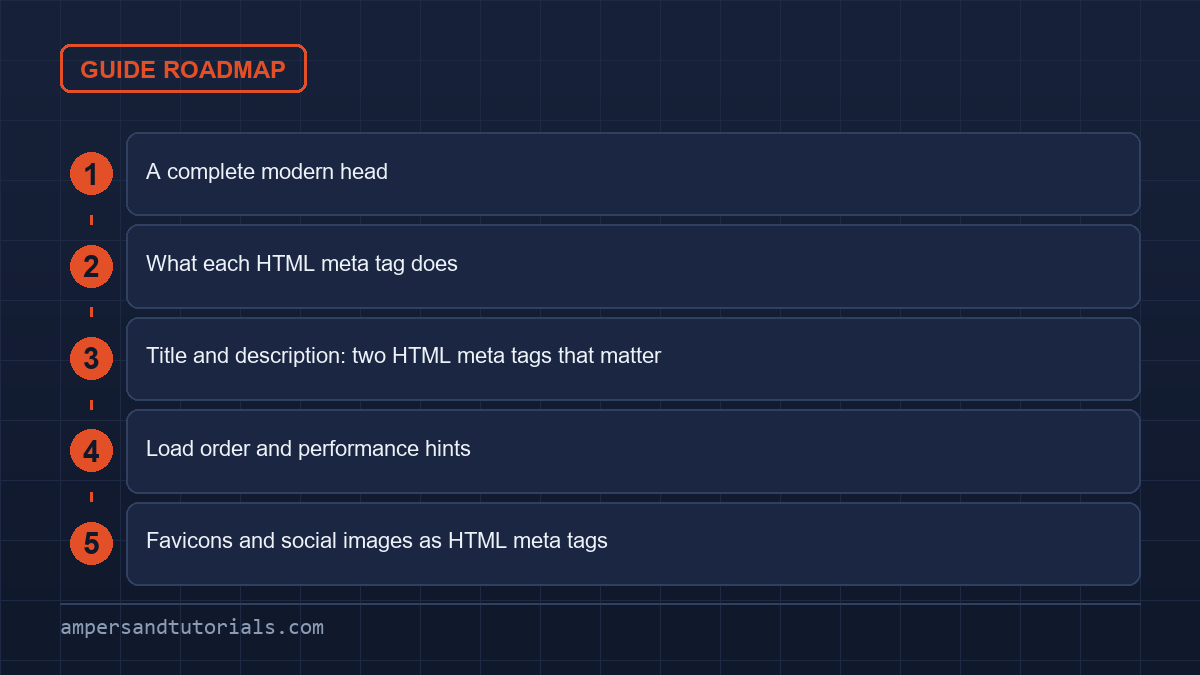
A complete modern head
<head>
  <meta charset="utf-8" />
  <meta name="viewport" content="width=device-width, initial-scale=1" />

  <title>CSS Grid Guide: Responsive Layouts in 2026</title>
  <meta name="description"
        content="Learn CSS Grid with worked examples, the auto-fit card pattern and subgrid." />

  <link rel="canonical" href="https://example.com/css/css-grid-guide/" />
  <link rel="icon" href="/favicon.ico" />
  <link rel="stylesheet" href="/styles.css" />

  <meta property="og:title" content="CSS Grid Guide" />
  <meta property="og:description" content="Responsive layouts with CSS Grid." />
  <meta property="og:image" content="https://example.com/og/grid.png" />
  <meta property="og:url" content="https://example.com/css/css-grid-guide/" />
  <meta name="twitter:card" content="summary_large_image" />
</head>
What each HTML meta tag does
| Tag | Purpose |
|---|---|
<title> | The browser tab text and the headline in search results |
meta description | The snippet under the title in search results |
meta charset | Character encoding — keep it first, set to utf-8 |
meta viewport | Makes the page respect the device width |
link canonical | The preferred URL, to avoid duplicate-content issues |
og:* | Title, description and image for social previews |
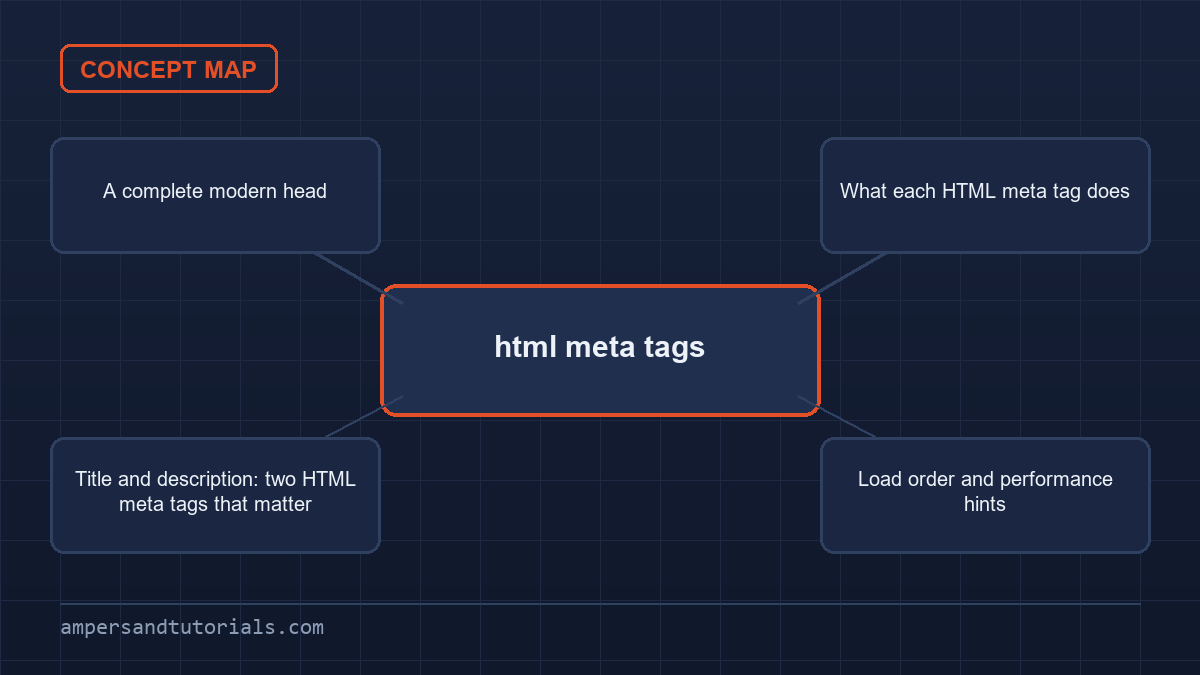
Title and description: two HTML meta tags that matter
The title is the single most important on-page element.
Put the primary topic first, keep it under roughly 60 characters so it is not truncated, and make it specific. A description does not directly affect ranking but it decides which result people click, so write it as an honest summary with the key phrase in it.
- Good title: “CSS Grid Guide: Responsive Layouts in 2026” — topic, benefit, year.
- Weak title: “Home” or “Welcome to our website” — says nothing.
- Good description: A concrete promise of what the page contains, in a sentence or two.
Load order and performance hints
Where assets go in the head affects how fast the page paints. Three attributes are worth knowing:
<link rel="preload" href="/fonts/inter.woff2" as="font" type="font/woff2" crossorigin />
<script src="/app.js" defer></script>
<img src="/hero.jpg" fetchpriority="high" width="1200" height="675" alt="" />defer— download the script in parallel and run it after the HTML is parsed, without blocking rendering.preload— start fetching a critical resource early, such as the main font.fetchpriority="high"— a hint that the likely largest image should load first.Use it on one image, not many.
Favicons and social images as HTML meta tags
The favicon appears in the browser tab and in bookmarks; a single icon link pointing at an .ico or .svg file is enough for most sites. The Open Graph image is what shows when the URL is shared on social media or in chat. It should be roughly 1200 by 630 pixels, and it must be an absolute URL, since crawlers fetch it outside your page context.
Next: native dialog, popover and inert. To learn HTML and SEO fundamentals with a mentor, Ampersand Academy teaches web development one-to-one.
Security and privacy configurations using html meta tags
Securing web applications requires defense across every layer of the document lifecycle. While servers typically transmit security directives through raw HTTP headers, developers often rely on html meta tags to define document-level boundaries when server configurations remain inaccessible. These inline declarations inform user agents how to restrict outbound data flow, enforce transport layer protections, and isolate document environments from malicious scripts directly inside the browser context.
<meta http-equiv="Content-Security-Policy" content="default-src 'self'; script-src 'self' https://trustedscripts.example.com; object-src 'none';">
<meta name="referrer" content="strict-origin-when-cross-origin">
<meta http-equiv="Content-Security-Policy" content="default-src 'self'; script-src 'self' https://trustedscripts.example.com; object-src 'none';">
<meta name="referrer" content="strict-origin-when-cross-origin">
The Content-Security-Policy directive serves as a vital safeguard against cross-site scripting vulnerabilities and arbitrary code execution. Declaring a security policy through the document head establishes strict boundaries on resource origins, controlling where fonts, images, scripts, and stylesheets originate. When a browser detects an unauthorized script invocation, it rejects the execution immediately, writing an error directly to the developer console without disrupting surrounding application flow.
However, practical limitations exist when utilizing client markup for policy distribution. Critical security directives such as frame-ancestors, report-uri, and sandbox fail silently when declared inside the head. Browsers mandate genuine network response headers for framing rules because the host document must evaluate framing permissions before parsing inner markup. Relying solely on client markup leaves clickjacking protections completely inactive.
Privacy boundaries also rely on these declarations to prevent sensitive data leaks. The referrer directive instructs the client how much origin information accompanies external link clicks. Without an explicit rule, modern browsers apply default protections, but misconfigured legacy systems can accidentally broadcast full URL paths, query parameters, and session tokens to foreign domains. Defining these parameters through standardized html meta tags guarantees consistent privacy protections across diverse rendering environments.
Modern deployment pipelines frequently alternate between strict and relaxed referrer settings depending on business requirements. A policy value of strict-origin-when-cross-origin offers optimal balance, sending full path details to same-origin destinations while truncating requests to origin-only identifiers when crossing network boundaries over secure channels. Never downgrade to values like unsafe-url, as doing so completely undermines sensitive parameter isolation.
Fine-grained search indexing with robots directives
Search engine crawlers rely on explicit document instructions to understand indexing permissions and snippet generation. Webmasters utilize html meta tags targeted at automated user agents to declare indexing visibility, archive availability, and media parsing rules. These instructions exist independently of public sitemaps and network routing tables, offering localized authority over how search engines preserve and display document contents.
The primary crawler mechanism operates through the robots identifier, which communicates baseline directives to all compliant bots. Specifying noindex tells search crawlers to exclude the document from public indices, while nofollow instructs bots to avoid traversing links discovered within the rendered layout. Authors can combine these tokens in comma-delimited values, maintaining fine control over internal link equity and discoverability.
Granular snippets and archive restrictions
Modern search providers accept granular directives that refine presentation formats in search engine result pages. Instead of opting for binary visibility switches, sites manage exact visual footprints using dedicated html meta tags designed for algorithmic crawlers. These specialized rules regulate excerpt lengths, video previews, and image resolutions displayed alongside published listings.
Engine crawlers respect several standardized directives that control content extraction:
nosnippet: Disallows textual excerpts and video previews from appearing in search results.max-snippet:[number]: Limits the text summary to a designated maximum character count.max-image-preview:[size]: Restricts visual thumbnail dimensions to none, standard, or large representations.noarchive: Prevents search engines from caching and serving stored copies of the web page.
A frequent indexing failure emerges when developers confuse network blocking with indexing prevention. When a URL path appears inside a robots.txt file under a disallow rule, crawlers never fetch or parse the underlying markup. Because the crawler never accesses the document body or head, it never discovers the embedded noindex instruction. Consequently, the search engine still indexes the bare URL if external links point toward it.
Search engines also support crawler-specific tokens, such as targeting the googlebot or bingbot strings instead of the generic robots directive. This granularity permits custom behaviors, such as allowing one engine to generate rich media previews while restricting archival snapshots across universal crawlers. Proper coordination among these declarations ensures predictable visibility across organic search channels.
Modern mobile viewport tuning and environment adaptation
Mobile browsing environments present varied physical display hardware, including camera notches, rounded corners, dynamic navigation bars, and virtual on-screen keyboards. Standard responsive design relies on html meta tags to harmonize layout containers with hardware boundaries. Proper configuration prevents unexpected visual reflows, clipped controls, and awkward letterboxing on modern consumer handhelds.
Viewport fit considerations for modern displays
The introduction of borderless phone screens necessitated an extension to the conventional viewport directive through the viewport-fit property. By default, browsers enforce a viewport-fit=auto rule that constrains content within safe rectangular zones, often producing noticeable white letterbox bars along screen edges. Setting this property to cover forces the rendered canvas to stretch across the entire physical display surface, beneath speaker cutouts and home indicator bars.
<meta name="viewport" content="width=device-width, initial-scale=1.0, viewport-fit=cover, interactive-widget=resizes-content">
<meta name="theme-color" content="#ffffff" media="(prefers-color-scheme: light)">
<meta name="theme-color" content="#121212" media="(prefers-color-scheme: dark)">
<meta name="viewport" content="width=device-width, initial-scale=1.0, viewport-fit=cover, interactive-widget=resizes-content">
<meta name="theme-color" content="#ffffff" media="(prefers-color-scheme: light)">
<meta name="theme-color" content="#121212" media="(prefers-color-scheme: dark)">
When utilizing edge-to-edge coverage, CSS environment variables like env(safe-area-inset-top) and env(safe-area-inset-bottom) become mandatory in style sheets to protect interactive buttons from physical screen cutouts. Neglecting these offsets leads to unclickable navigation icons and truncated footer elements that rest under system gesture bars.
Virtual on-screen keyboards present another layout challenge on mobile devices. When users tap form fields, the keyboard popup traditionally shrinks the visual viewport, causing jumpy layout recalculations. The interactive-widget extension inside modern html meta tags dictates whether the mobile viewport resizes the document box, resizes visual boundaries only, or overlays the input pane without triggering layout shifts, creating stable user interactions during form entry.
Browser chrome adaptation also benefits from adaptive UI declarations. The theme-color attribute modifies the browser address bar, tab background, and surrounding operating system status elements. Pairing multiple color entries with media queries matching light and dark modes guarantees seamless aesthetic alignment without requiring runtime JavaScript listeners to alter theme colors during daylight transitions.
HTTP-equiv emulation and network header precedence
The http-equiv attribute allows authors to simulate real HTTP response headers inside the client document. Historically created to mimic server configurations, these html meta tags allow front-end code to specify caching rules, character encodings, and client redirection routines. Understanding how browsers prioritize server headers over markup instructions is essential for preventing silent configuration bugs and unexpected client caching failures.
A pervasive misconception involves setting client-side cache instructions through markup. Many developers attempt to declare <meta http-equiv="Cache-Control" content="no-cache"> under the assumption that proxies and intermediate CDN nodes will read the declaration. In practice, network caches inspect HTTP response headers exclusively. Browsers and edge caches discard inline cache instructions completely, resulting in stale assets persisting across client sessions.
Whenever a server header conflicts with an inline document declaration, the HTTP response header triumphs unconditionally. If an Nginx or Apache server transmits a UTF-8 character header, but document markup specifies ISO-8859-1 via html meta tags, the parser honors the server header. Relying on client markup to rectify misconfigured web server encoding headers leads to corrupted glyphs, broken text rendering, and unexpected entity mismatches.
Client-side redirection represents another common use case for the equiv attribute. By declaring http-equiv="refresh", developers configure the browser to pause for a designated integer count before loading an alternate destination URL. While useful for static fallback pages, search engine bots treat rapid client refreshes as potential cloaking attempts or poor user experiences, severely damaging search engine authority.
Legacy declarations like X-UA-Compatible were once obligatory for compelling Internet Explorer to render layouts using standard edge rendering engines. In modern evergreen browsing contexts, obsolete html meta tags no longer influence layout engines. Pruning these dead properties eliminates unnecessary head bloat, accelerates early byte parsing, and prevents legacy compatibility quirks from complicating modern styling standards.
Validation workflows and debugging html meta tags in production
Validating document metadata requires systematic auditing across parsing layers. Because incorrect syntax fails silently without rendering visual warnings, broken html meta tags often go unnoticed until search indexing drops or social media share previews fail. Establishing automated verification routines inside continuous integration pipelines catches syntax errors, encoding issues, and structural head corruptions before production deployments occur.
A critical testing step involves distinguishing between raw server responses and the hydrated client DOM. When running web diagnostics, using the browser inspect tool reveals the post-JavaScript DOM tree rather than raw incoming HTML. Many social platform scrapers, such as LinkedIn or Facebook bots, do not execute client scripts. Auditing html meta tags via command-line curl requests reveals the genuine payload that external robots evaluate.
Command-line verification provides instant clarity when debugging header delivery and markup structure:
- Execute
curl -I https://example.comto verify real network headers and character sets. - Run
curl -sL https://example.com | head -n 30to inspect the raw head elements. - Check that opening elements remain strictly within the first 1024 bytes of the stream.
- Confirm that no unescaped quotes or malformed closing brackets invalidate attribute values.
Another hidden pitfall occurs when unclosed elements, rogue paragraphs, or misplaced tracking pixels sit above the head block. The HTML5 parsing algorithm automatically closes the head element and instantiates the document body whenever it encounters displayable tags like an uncontained image or anchor. Any subsequent html meta tags located beneath the premature boundary are demoted into body content, where parsers ignore them completely.
Linting tools and schema validators should execute against compiled build outputs to catch duplicate declarations. Accidental duplicate properties, such as multiple viewport strings or competing title elements, force user agents into arbitrary resolution behavior. Strict validation guarantees uniform interpretations across every consumer device.
Dynamic injection pitfalls in modern rendering frameworks
Single-page applications and client-rendered JavaScript frameworks introduce complex challenges when managing document metadata across dynamic page transitions. In pure client-side applications, router events dynamically inject and mutate html meta tags using client runtime libraries. While this approach appears functional inside standard desktop web browsers, it frequently fails when interacting with external web scrapers, crawler daemons, and chat preview bots.
Third-party scrapers that generate rich social preview cards rarely maintain complete headless browser runtimes. These automated consumers download the initial raw HTML string, parse document headers immediately, and disconnect before client-side hydration scripts execute. If an application relies on client JavaScript to inject Open Graph data or Twitter card parameters, html meta tags remain absent during the crawler inspection window, yielding empty link summaries.
Adopting server-side rendering or static site generation solves this visibility challenge by writing essential html meta tags into the raw string before network transmission. When the crawler requests a route, the server evaluates database parameters and returns an intact head block containing finalized descriptions, canonical links, and social images. Subsequent client navigation can update head tags seamlessly without sacrificing external crawler compatibility.
Dynamic head management libraries must also guard against tag duplication during client routing. When transitioning between views, poorly configured state managers sometimes append new elements without removing previous properties. Over time, the document head accumulates competing html meta tags, confusing search indexing systems and increasing document memory overhead during extended browsing sessions.
Modern web engineering demands rigorous synchronization between server delivery pipelines and client hydration logic. Ensuring that html meta tags are rendered deterministically on the server and accurately reconciled on the client provides dependable SEO rankings, pristine social link unfurling, and robust security posture across the entire application architecture.
Frequently asked questions
How long should a title tag be?
Keep it under about 60 characters so it is not cut off in search results. Put the primary topic first and make it specific rather than a generic welcome message.
Does the meta description affect ranking?
Not directly. It is often the snippet shown in search results, so it strongly affects whether people click, which is why a clear honest summary matters.
What is the viewport meta tag for?
It tells mobile browsers to use the device width for layout rather than a desktop width. Without it, responsive CSS has no effect on phones.
What are Open Graph tags?
Meta tags that control the title, description and image shown when a link is shared on social media or in messaging apps. The og:image should be an absolute URL.
Should a script go in the head or the body?
In the head with the defer attribute, which downloads it in parallel and runs it after the HTML is parsed, so rendering is not blocked and the DOM is ready.
Last updated on · Written by Dinesh Kumar R