
Quick answer: useRef gives you a container whose .current property survives re-renders without causing any of them. You use it for two jobs: holding a reference to a DOM element so you can focus, measure or scroll it, and storing any mutable value that must persist between renders, such as a timer id or the previous value of a prop. Reading or writing ref.current never triggers a render.
Table of Contents
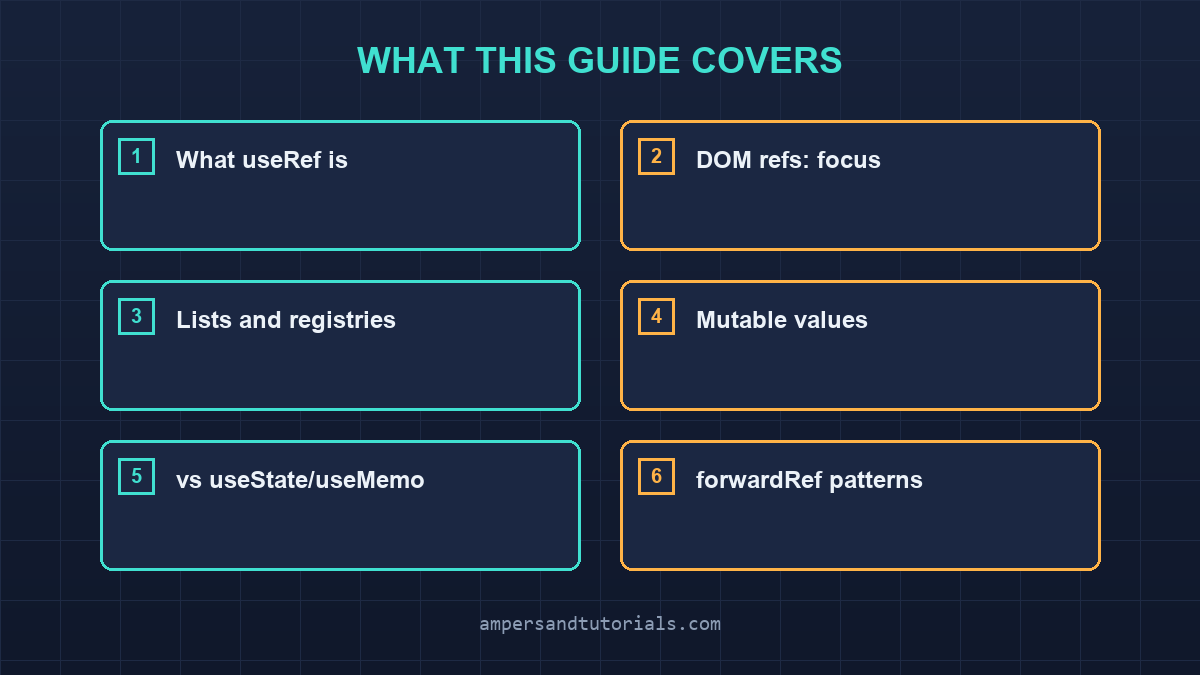
What useRef actually is
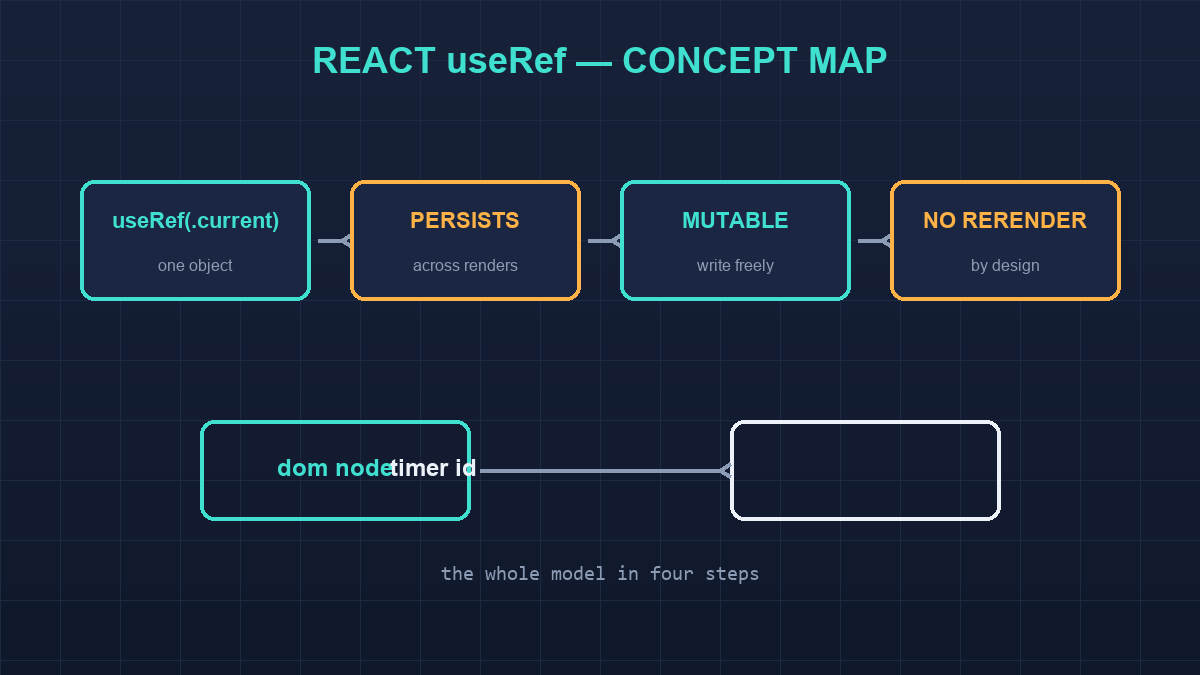
useRef returns a plain JavaScript object with one property, current, that React fills in for you and then leaves alone. The same object comes back on every render of that component, which makes it the only piece of component memory that is not part of React’s rendering model. That single sentence explains every use you will ever see: refs exist for values that must outlive a render without participating in it.
function Demo() {
  const ref = useRef(null);      // current starts as null
  const again = useRef(ref);     // same object back if you nest
  console.log(ref === again);    // false — different hook calls
  console.log(ref.current);      // null until something assigns it
  return null;
}
The initial value you pass is used exactly once, on the first render; changing it in later renders does nothing, because the argument is ignored from then on. And two useRef calls never share a container, even with equal arguments. Compared with state, the difference is which direction the value flows: state tells React “re-render when this changes”, while a ref says “hold this for me, quietly”. For the state half of that relationship, the useState guide covers the trigger side in full.
DOM refs: focus, scroll and measurement
The original reason refs exist is reaching the real DOM node behind a JSX element. React sets ref.current to the node after the component mounts and to null when it unmounts, and everything the browser offers — focus, selection, bounding boxes, scroll positions, canvas contexts — hangs off that node.
function SearchBox() {
  const inputRef = useRef(null);

  useEffect(() => {
    inputRef.current?.focus();
  }, []);

  return (
    <>
      <input ref={inputRef} placeholder="Type to filter…" />
      <button onClick={() => inputRef.current?.select()}>Select all</button>
    </>
  );
}
Three details matter in practice. The node is not available during the first render, only after mount, so any measuring belongs in an effect or an event handler. The optional chaining guards the unmount window, where current is already null. And if the element’s identity can change, such as a conditional render, React detaches and reattaches the node for you; your job is simply to never cache the node itself somewhere else, because that cached copy goes stale silently.
Refs in lists and dynamic children
When each item in a list needs its own node, one ref is not enough. A useRef holding an array or a Map turns into a registry you can address by key, which is how drag-and-drop, virtualised lists and keyboard navigation libraries work internally.
function EditableList({ items }) {
  const refs = useRef(new Map());

  const focusNext = (index) => {
    const node = refs.current.get(index + 1);
    node?.focus();
  };

  return items.map((item, i) => (
    <input
      key={item.id}
      ref={(node) => {
        if (node) refs.current.set(i, node);
        else refs.current.delete(i); // cleanup on unmount
      }}
      onKeyDown={(e) => e.key === 'Enter' && focusNext(i)}
    />
  ));
}
The callback form of ref gets the node on mount and null on unmount, so returning a function that deletes the entry keeps the map from leaking removed items. A Map beats an array here because list indices shift when items are reordered or deleted, and stale indices would silently focus the wrong row. The pattern scales to modal stacks, tooltip anchors and any component that must talk to DOM nodes it does not render itself.
Storing mutable values that must not cause renders
The second family of ref uses stores data that changes often but should never re-render anything: timer ids, previous props, mounted flags, subscription handles, scroll positions, and third-party instances. All of these would be wrong as state, because updating them hundreds of times a second would thrash the render tree for values nothing displays.
function usePrevious(value) {
  const ref = useRef(undefined);
  useEffect(() => {
    ref.current = value; // runs after render, so no loop
  }, [value]);
  return ref.current;
}

function Autosave({ doc }) {
  const timer = useRef(null);
  const save = () => { /* … */ };

  const schedule = () => {
    clearTimeout(timer.current);
    timer.current = setTimeout(save, 1500);
  };

  return <textarea onChange={schedule} defaultValue={doc.text} />;
}
The usePrevious hook above is the canonical example: the ref holds the last render’s value, and the effect writes the current one after each render, so reading it during render gives you the previous value without any subscription. Note where the write happens. Assigning to current during render is legal only for cheap bookkeeping React prepares during commit; anything that reads DOM state or schedules work belongs in an effect, exactly as the useEffect guide describes.
useRef vs useState vs useMemo: choosing correctly
The three hooks all remember something between renders, and picking the wrong one is the most common ref mistake. The test is not what the value is, but what should happen when it changes.
| Hook | Re-renders when value changes? | Use when |
|---|---|---|
useState | Yes | The value appears on screen or drives other logic |
useMemo | No, but the cached value is exposed to render | A calculation must be recomputed only when inputs change |
useRef | No | The value is plumbing: DOM nodes, timers, instances, previous values |
If a user could ever see the value, or if a change should visibly update the interface, it is state. If a computation feeding the interface is expensive or identity-sensitive, it is useMemo. Everything else that must survive renders is a ref. Storing a mirrored copy of state in a ref “for performance” is almost always the wrong trade: it buys one avoided render and pays with a value the interface can never show.
forwardRef and exposing refs from components
A ref attached to your custom component does not reach the DOM element inside it, because a component is a function, not a node. Since React 19 the ref parameter is a regular prop, so a component can accept a ref directly and forward it where it belongs; before 19, forwardRef wrapped that logic. Either way the goal is identical: let a parent reach a specific node through your abstraction.
// React 19 style: ref is just a prop
function Input({ ref, label }) {
  return (
    <label>
      {label}
      <input ref={ref} />
    </label>
  );
}

// parent
const firstField = useRef(null);
return <Input ref={firstField} label="Name" />;
Library authors take this further with useImperativeHandle, replacing the raw node with a curated surface: a combobox exposing open, close and focus instead of the underlying input. That keeps the public API small and lets the implementation change without breaking consumers. Application code rarely needs it, though. Nine times out of ten the ref you want points at a plain DOM element, and forwarding it is one line.
Common mistakes with refs
- Reading ref.current during render to derive UI. It may be stale or null, and React never re-renders when it changes. Read it in effects and handlers, or mirror it into state deliberately.
- Assuming current is set before the first paint. It is null during render; the node arrives after mount, so unguarded .focus() calls crash in dev builds.
- Forgetting the unmount cleanup in callback refs. Maps and arrays of nodes grow forever and hold detached DOM in memory.
- Using a ref as a state substitute. If the interface must reflect the value, useState is the correct tool, not a faster one.
- Caching a DOM node across renders yourself. Let React manage ref.current; a personal copy goes stale when the element is conditionally replaced.
Refs are the smallest escape hatch React offers, and they are honest about it: nothing they hold is reactive, nothing they touch re-renders, and everything they reach must be treated as potentially gone. Keep them for plumbing, keep the writes inside effects and handlers, and let state describe what the user sees. To learn React properly with a mentor, Ampersand Academy teaches web development one-to-one.
Refs, effects and the render cycle in real components
React 19 also changes one small ergonomic detail worth knowing: ref is now a regular prop, so a component can forward it without the forwardRef wrapper that earlier versions required. The behaviour is identical, the node still arrives after commit, and everything in this article about timing still applies; only the plumbing moved. For teams on older versions the forwardRef form remains correct and will keep working, but new components written for React 19 read more cleanly when the ref simply travels through props like any other value, which also makes component composition with libraries less surprising.
Because ref.current updates during commit rather than during render, the timing of when you read it matters as much as where you store it. Reading it inside the component body gives you the value from the previous commit, which is correct for a previous-value pattern and wrong for anything that must reflect the current render. Reading it inside an event handler is always safe, because handlers run after commit, and reading it inside an effect is safe for the same reason. The only genuinely unsafe moment is the render function itself, where React may call it without committing, in concurrent rendering, more than once.
This is why assignments to ref.current that React does not perform itself belong in effects. A ref that caches a computed value during render, for example, can survive a render that was thrown away, and the next render would read a value derived from work that never reached the screen. The safe rule mirrors the one for state: render produces values, commit and effects persist them. Following that rule also makes concurrent features such as transitions behave predictably, because nothing about a discarded render can leak into the committed one through a ref you wrote during it.
Building hooks with refs: useInterval and usePrevious in full
The two hooks below are the canonical ref-based utilities, and together they demonstrate every rule from this article: the ref holds mutable plumbing, the effect performs the synchronisation, and the cleanup closes the loop.
function useInterval(callback, delay) {
  const saved = useRef(callback);

  useEffect(() => { saved.current = callback; }, [callback]);

  useEffect(() => {
    const id = setInterval(() => saved.current(), delay);
    return () => clearInterval(id);
  }, [delay]);
}

function usePrevious(value) {
  const ref = useRef();
  useEffect(() => { ref.current = value; }, [value]);
  return ref.current;
}
useInterval separates the timer’s lifetime from the callback’s identity, which is what makes it better than calling setInterval directly inside an effect: the callback can change every render without resetting the timer, and the interval can change without losing the latest callback. usePrevious leans on the fact that effects run after render, so at the moment a render reads ref.current it still holds the previous commit’s value. Both hooks are small, but each one is only correct because the ref is used for storage and the effect for synchronisation — swap those roles and the hooks break in ways that only appear under fast-updating parents.
Refs in concurrent React: transitions and non-blocking renders
Concurrent rendering lets React start a render, park it, and finish it later, which means the render function’s body can run without ever reaching the screen. State updates through setState are protected by React’s own bookkeeping, but a ref you write during render belongs to no bookkeeping at all: the discarded render’s write simply remains. That is the entire reason the documented exceptions to the no-writes-during-render rule are narrow and specific, and why the general advice is to move writes into effects where React controls the timing.
Transitions make the distinction concrete. When a state update is wrapped in startTransition, React treats the resulting render as interruptible and may render it several times before committing; code that assumes one pass, such as incrementing a counter ref during render, produces values that depend on how many attempts the scheduler needed. The stable pattern is to keep refs out of the render path entirely, using them only to hand values to effects, timers and handlers. That habit costs nothing today and is exactly what concurrent features expect from components written for them.
Frequently asked questions
Does changing ref.current re-render the component?
No. useRef values are mutable containers outside React’s rendering model. Writing to ref.current never schedules a render, which is exactly why refs suit timers, DOM nodes and previous values.
When is ref.current available?
After the component mounts. During the first render it is still the initial value, usually null, so DOM access must happen in an effect or an event handler with optional chaining.
Should I use useRef instead of useState for performance?
Only for values the interface never displays. If a change should be visible or drive logic, useState is the correct choice; a ref would simply hide the update.
How do I get a ref to an element inside my own component?
Accept ref as a prop and attach it to the DOM element. In React 19 ref is a normal prop; on earlier versions wrap the component with forwardRef.
What is the difference between a ref callback and useRef?
useRef gives you one container managed by React. A callback ref runs with the node on mount and null on unmount, which is what you need to build registries or run custom setup and teardown on the element.
Last updated on · Written by Dinesh Kumar R
