
Quick answer: An interface in TypeScript defines the shape of an object – the properties, their types, and the methods a value must have. It is a contract, not something you instantiate, which makes it perfect for describing API responses, configuration objects and function parameters. Mismatched names or types get caught before your code runs.
Table of Contents
What an interface really does
Think of an interface as a blueprint. It does not build anything by itself, but it tells TypeScript exactly what a value must look like to be accepted. Once you define an interface, any object, parameter or variable that claims to match it has to live up to that promise – and the compiler is the referee.
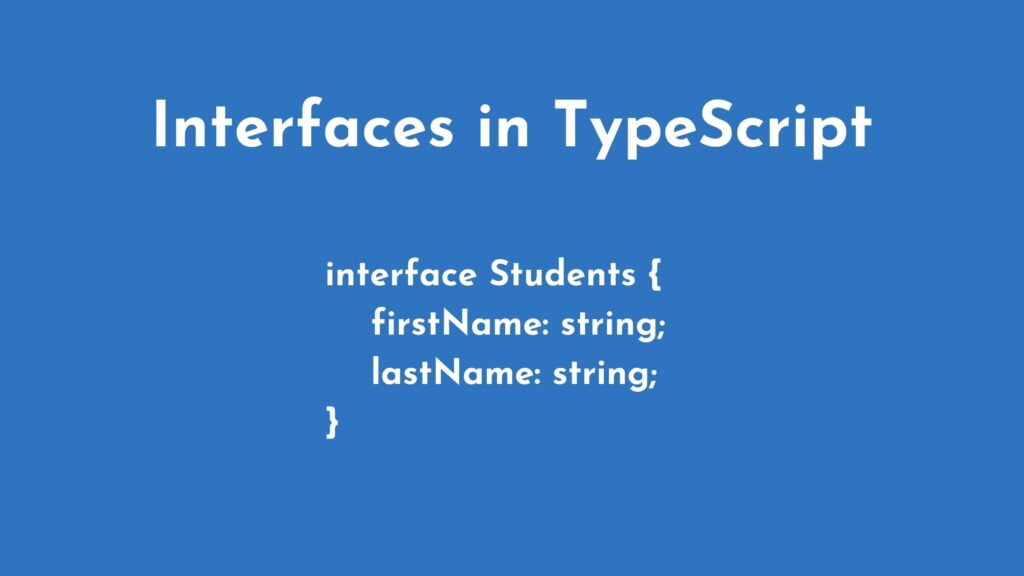
In plain words, the interface describes the structure that classes and objects agree to follow. If your interface says a student has a first name and a last name, then a value that is missing one of those – or stores it as a number instead of a string – will be rejected immediately.
Here is the syntax for creating an interface in TypeScript:
interface Students {
    firstName: string;
    lastName: string;
}
Using an interface inside a function
This is where interfaces stop being theory and start preventing real bugs. Create the interface above, then write a function that expects an object shaped like it. TypeScript now guarantees that every call passes a valid student.
Step 1: Define the interface (shown above).
Step 2: Write a function that takes a Students object and returns a greeting:
function greetings1(students: Students): string {
     return "Hello, " + students.firstName + " " + students.lastName;
}
Step 3: Create a person object and print the result:
let person = { firstName: "John", lastName: "Doe" };
console.log(greetings1(person));
Run it and you will see Hello, John Doe. Now imagine calling greetings1 with an object that has no lastName, or where firstName is a number. TypeScript highlights the problem in your editor instantly – instead of your users discovering it in production.
Interface vs type: a quick distinction
Both interfaces and type aliases describe shapes, but they have different strengths. Interfaces can be extended and merged; type aliases support unions, intersections and advanced patterns. Beginners should start with interfaces for object shapes – they are the tool most TypeScript codebases reach for first, and they are what you will meet in one of our earlier tutorials on functions in TypeScript.
Keep learning
Interfaces are one step in a bigger journey. If you are new to the language, start from the top: Getting Started with TypeScript, then our first program, and follow the ordered path in our TypeScript for Beginners: The Complete Learning Path.
Official documentation
For the full reference behind this guide, read the TypeScript handbook on object types and interfaces. It is the source the details above are drawn from, and the first place to check when an option or attribute name changes.
Frequently asked questions
What is a TypeScript interface?
It is a named shape for objects, listing the properties and methods a value must have along with their types.
How is an interface different from a type?
Both describe shapes. Interfaces can be merged and extended, while type aliases support unions, intersections, and other advanced patterns.
Do interfaces exist at runtime?
No. They are checked while compiling and removed from the compiled output, so they add no code to your program.
Last updated on · Written by Dinesh Kumar R
