


Quick answer: A function in TypeScript is a block of code that takes inputs, runs logic and returns an output. You declare parameter types and a return type, so the compiler knows exactly what goes in and what comes out. Mismatches show up while you write – not after the program runs.
Why functions matter in TypeScript
Functions are how you turn one-off instructions into reusable building blocks. TypeScript works like functions in Java, Python or R – but with a superpower: you can type the inputs and the output, and the compiler guards every call site for you.

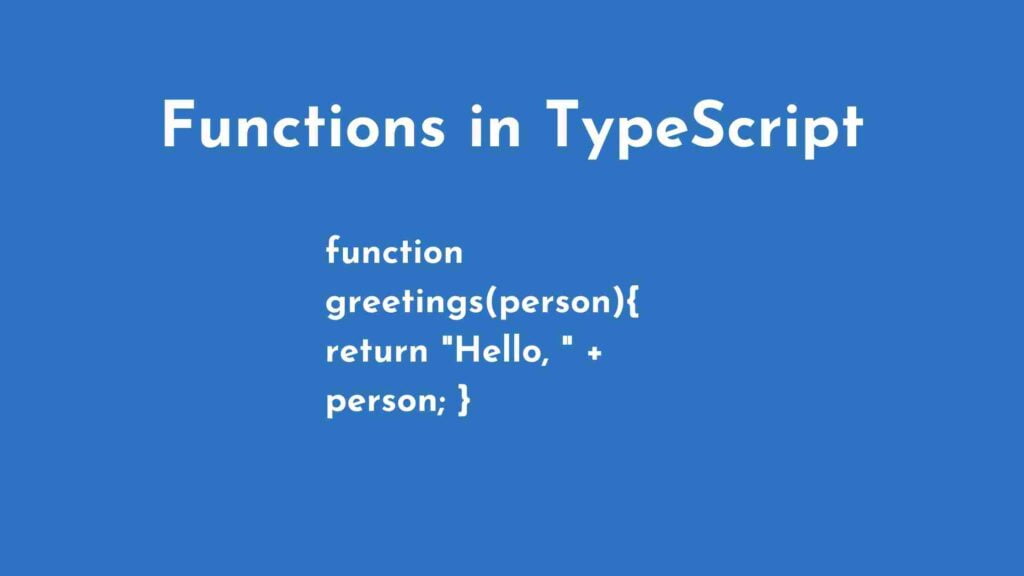
In this tutorial, we will build a simple greeting function that prints “Hello” followed by a name – and we will do it the TypeScript way, with every input and output typed.
Anatomy of a function
Every function starts with the keyword function, followed by a name and parentheses, then a body wrapped in curly braces. The basic skeleton is:
function name() {}That is an empty function – it does nothing yet. Let us make it useful. We will create a function that takes a name and returns a greeting. Notice how we annotate the parameter with : string and the return value with : string:
function greetings(person: string): string {
    return "Hello, " + person;
}
The return type matters: it is a promise to the rest of your code about exactly what this function hands back. If you ever forget a return or return the wrong type, TypeScript tells you immediately.
Calling your function with real data
Now feed the function a value and print what it returns:
let user = "John Doe";
console.log(greetings(user));
The output will be:
Hello, John DoeNow try the unthinkable: pass a number instead of a string – greetings(42). TypeScript flags the mismatch the moment you type it, because the function promised to accept only a string. That is the entire point of typed functions.
Next steps in your TypeScript journey
You have built and typed your first function. The obvious follow-up is describing the shape of the objects your functions receive – that is exactly what our guide to Interfaces in TypeScript covers. If you want to step back and see the whole map, our TypeScript for Beginners: The Complete Learning Path ties every concept into a single ordered plan.
Official documentation
For the full reference behind this guide, read the TypeScript handbook on functions. It is the source the details above are drawn from, and the first place to check when an option or attribute name changes.
Frequently asked questions
What is a function in TypeScript?
u003cpu003eA named or anonymous block of code that accepts parameters, does some work, and returns a value with a declared type.u003c/pu003e
How do I type the return value?
u003cpu003eAdd a colon after the parameter list and write the type, for example function add a b number returns number.u003c/pu003e
Can a TypeScript function return nothing?
u003cpu003eYes. Declare the return type as void when the function performs work but produces no value.u003c/pu003e