
Quick answer: A for loop in TypeScript repeats a block of code a set number of times, which makes it perfect for printing every value in an array. You set a starting index, a stopping condition and a step. The same shape also powers for...of, which walks through values directly – so printing a whole array takes just a few clear lines.
Loops: the skill that unlocks collections
Arrays are great at holding data, but the real power comes when you can walk through every item. That is what loops do, and in TypeScript the for loop is the tool you will reach for again and again. In this tutorial we will print an entire array of students – and then zero in on just one field.
Two quick prerequisites if you are joining fresh: start with the first program in TypeScript, and if arrays are new to you, read our creating and printing an array guide before continuing.
The FOR loop syntax
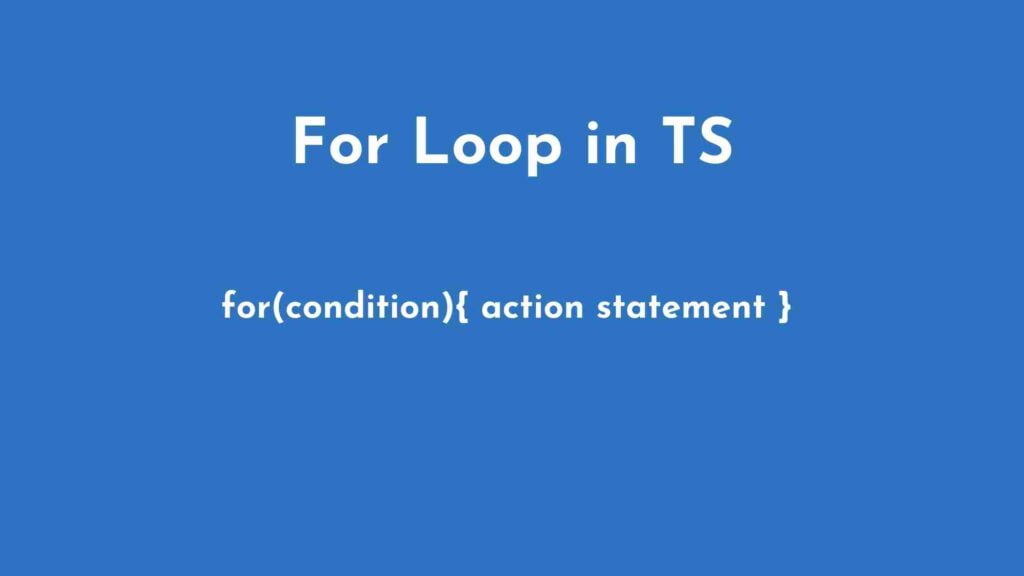
At its most basic, a for loop looks like this – a condition that controls how many times the body runs:
for (condition) {
    action statement
}
Building an array to loop through
Before we can loop, we need data. Here is an array of student records, each holding a name, an ID and a class:
let student_List = [
    { name:'John', id:12345, class:'Bio' },
    { name:'Peter', id:12346, class:'Bio' },
    { name:'Adam', id:12347, class:'IT' }
];
You can already print one record directly with indexing – remember, arrays start at index zero:
console.log(student_List[1]);That prints the second student (Peter) because index 1 is the second position. Handy, but not very exciting when you have dozens of records.
Print every record with a FOR loop
Now the good part – print the entire array with a for...of loop, which walks through the values directly:
for (let x of student_List) {
    console.log(x);
}
Every student is printed in order:
{name:'John', id:12345, class:'Bio'}
{name:'Peter', id:12346, class:'Bio'}
{name:'Adam', id:12347, class:'IT'}
Print just one field from every record
Often you want a single property, not the whole object. Access it with dot notation inside the loop body:
for (let x of student_List) {
    console.log(x.name);
}
The loop still visits every student, but now it prints only the names:
John
Peter
Adam
Swap x.name for x.id or x.class and the same loop adapts instantly – that is the beauty of a data-shaped loop.
Keep building
Loops combine beautifully with the other TypeScript basics. Revisit functions to wrap this loop into a reusable helper, or see interfaces to give your records a proper shape. For the full ordered curriculum, head to our TypeScript for Beginners: The Complete Learning Path.
Official documentation
For the full reference behind this guide, read the TypeScript handbook on everyday types. It is the source the details above are drawn from, and the first place to check when an option or attribute name changes.
Frequently asked questions
How do I print an array with a for loop?
u003cpu003eCreate a loop from index zero to the array length, then use bracket notation to read each item and log it inside the loop.u003c/pu003e
What is a for…of loop used for?
u003cpu003eIt walks through array values directly without indexes, which is cleaner when you only need the items and not their positions.u003c/pu003e
Why use a loop instead of map?
u003cpu003eLoops show how iteration works, let you add conditions, and are easier to follow when you are learning programming basics.u003c/pu003e
Last updated on · Written by Dinesh Kumar R