



Quick answer: Angular dependency injection is how a component gets the services it needs: you ask with inject() and Angular supplies the registered instance. A service is a class that holds logic you want to share — fetching data, caching, formatting, state. A service provided with providedIn: 'root' is a single shared instance for the whole application.

Table of Contents
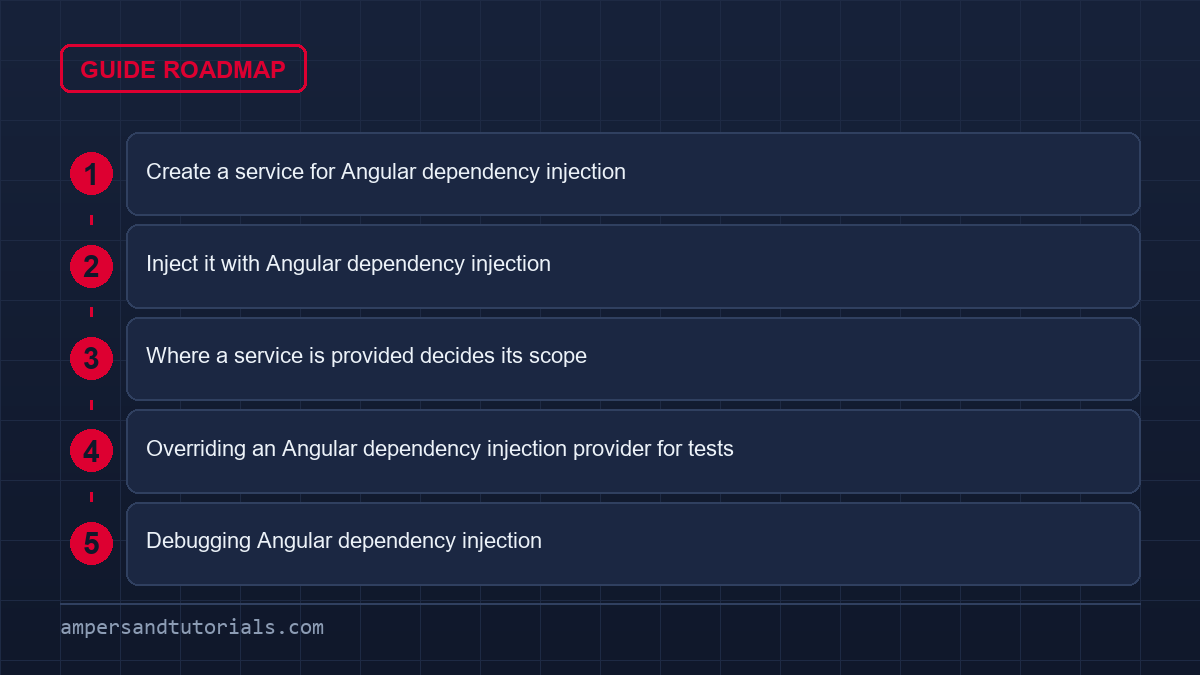
Create a service for Angular dependency injection
ng generate service cartThe CLI creates the file and adds the @Injectable decorator. That decorator is the signal that the class can be injected, and it is where you declare the service’s scope.
import { Injectable, signal, computed } from '@angular/core';

export interface CartItem {
  id: number;
  name: string;
  price: number;
}

@Injectable({ providedIn: 'root' })
export class CartService {
  private items = signal<CartItem[]>([]);

  readonly count = computed(() => this.items().length);
  readonly total = computed(() =>
    this.items().reduce((sum, i) => sum + i.price, 0));

  add(item: CartItem) {
    this.items.update((list) => [...list, item]);
  }
}
Notice the service holds its data in signals. Any component that reads count() or total() re-renders automatically when the cart changes. This is the simplest correct way to share state in modern Angular, and it needs no state library at all.
Inject it with Angular dependency injection
import { Component, inject } from '@angular/core';
import { CartService } from './cart.service';

@Component({
  selector: 'app-cart-badge',
  template: `<span>{{ cart.count() }} items</span>`,
})
export class CartBadgeComponent {
  cart = inject(CartService);
}
inject() must be called in the class body, not inside a method, because Angular resolves it during creation. Angular’s style guide now prefers this over constructor parameters: it is terser, it inherits the correct type automatically, and it works in field initializers.
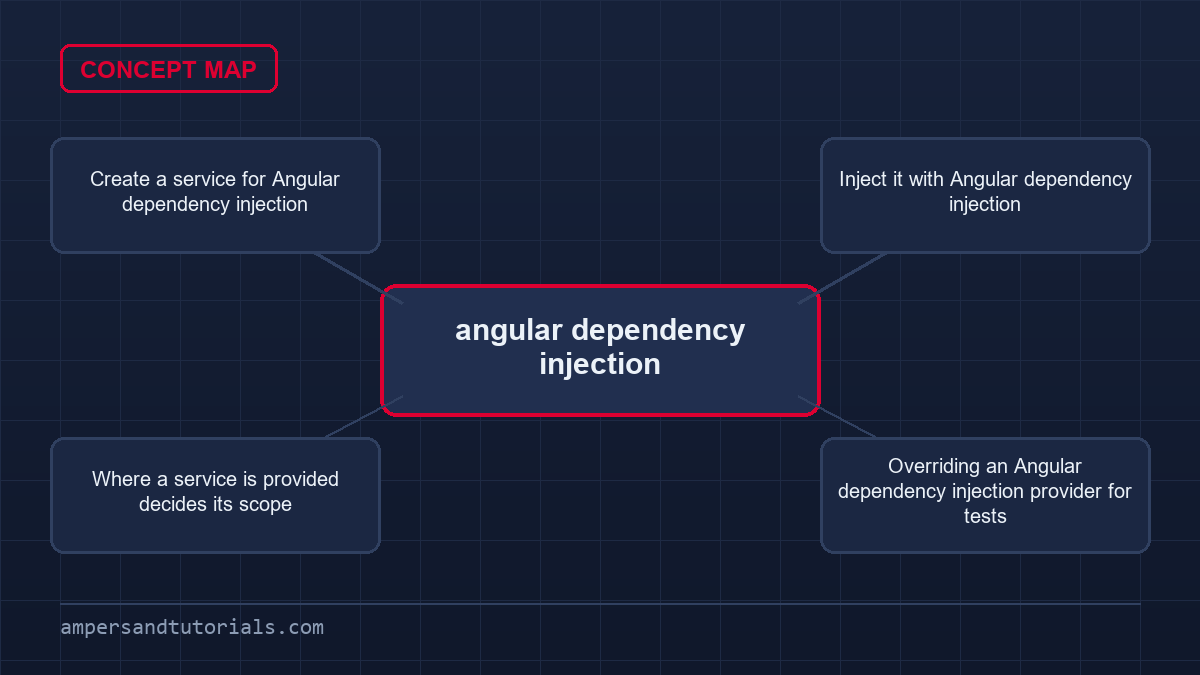
Where a service is provided decides its scope
| Provided in | Lifetime | Use for |
|---|---|---|
@Injectable({ providedIn: 'root' }) | One instance for the app | Shared data, API access, auth |
Route providers | One instance per route | Feature-scoped state |
Component providers | One instance per component | A fresh instance for each instance of the component |
@Component({
  selector: 'app-editor',
  providers: [DraftService],     // new instance per editor
  template: `...`,
})
export class EditorComponent {
  private draft = inject(DraftService);
}
Providing at the component level is the fix when two copies of a component must not share state — for example, two independent forms on one page.
Overriding an Angular dependency injection provider for tests
Because components ask for a token rather than a concrete class, you can swap the implementation without touching the component. Define an injection token, provide a real implementation in app.config.ts, and substitute a fake one in a test.
import { InjectionToken } from '@angular/core';

export const API_URL = new InjectionToken<string>('API_URL');

// app.config.ts
providers: [{ provide: API_URL, useValue: 'https://api.example.com' }]

// usage
private url = inject(API_URL);
Injection tokens are how Angular itself exposes configuration, and they are the clean way to keep environment-specific values out of your services.
Continue with routing and navigation, or see how services carry shared state in signals and state management. To learn dependency injection with real projects, Ampersand Academy teaches Angular one-to-one.
Debugging Angular dependency injection
Most Angular dependency injection failures are provider problems, not code problems. The two classic errors say exactly that: a null injector means no provider exists anywhere in the tree for the requested token, and a cyclic dependency means two services ask for each other. Before changing the injecting code, find where the token is provided and which injector is in scope at the injection site.
Component providers create a fresh instance per component, and a service that exists only there cannot be resolved from anywhere else in the application. In practice, walking that path — token, provider, injector — resolves most Angular dependency injection failures in a minute or two.
Cyclic dependencies deserve special attention because they are invisible in the source. Two services that each import the other in their constructors create a cycle at module load, and the fix is almost never to restructure both services; it is to move the shared part into a third, lower-level service that both depend on. Sometimes the cycle arrives through a barrel file that re-exports everything, in which case importing directly from the file breaks it immediately. When a cycle appears after one harmless-looking import change, look at the import graph rather than the constructor bodies: Angular dependency injection only surfaces the cycle that your module graph already contains.
Scope mistakes present differently — the service resolves fine, but state behaves as if there are two of them. A service provided at component level really does have one instance per component instance, so a cart held there is not shared with the header, and a service provided in a lazy route exists once per loaded module.
The quickest check is to log construction with the component identity: two construction messages for what should be one instance tell you the provider is attached too low. Moving the provider up to the root or to a route-level injector is usually the entire fix, and the lesson is that Angular dependency injection scope is a design decision you make when you write the provider, not a default you inherit.
For services that depend on configuration, resist the urge to inject environment objects directly everywhere. A configuration service or an injection token with a factory keeps the dependency graph honest and lets tests substitute values without touching global state. The same applies to anything expensive or external — HTTP clients, storage, analytics — because a constructor that reaches out itself cannot be replaced in a test, whereas an injected dependency can be supplied with a stub in two lines. Every constructor argument is a seam for testing, so keeping Angular dependency injection constructor parameters narrow and typed is what makes the rest of the codebase testable without frameworks or fixtures.
Use the injector tools when the graph gets confusing. The injector debug utilities can print the tree and the providers in scope at a given element, and in an application where features load lazily that output settles arguments about which provider wins. Pair it with the standard test override utilities, which replace a provider for a single test without mutating the application, and you have a complete strategy: real providers in production, narrow substitutions in tests. Angular dependency injection is worth understanding properly because it is the one subsystem that connects every module in the application; when it behaves, the architecture is legible, and when it does not, nothing else can be trusted to be constructed the way you think.
Angular dependency injection with lazy-loaded modules
Lazy-loaded routes create their own injector child node. Any provider declared inside a lazy route’s providers array exists only after that route loads, and only within that subtree. A service provided with providedIn: 'root' is unaffected — it resolves from the root injector regardless of which route is active. The collision happens when you accidentally duplicate a provider in both the root config and the lazy route config: two instances exist, state diverges, and nothing throws an error.
The fix is deliberate placement. Shared singleton services belong in providedIn: 'root'. Feature-scoped services that should reset when the route unloads belong in the route’s own providers array. Never put a service in both places. When in doubt, check the injector tree with Angular DevTools before adding a new provider declaration.
Route-level providers in practice
A checkout flow is a clean example. The CheckoutService holds payment intent state that should not survive navigation away. Declare it only inside the lazy route so the injector destroys it when the route unloads.
// checkout.routes.ts
export const CHECKOUT_ROUTES: Routes = [
  {
    path: '',
    providers: [CheckoutService],
    component: CheckoutShellComponent,
  },
];
// checkout.routes.ts
export const CHECKOUT_ROUTES: Routes = [
  {
    path: '',
    providers: [CheckoutService],
    component: CheckoutShellComponent,
  },
];
Any component rendered inside this route resolves CheckoutService from the route-level injector. A component outside the route cannot resolve it at all, which is the correct constraint. Angular dependency injection scope enforces the feature boundary so you never need to clear state manually on navigation.
Multi-providers as extension points
The multi: true flag lets multiple providers register under one token and Angular collects them into an array. This is how HTTP_INTERCEPTORS and APP_INITIALIZER work. You can use the same pattern for your own plugin-style extension points without coupling the host to individual implementations.
Define a token, register contributors independently, and inject the array in one place. Each contributor is unaware of the others. Adding a new one requires no change to the host service — only a new providers entry. This keeps angular dependency injection graphs narrow and avoids the large import lists that come from manually wiring plugins.
// analytics-handler.token.ts
import { InjectionToken } from '@angular/core';

export interface AnalyticsHandler {
  track(event: string, payload: unknown): void;
}

export const ANALYTICS_HANDLERS =
  new InjectionToken<AnalyticsHandler[]>('ANALYTICS_HANDLERS');

// app.config.ts
providers: [
  { provide: ANALYTICS_HANDLERS, useClass: ConsoleHandler, multi: true },
  { provide: ANALYTICS_HANDLERS, useClass: SegmentHandler, multi: true },
],

// analytics.service.ts
@Injectable({ providedIn: 'root' })
export class AnalyticsService {
  private handlers = inject(ANALYTICS_HANDLERS);

  track(event: string, payload: unknown) {
    this.handlers.forEach((h) => h.track(event, payload));
  }
}
// analytics-handler.token.ts
import { InjectionToken } from '@angular/core';

export interface AnalyticsHandler {
  track(event: string, payload: unknown): void;
}

export const ANALYTICS_HANDLERS =
  new InjectionToken<AnalyticsHandler[]>('ANALYTICS_HANDLERS');

// app.config.ts
providers: [
  { provide: ANALYTICS_HANDLERS, useClass: ConsoleHandler, multi: true },
  { provide: ANALYTICS_HANDLERS, useClass: SegmentHandler, multi: true },
],

// analytics.service.ts
@Injectable({ providedIn: 'root' })
export class AnalyticsService {
  private handlers = inject(ANALYTICS_HANDLERS);

  track(event: string, payload: unknown) {
    this.handlers.forEach((h) => h.track(event, payload));
  }
}
Adding a third handler in a test means providing a stub with multi: true alongside the existing ones. No existing code changes. This is the practical payoff of angular dependency injection tokens over direct imports.
useFactory for runtime configuration
Sometimes a service needs a value that only exists at runtime — a feature flag from a server response, a tenant ID from the URL, a capability detected from the browser. useFactory is the right tool. The factory function runs once at injection time and can itself receive injected dependencies via the deps array.
A common real-world case is building an API base URL from the current hostname so that staging and production resolve automatically without an environment file rebuild.
// api-base.token.ts
export const API_BASE = new InjectionToken<string>('API_BASE', {
  providedIn: 'root',
  factory: () => {
    const hostname = inject(DOCUMENT).location.hostname;
    return hostname.includes('staging')
      ? 'https://api-staging.example.com'
      : 'https://api.example.com';
  },
});
// api-base.token.ts
export const API_BASE = new InjectionToken<string>('API_BASE', {
  providedIn: 'root',
  factory: () => {
    const hostname = inject(DOCUMENT).location.hostname;
    return hostname.includes('staging')
      ? 'https://api-staging.example.com'
      : 'https://api.example.com';
  },
});
The factory runs inside the angular dependency injection context, so inject() works inside it. Keep factories short and pure. A factory that performs network requests delays the injector and makes tests slow; move async work into the service itself or into an APP_INITIALIZER.
APP_INITIALIZER for async startup work
APP_INITIALIZER is a multi-provider token that Angular resolves before rendering begins. Return a function that returns a Promise or Observable, and Angular waits for it to complete. Use it to load remote configuration, prime a cache, or establish an auth session before any component runs.
Keep each initializer focused on one concern. A bloated initializer that fetches config, sets up analytics, and checks permissions is hard to test and slows startup proportionally. Separate concerns into separate APP_INITIALIZER entries using multi: true and let Angular run them in parallel where possible.
Common angular dependency injection pitfalls to avoid
Calling inject() inside a method rather than the class body is the most common beginner error. Angular resolves the injection context during class construction. By the time a method runs, that context is gone and Angular throws. Move every inject() call to the field declaration site or the constructor body.
A second pitfall is providing a service in a component that should be shared. Two independent instances of a component each get their own service instance. If a sibling or parent component needs the same state, it cannot reach the one buried inside the child. Lift the provider to the lowest common ancestor, or move it to the root if it is truly application-wide.
A third pitfall is circular imports masking cyclic dependencies. TypeScript compiles the file, but Angular fails at runtime with a difficult-to-read error. The pattern is always the same: ServiceA imports ServiceB which imports ServiceA. The fix is to extract the shared logic into a third service that neither depends on the other two, breaking the cycle cleanly without workarounds like forwardRef.
Forgetting @Injectable() on a service that a non-signal component reads via constructor injection silently breaks tree-shaking metadata in some build configurations. The decorator is cheap and explicit. Always include it, even on services that have no dependencies of their own, because it is what registers the class with the angular dependency injection compiler metadata pipeline.
Testing multi-providers and factory providers
Multi-providers and factory providers are straightforward to test once you know the override pattern. Use TestBed.overrideProvider to replace a single token without rebuilding the entire module. For multi-tokens, provide only the stub with multi: true in the test providers array; TestBed merges it with anything already registered unless you override the full token.
For factory providers, the fastest approach is to test the factory function in isolation as a plain function, then test the service that consumes the token separately. Avoid coupling the service test to the factory’s environment-detection logic; that logic has its own straightforward unit test.
Choosing the right angular dependency injection scope for your service
Every new service deserves a deliberate scope decision, not a default. Start with three questions. Does any other feature need this service? If no, put it at the component level so it cannot be misused from elsewhere. Does it hold state that should persist across navigation? If yes, root scope is correct. Does it belong to one lazy feature and reset on unload? Route-level providers are the answer.
The wrong scope causes two categories of bug. Too broad a scope means state leaks across features that should be isolated — a draft held at root level survives navigation away and re-populates a form the user abandoned. Too narrow a scope means services that need to share state cannot see each other’s instances, producing duplicated network requests or split counters that never add up.
A concrete decision guide: authentication, permissions, and user profile belong at root because every feature needs them. Shopping cart belongs at root for a single-cart app, but at route level for a multi-cart checkout flow. Form draft state belongs at the component level so each form instance is independent. Log this decision in a comment next to providedIn so the next developer knows it was intentional, not inherited.
Reviewing scope decisions during code review costs nothing and prevents the class of bugs where angular dependency injection works perfectly but behavior is still wrong because the instance boundary was placed incorrectly. The injector tree is the architecture; treat scope choices with the same care as module boundaries.
Frequently asked questions
What does providedIn root mean?
It registers the service with the root injector, so Angular creates one shared instance for the whole application that every component receives.
Should I use inject() or constructor injection?
Angular’s style guide prefers inject(). It is shorter, gives correct types automatically, and can be used in field initializers. Constructor injection still works and is not removed.
How do I share state between components?
Put the state in a service provided in root, store it in a signal, and inject the service into every component that needs it. All consumers update automatically.
When should a service be provided at the component level?
When each instance of the component needs its own copy of the state, such as two independent forms or editors on the same page.
What is an injection token in Angular?
A token names a dependency that is not a class, such as a configuration string. You inject it with inject(TOKEN) and provide its value in the providers list.