


Quick answer: Your first TypeScript program starts with a typed variable and a print statement. Create a .ts file, compile it with tsc to produce JavaScript, then run that file with Node. The same hello-world flow teaches you how types, files and compilation fit together – and you can try it in an online playground if you are not set up locally yet.
From zero to running TypeScript
Every programming journey starts with one file that does something visible. In TypeScript that first program runs through the write, compile, run loop – and once you have done it once, every later program follows the same muscle memory.
This guide assumes you have TypeScript installed. If not, spend two minutes on our Getting Started with TypeScript guide first, then come back here.

Why you cannot run TypeScript directly
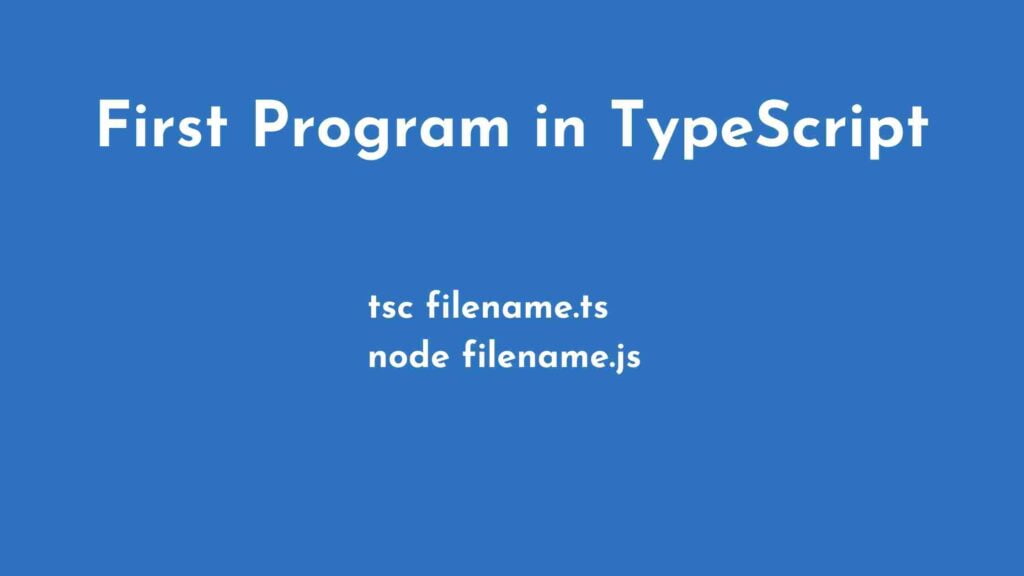
Browsers and Node.js run JavaScript, not TypeScript. So TypeScript ships with a compiler (tsc) that translates your .ts file into a .js file. You then run that JavaScript. The process looks like this:
tsc filename.tsThat one command produces filename.js in the same folder. Run it with Node:
node filename.jsYou can create a .ts file in any code editor – Notepad, Brackets, Sublime Text or Visual Studio Code all work. VS Code is the favourite among developers because of its first-class TypeScript support; if you have not set it up yet, our guide on installing VS Code will get you there.
Write a typed variable and print it
Create a file called demo.ts and add a variable. Notice the : string annotation – that is a type, and it tells TypeScript this variable will always hold text:
let name1: string = "John Doe";Now print it:
console.log(name1);Compile and run the file
Open your command prompt, navigate to the folder where demo.ts lives, then compile:
tsc demo.tsLook at the folder afterward – a demo.js file was generated automatically. Open it and you will see the compiled output. Here is the fascinating part: notice what the type check did to your source:
var name1 = "John Doe";
console.log(name1);
The : string annotation is gone. Types exist to protect you during development; they are erased at runtime, so your compiled JavaScript stays clean and fast.
Finally, run the JavaScript:
node demo.jsAnd there it is – the output appears right in your terminal:
John DoeWhat just happened
You wrote TypeScript, gave a variable a type, compiled it to JavaScript, and ran it. That three-step rhythm – write, compile, run – is the foundation of everything else in the language.
Next: arrays, functions and beyond
The natural follow-up is storing more than one value, which is exactly what our tutorial on arrays in TypeScript covers. Print one, then discover functions and interfaces. To see the complete route, follow our TypeScript for Beginners: The Complete Learning Path.
Official documentation
For the full reference behind this guide, read the official TypeScript handbook introduction. It is the source the details above are drawn from, and the first place to check when an option or attribute name changes.
Frequently asked questions
How do I run my first TypeScript program?
u003cpu003eInstall TypeScript, save a file with a ts extension, compile it with tsc to create JavaScript, then run that file with Node.u003c/pu003e
Do I need Node to write TypeScript?
u003cpu003eYou need some way to run the code, so Node is the usual choice. Online editors and the browser playground also work for practice.u003c/pu003e
What file extension should a TypeScript file use?
u003cpu003eUse the ts extension, such as index.ts, and tsx for files that contain JSX syntax for user interfaces.u003c/pu003e