


Quick answer: To install SAS Academic Edition in 2021, visit the SAS OnDemand for Academics website, register free with your academic email, and choose SAS Studio for your region. The software then runs inside your browser, so there is no installer, no license key, and no admin rights needed on Windows or Mac.
Learn to Install SAS Academic Edition easily in 2026 v 9.4 – Statistical Analysis System – Statistical Software – Tool for Data Analysis
Installing the SAS Software
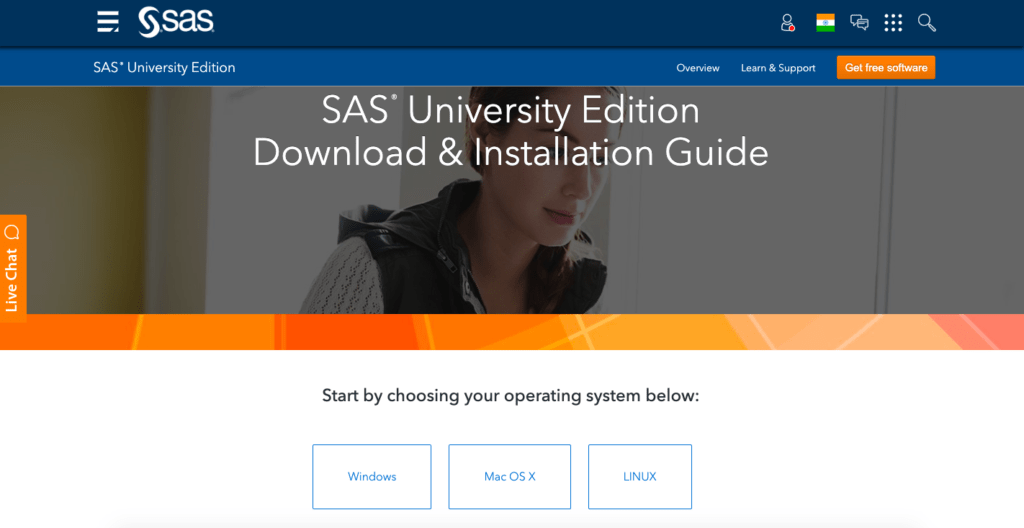
Step – 1: https://www.sas.com/en_in/software/university-edition/download-software.html. Open the Link and Select the OS and Follow instructions.

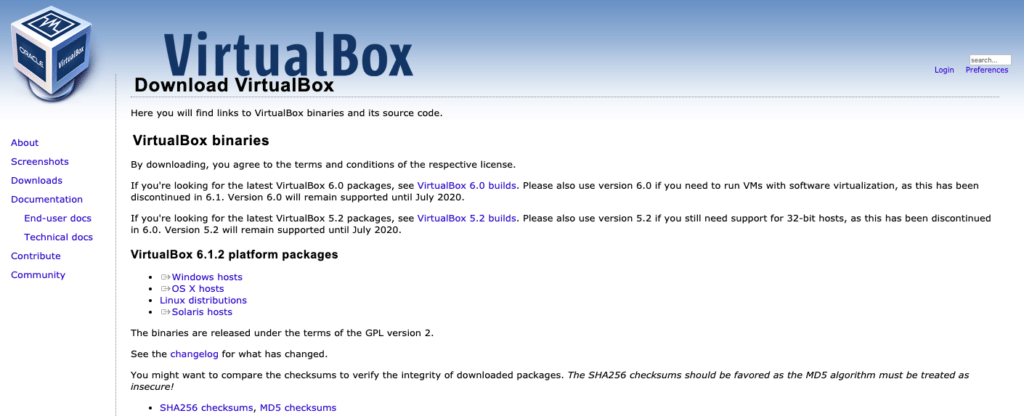
Step – 2: https://www.virtualbox.org/wiki/Downloads Download VirtualBox for your OS.

Step – 3: Create SAS Profile Using this – Link

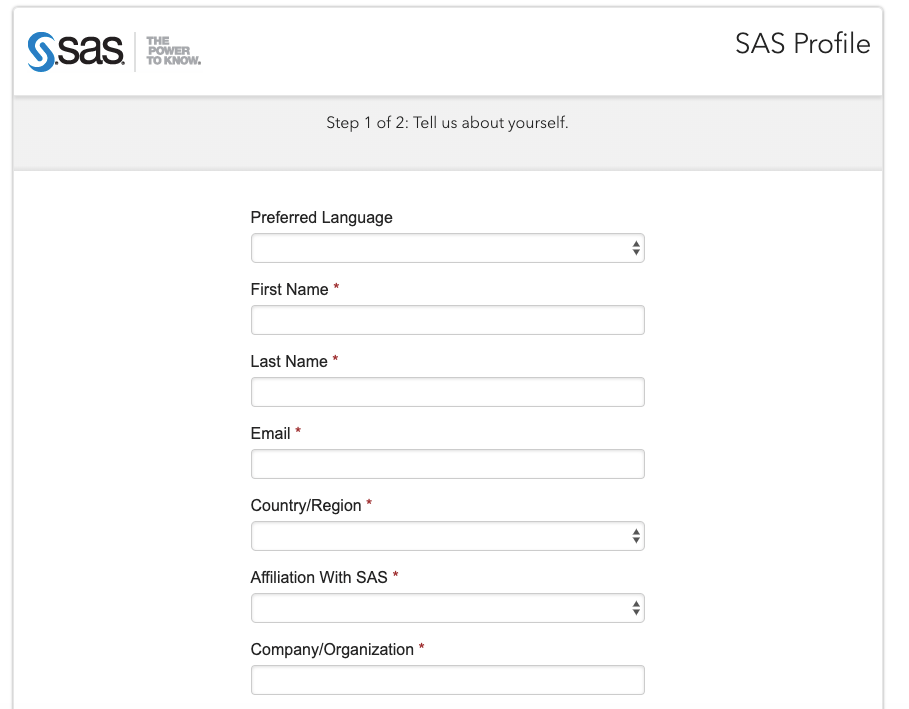
Step -4: Open Mail and Activate Profile, Which will download the SAS. Move VirtualBox and SAS into a Folder.
Step -5: Install Virtual Box, Downloaded from Step-2.
Step -6: Open Virtual Box and Select Import Appliance. Point SAS Downloaded File. Once imported, Start SAS.
Step -7: When SAS is started, Open any browser, type in the address / open the link – http://localhost:10080

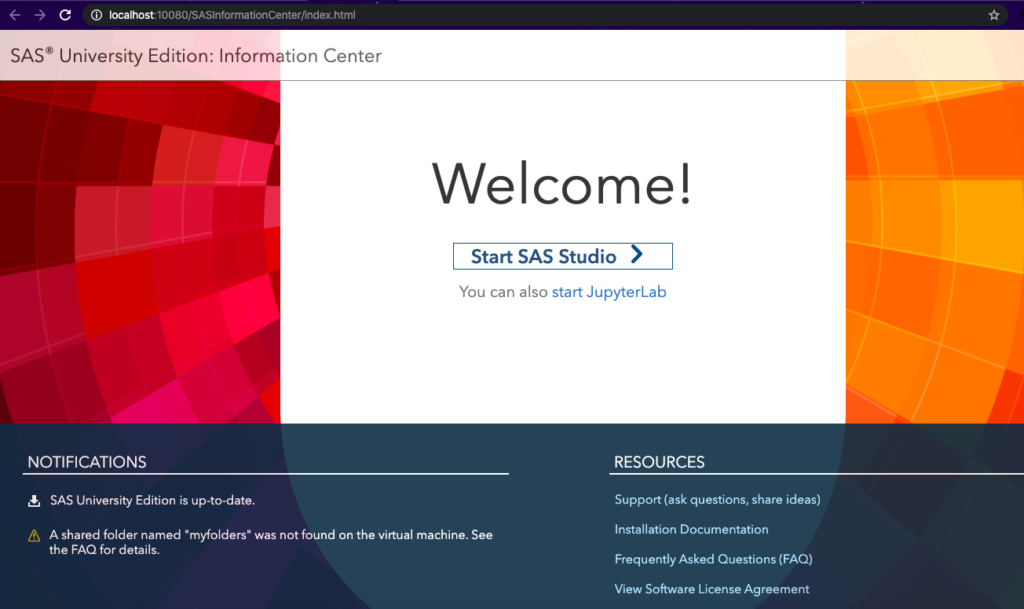
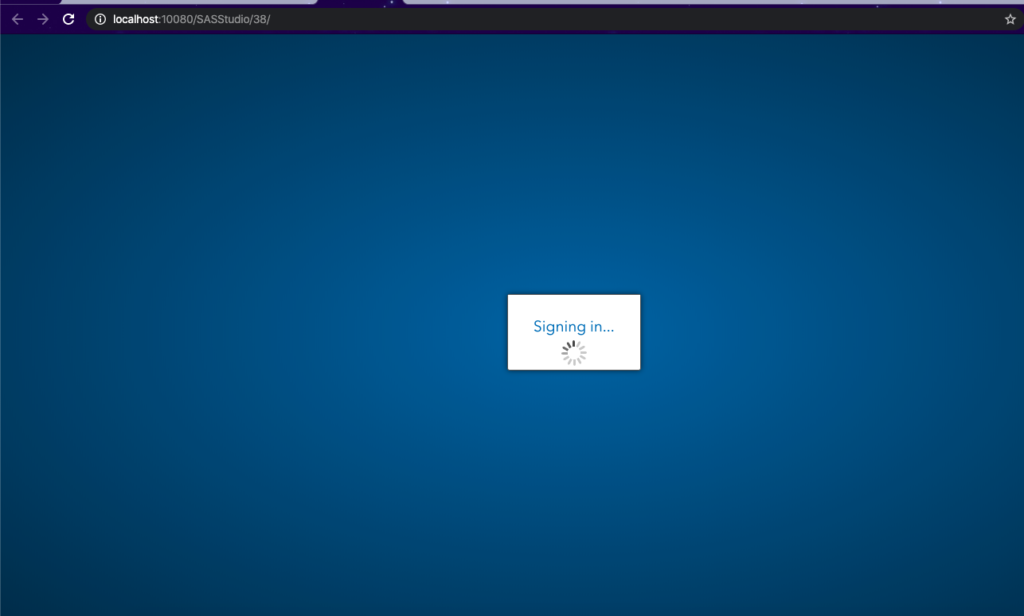
Step -8: Start the Academic Edition of SAS – Statistical Analysis System.

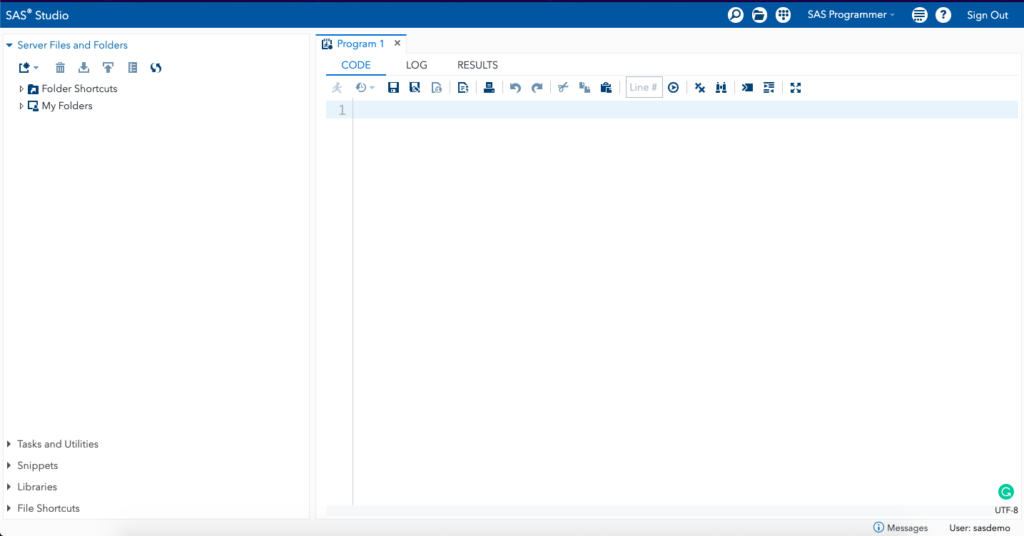
Step -9: Work on the Academic Edition of SAS – Statistical Analysis System.

Now that you have learnt Installing SAS in your System. You can also learn about Installing Android Studio in Windows 10.
Frequently asked questions
Is SAS Academic Edition still free in 2021?
Yes. SAS OnDemand for Academics gives students and educators free browser-based access to SAS Studio and SAS OnDemand for Academics.
Do I need to install anything on my computer?
No. SAS Academic Edition runs in your web browser, so there is no installer, no license file, and no admin password needed.
Can I use SAS on a Mac or Windows PC?
Yes, since it works in any modern browser. You only need a stable internet connection and a current Chrome, Edge, or Firefox.