



Quick answer: To get started with Python analytics, install Python from the official python.org website, tick the box that adds Python to PATH during setup, and finish the wizard. Then verify it by opening Command Prompt and typing python –version. Once confirmed, use pip to add Jupyter, pandas, and NumPy for analysis work.
Easy tutorial to get started with Python Analytics Install Python in 8 steps. You can easily install Python in Windows, Mac and Linux
Step 1: Search in Google with the keyword “python download”

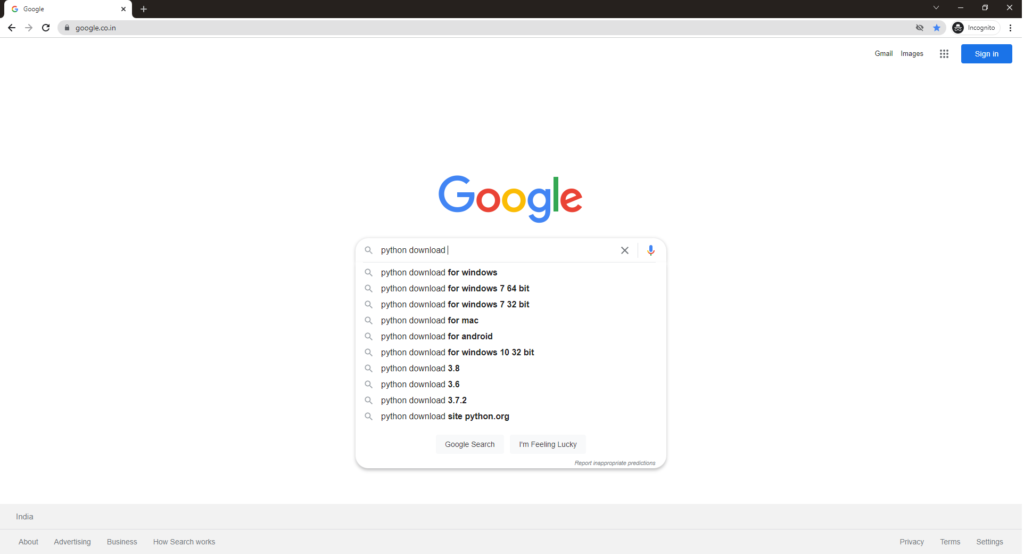
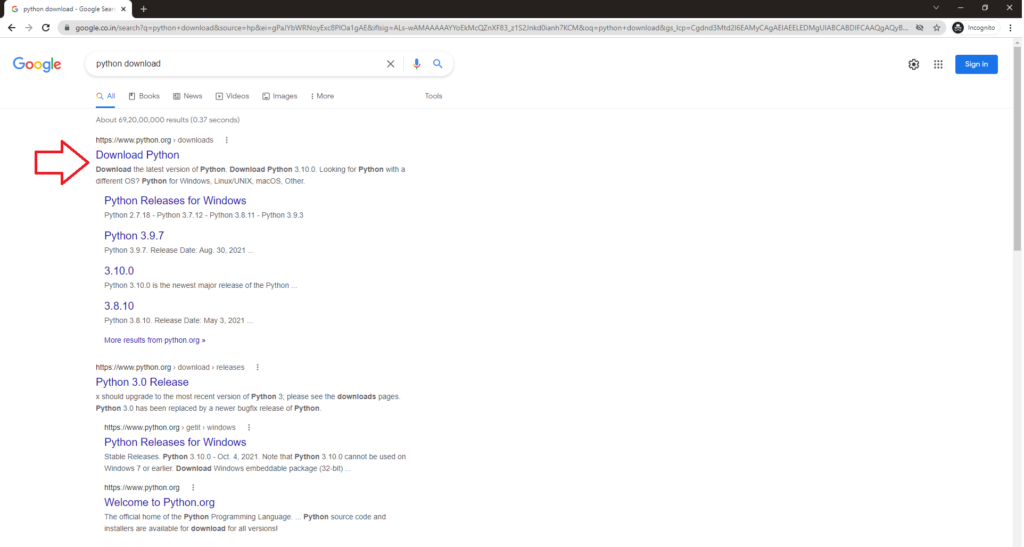
Step 2: Click on the first URL or python.org download link

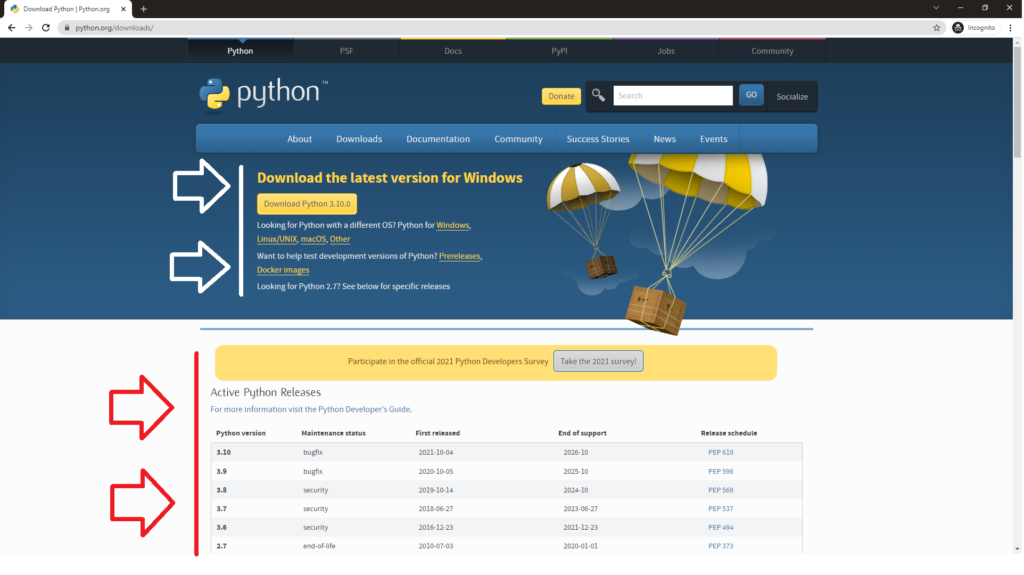
Step 3: Select the apt download file from the URL. The website itself detects your OS and recommends the download link. Or you can choose the version and operating system download

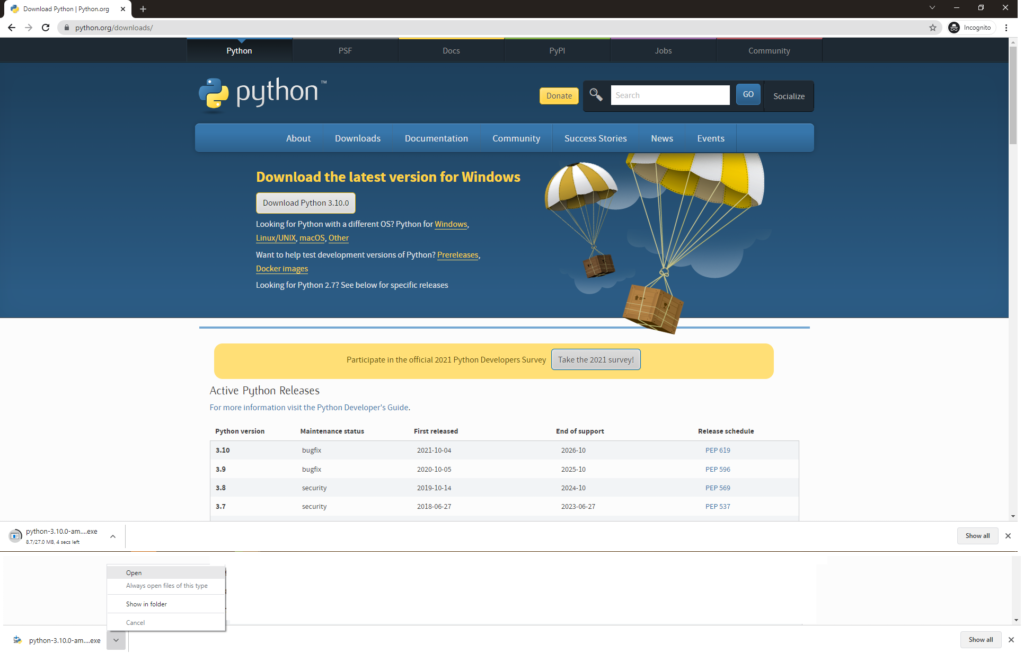
Step 4: You can check the download progress in your browser and click on the file to open the exe file in case of Windows

Step 5: On the first installation step, click on the Add Python to path and customize the installation path if needed and click Install Now


Step 6: Wait till the Python Installation progress is complete

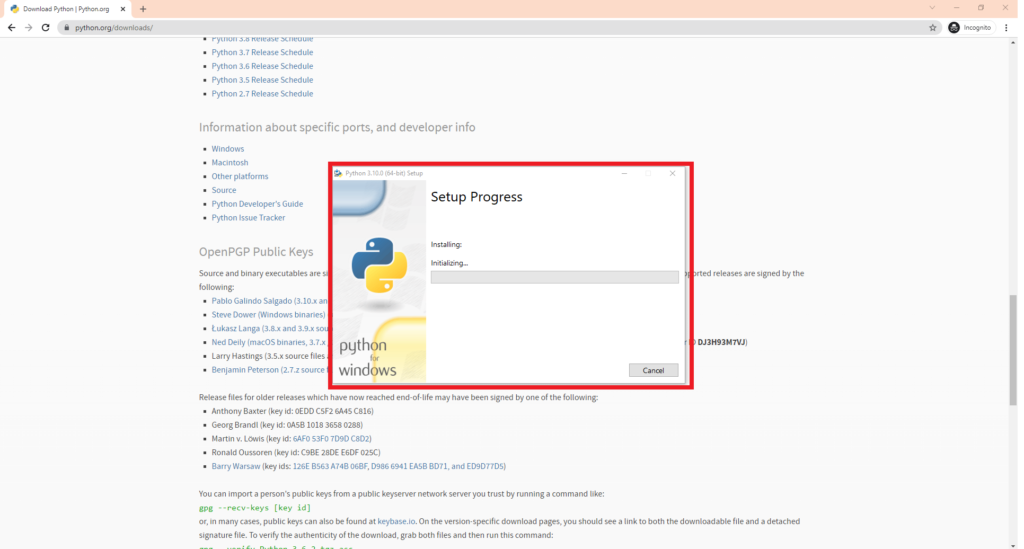
Step 7: After the installation is complete you can choose to disable the Path if required

Step 8: Python Installation is completed successfully.

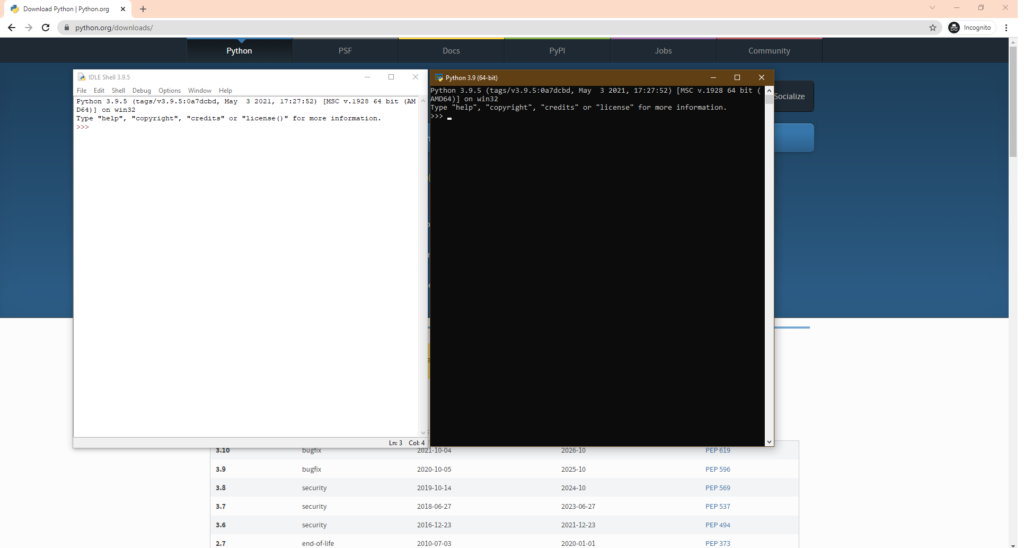
Now that you have successfully completed Python Installation, you can also check our post on Installing R Programming Language for Data Analytics. Also check our course for Python Analytics from Ampersand Academy.
Frequently asked questions
Why should I tick Add Python to PATH during installation?
It lets you run python from Command Prompt or a terminal in any folder. Without it, you must type the full installation path every time.
How do I check that Python installed correctly?
Open Command Prompt and type python –version. If it prints a version number like Python 3.10.4, your installation and PATH setting are working.
Which packages do I need for Python data analysis?
Start with pandas for data handling, NumPy for computation, Matplotlib or seaborn for charts, and Jupyter notebooks for writing and sharing analysis code.